Account Menu
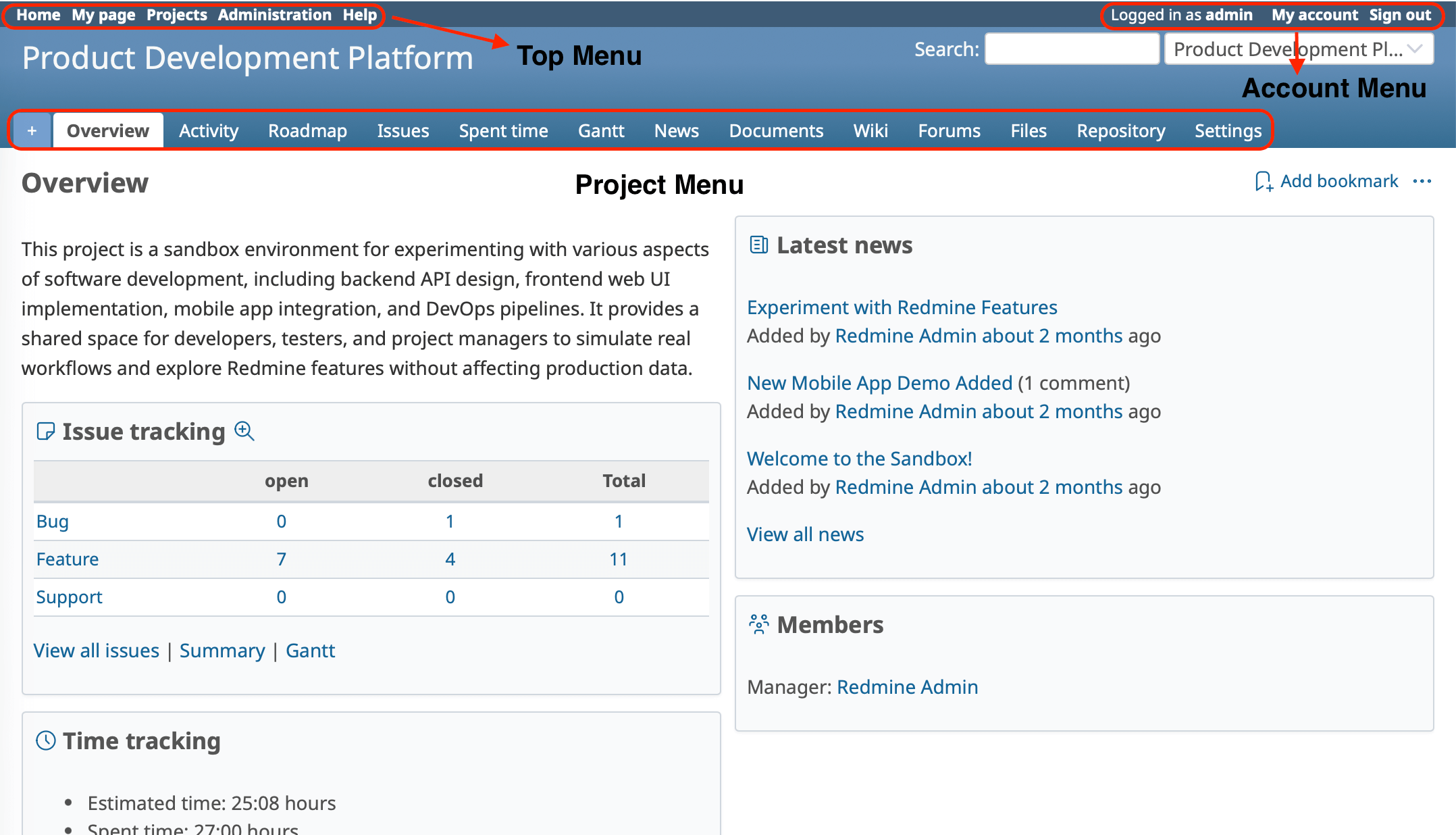
The Account Menu is located in the upper-right corner of the Redmine interface.
In versions prior to Redmine 7.0, user-related links such as My account and Sign out were displayed directly in the top menu.
In Redmine 7.0 and later, these links are grouped into a drop-down menu. Click the user icon in the upper-right corner to open the menu, where you can view information about the currently logged-in user and access user-related pages such as Profile, My page, and My account, or Sign out.
Related FAQs
- What each option of "Email notifications" in "My account" notifies you about in Redmine
- Switching the language of the Redmine user interface
- Checking your Redmine API key











