Exporting spent time to CSV in Redmine
Created on 2022-03-01
•

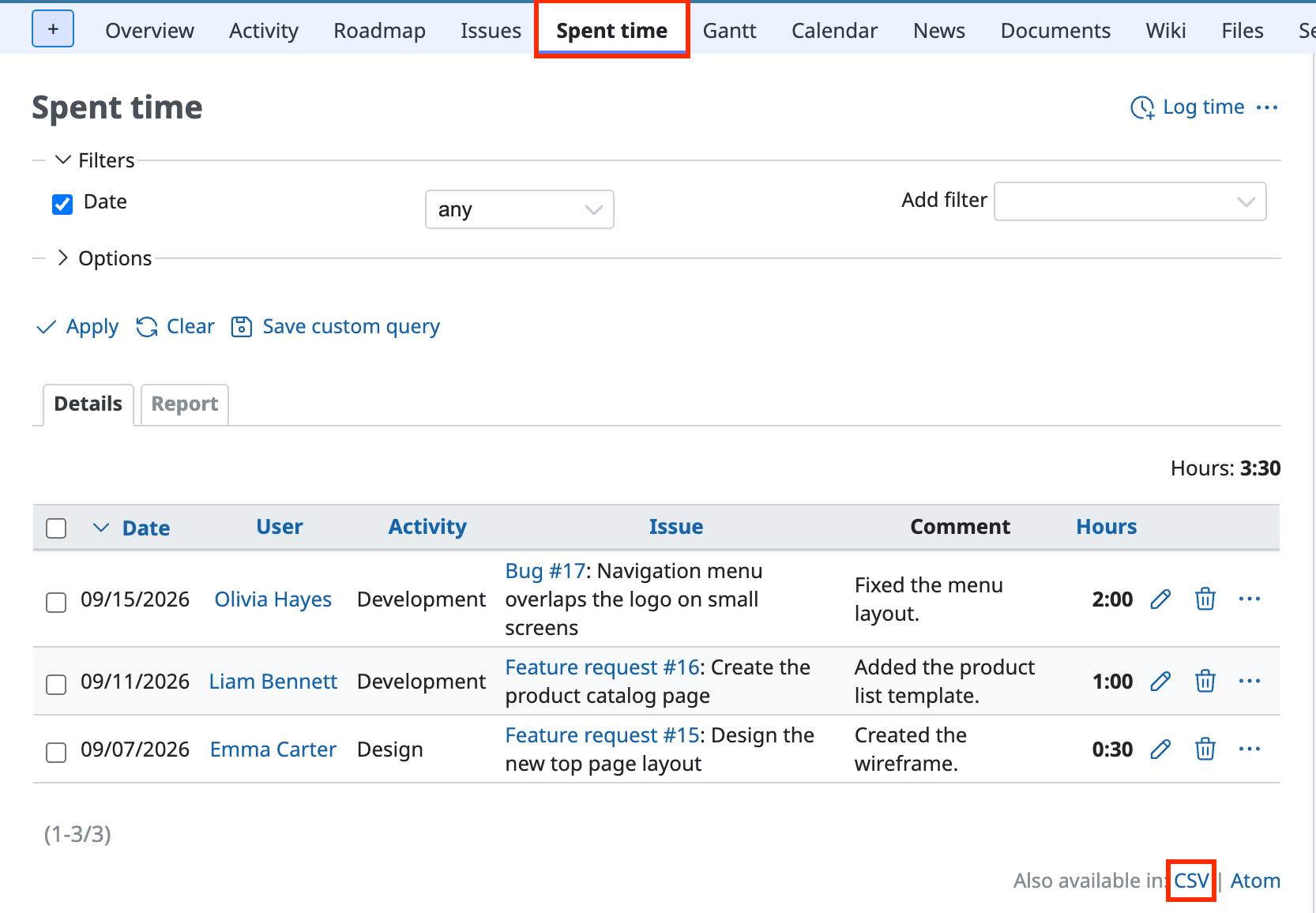
You can export spent time to CSV with the following steps.
- Click "Spent time" in the project menu
- Click "CSV" in "Also available in:" at the lower right of the screen
- In the CSV export settings that are displayed, select the columns that you need and click "Export"
You can control which columns are exported by changing "Selected Columns" in "Options" (select "Selected Columns" in the CSV export settings).

The exported CSV file of spent time
Related information











