How to enable the REST API in Redmine
Updated on 2026-09-04
•
Created on 2026-04-07
•

Redmine provides a REST API. It lets you use Redmine in more ways, such as integration with external tools and automation with your own scripts.
The REST API is disabled by default. You can enable it with the following steps.
How to configure
- Log in as a user who has administrator privileges
- Open the "Administration" → "Settings" screen
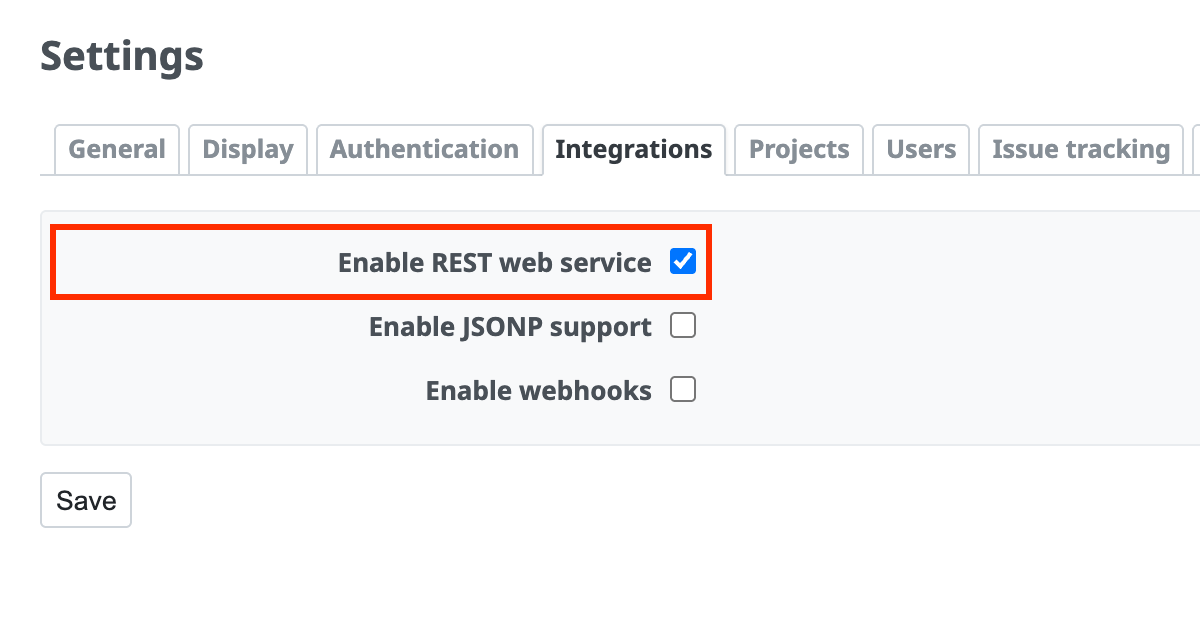
- Click the "Integrations" tab (the "API" tab in Redmine 6.1 and earlier)
- Turn on "Enable REST web service"
- Click "Save"
Related information
- Checking your Redmine API key
- REST API (Glossary)











