Setting constraints on entering spent time in Redmine
Created on 2026-03-13
•

You can set constraints on logging spent time in Redmine. These constraints prevent missing entries and inaccurate data, and they improve the accuracy of time tracking in your projects.
You can configure the following constraints on entering spent time in "Administration" → "Settings" → the "Time tracking" tab.
- Make the issue number required
- Make the comment required
- Set the maximum hours that can be logged per day and user
- Restrict time logs with 0 hours
- Restrict time logs on future dates
- Restrict time logs on closed issues
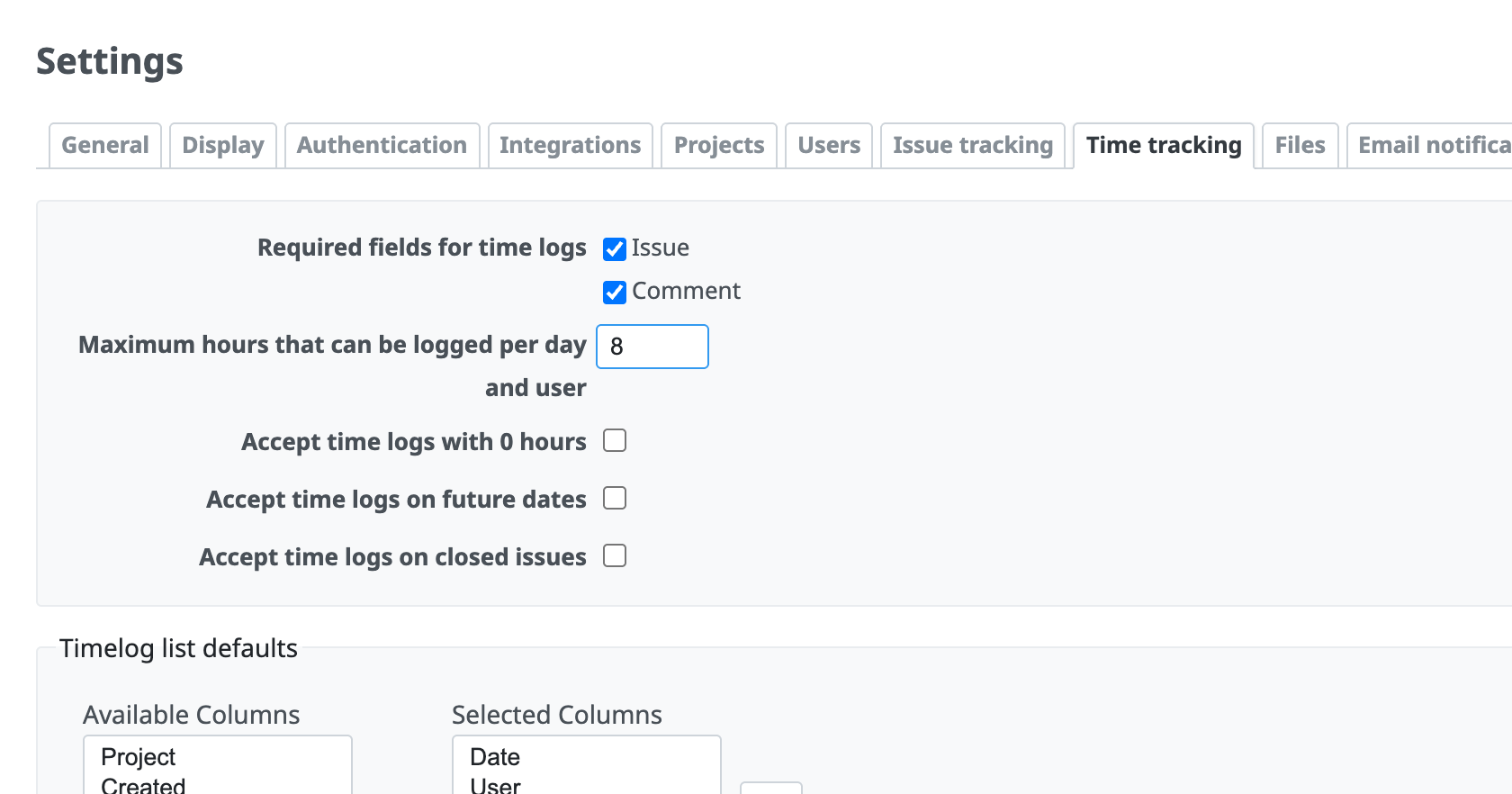
Make the issue number required
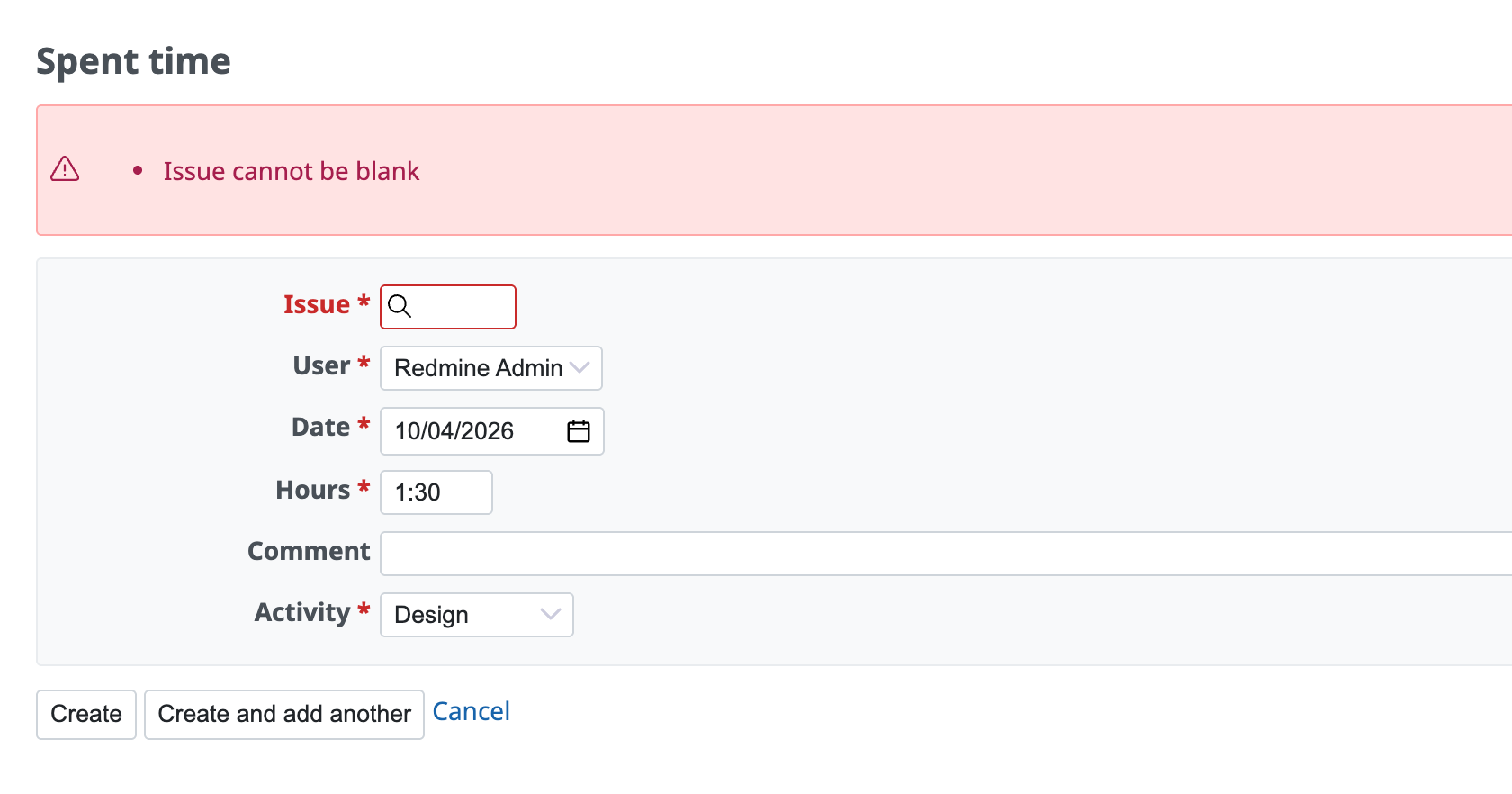
This setting prevents users from logging spent time for the whole project without relating it to a specific issue. It always requires an issue number when users enter spent time. It is useful when you want to make clear which work (issue) the time was spent on.
How to configure: Turn on Issue in Required fields for time logs to make the issue number required.
Make the comment required
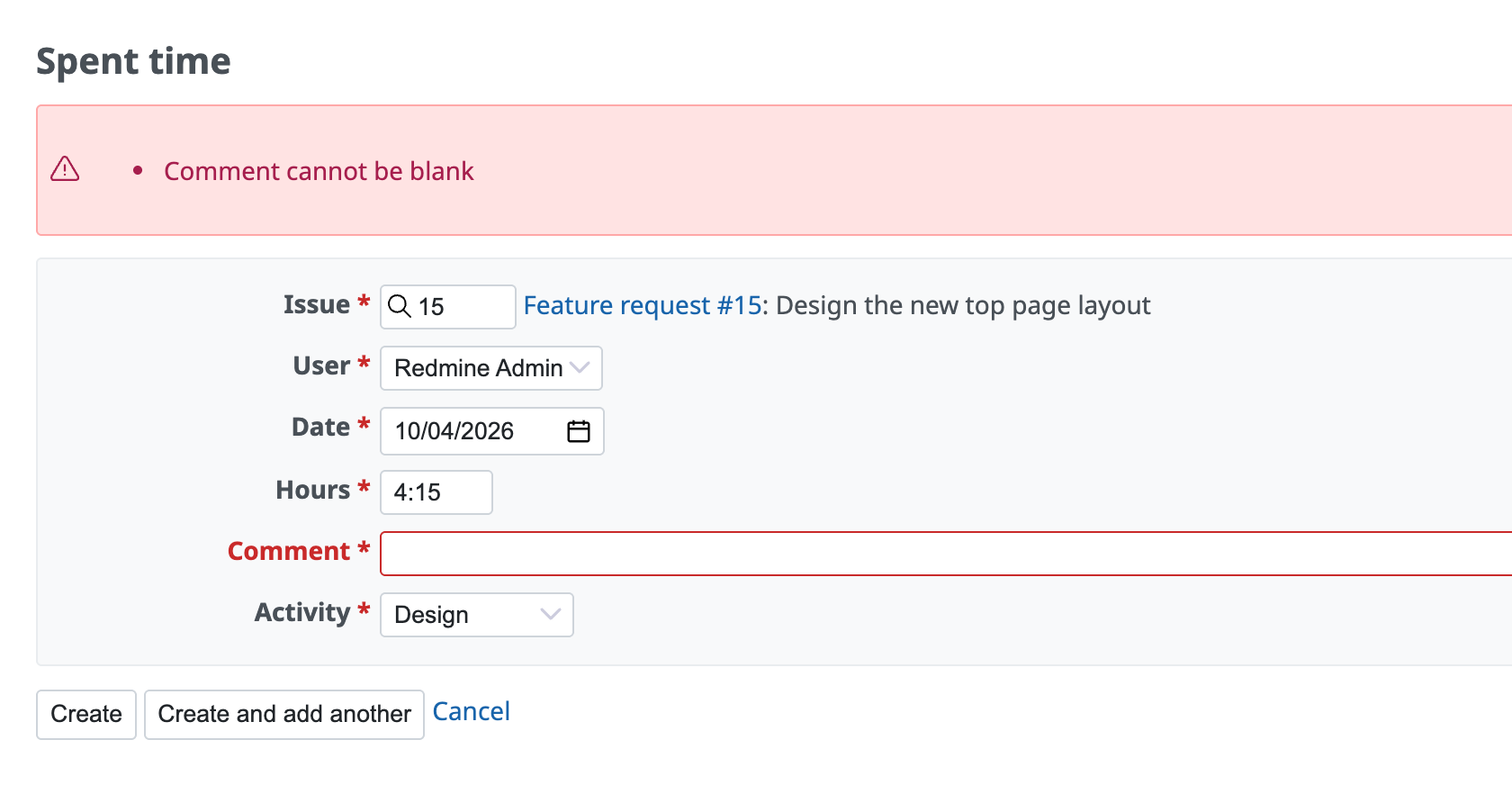
This setting makes the "Comment" field, which describes the work, required. Users not only log the time but also always leave a note about what work they did. This makes it easier to review the work later.
How to configure: Turn on Comment in Required fields for time logs to make the comment required.
Set the maximum hours that can be logged per day and user
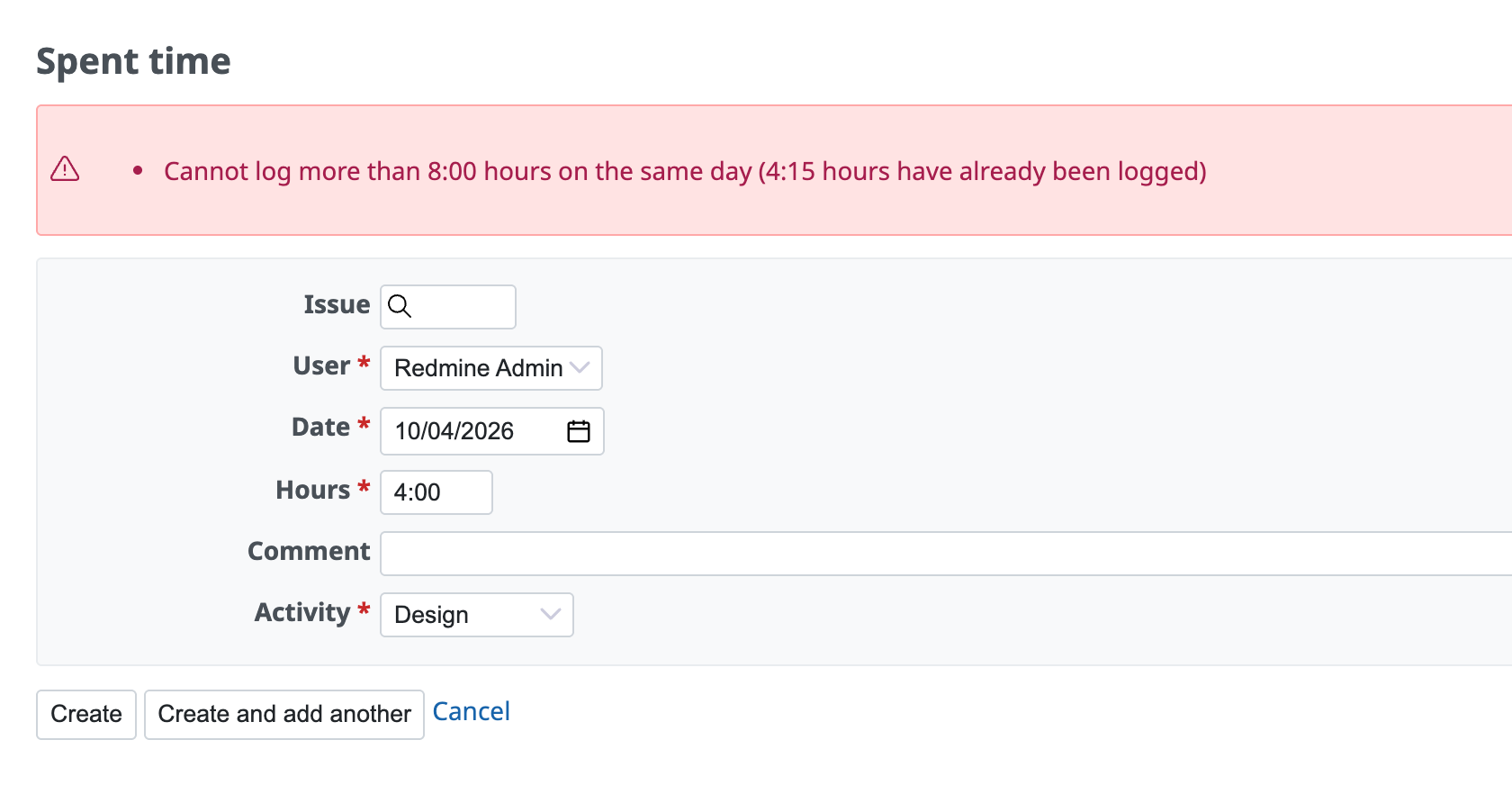
This setting sets the maximum total spent time per day for a user. For example, if you set it to "8", an error occurs when a user tries to enter more than 8 hours in total for one day (for example, 4 hours in the morning + 5 hours in the afternoon = 9 hours). It helps to prevent input mistakes such as typing errors and to total the time correctly.
How to configure: Enter the maximum number in Maximum hours that can be logged per day and user.
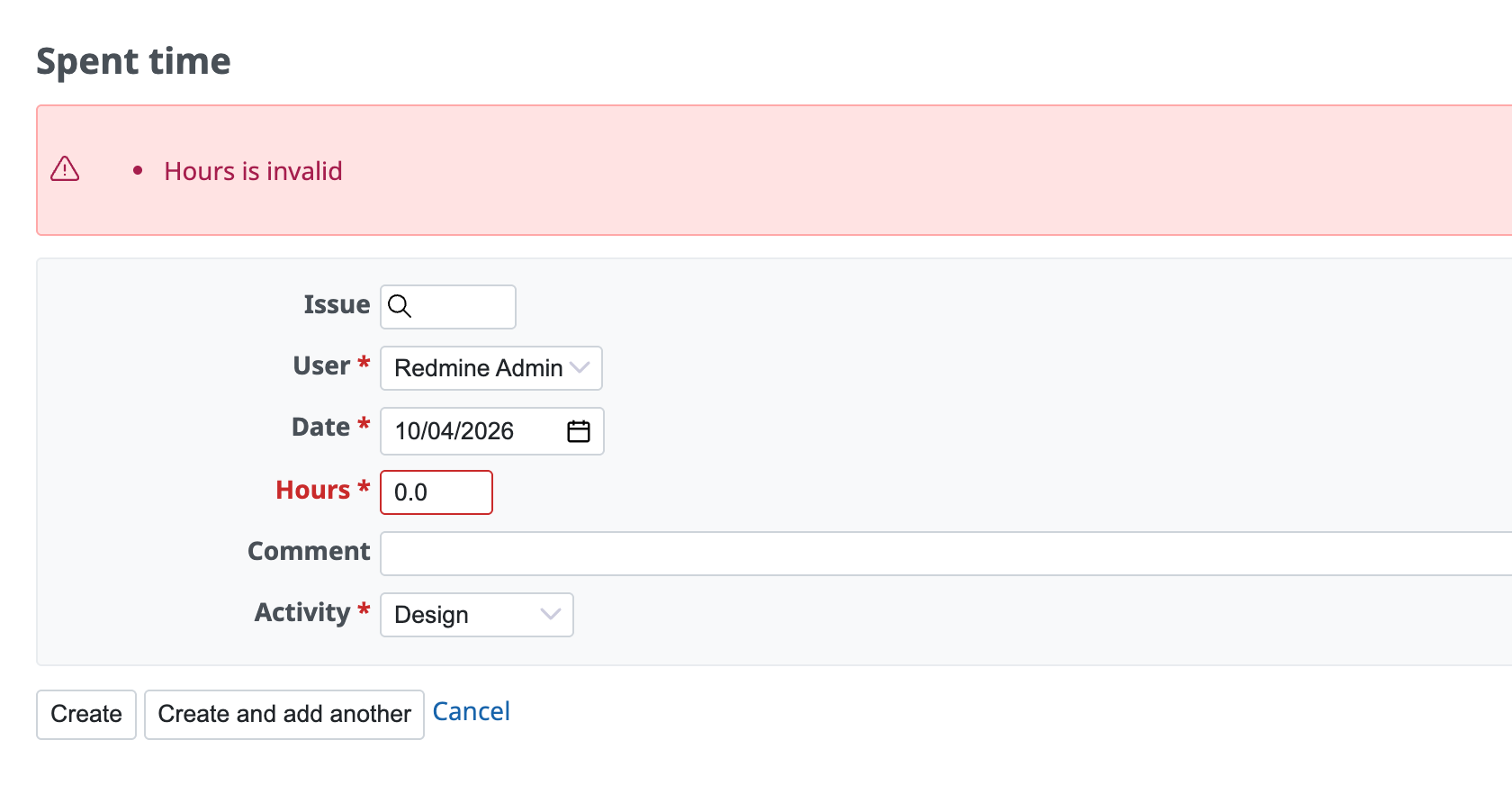
Restrict time logs with 0 hours
Usually, you enter a number such as "1 hour" or "0.5 hours" as spent time. If you turn this setting on, users can enter "0 hours".
In general, turn this setting off unless you want to record work that was done but that you do not want to count as effort (or that you only want to keep a record of).
How to configure: Turn off Accept time logs with 0 hours to prohibit entries of 0 hours.
Restrict time logs on future dates
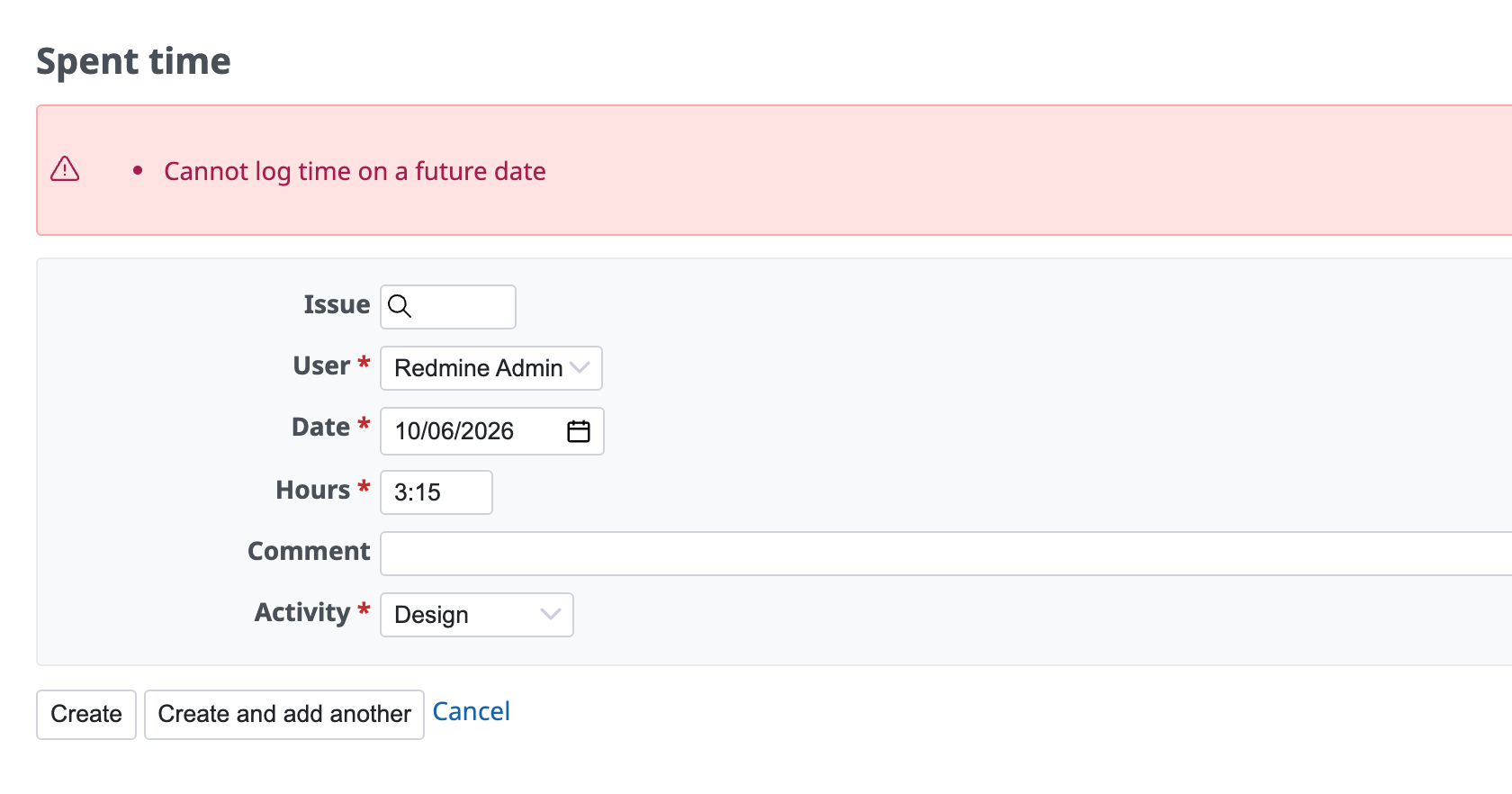
This setting prevents users from logging spent time on future dates. If you turn it off, you prevent future dates from being entered by mistake and keep the data reliable as a record of actual work.
How to configure: Turn off Accept time logs on future dates. Users can then no longer enter a future date in "Date".
Restrict time logs on closed issues
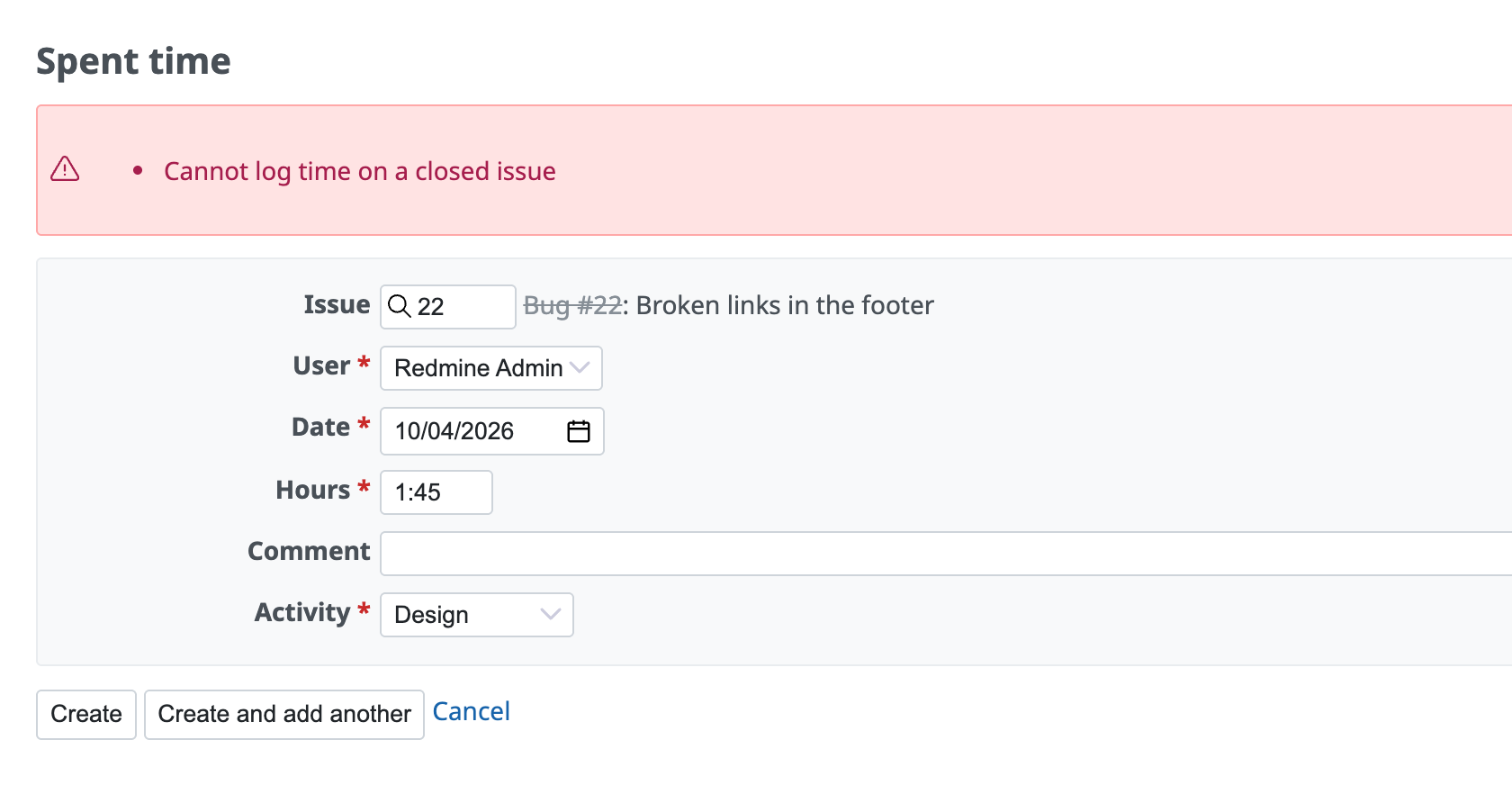
This setting controls whether users can enter spent time for issues whose status is closed. If you turn it off, you prevent the spent time of finished work from being updated later.
How to configure: Turn off Accept time logs on closed issues. Users can then no longer enter the number of a closed issue in "Issue".
Related information











