Setting the default activity for time tracking in Redmine
Updated on 2025-07-14
•
Created on 2022-09-21
•

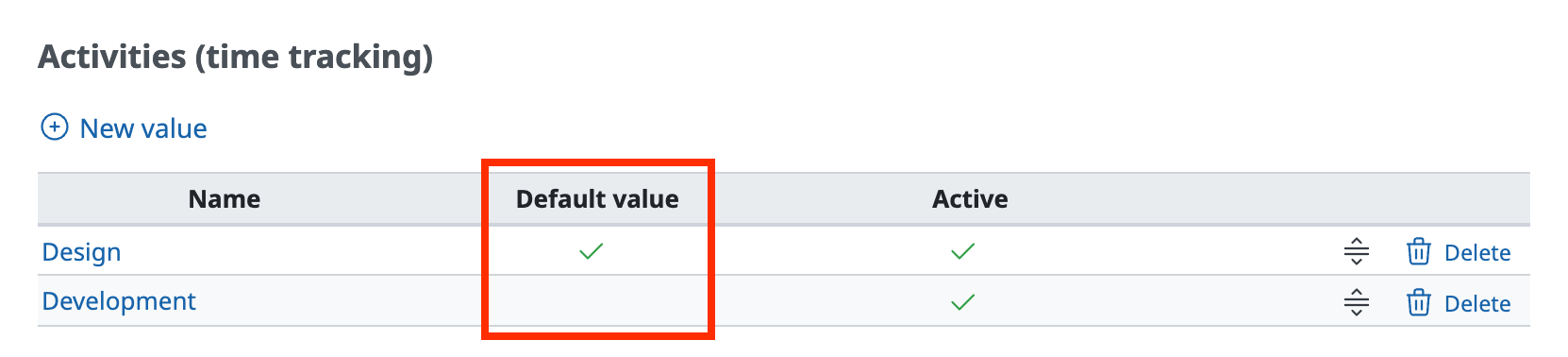
This page explains how to set the default time tracking activity for the whole of Redmine. If you set the activity that you log time for most often as the default value, you can reduce the work of entering data.
How to configure
- Go to "Administration" → "Enumerations" and click the name of an item in "Activities (time tracking)"
- Turn on "Default value"
- Click "Save"
How to set the default activity for each role
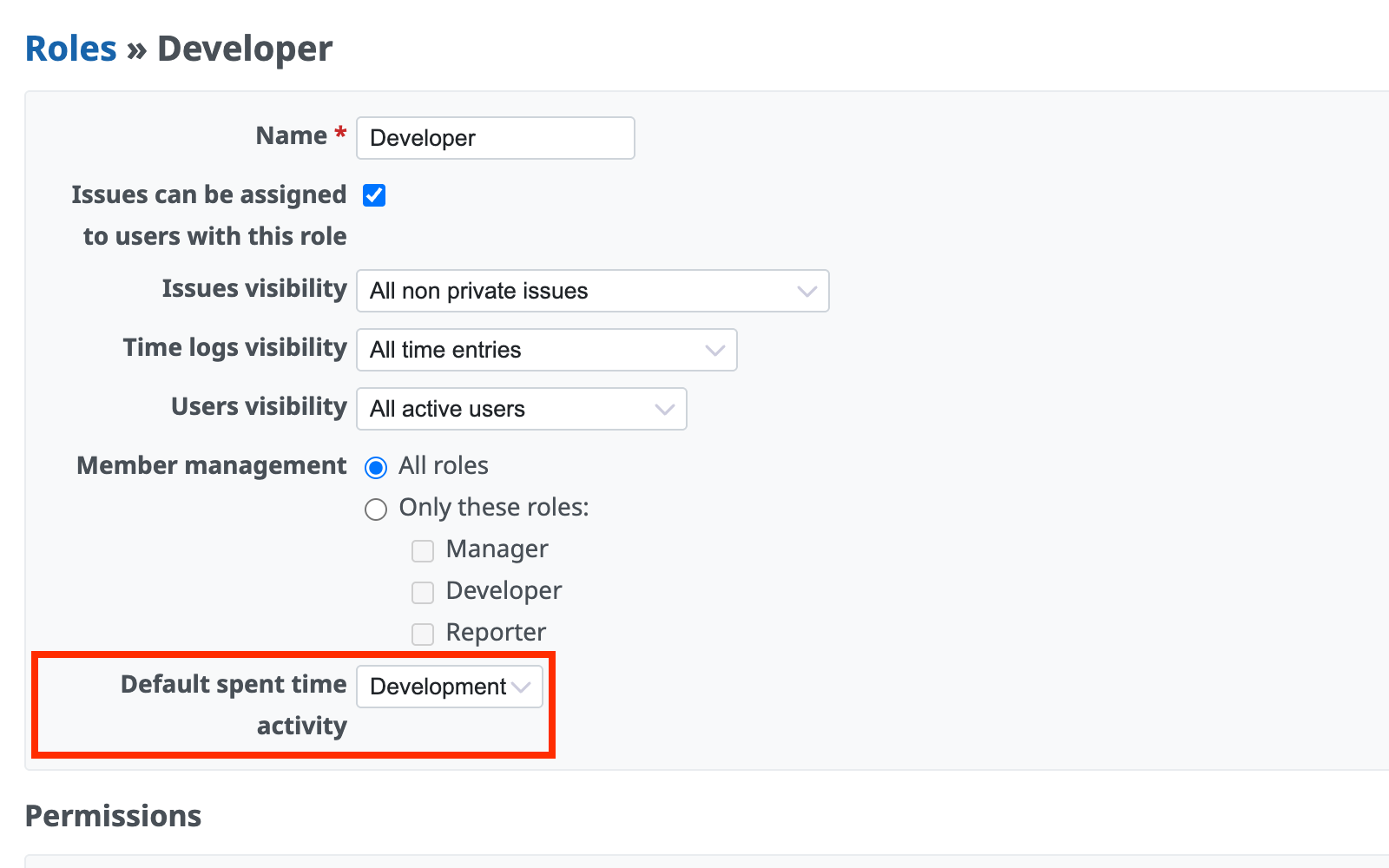
You can also set the default activity for each user role. For example, you can set the activity "Development" as the default value for users with the "Developer" role, and the activity "Testing" as the default value for users with the "Tester" role.
You can set the default activity for a role with the following steps.
- Open "Administration" → "Roles and permissions"
- In the list of roles, click the name of the role that you want to configure
- In "Default spent time activity", select the activity that you want
- Click "Save"
Related information











