Setting the default time tracking activity for each role in Redmine
Created on 2022-09-21
•

(Supported versions: Redmine 5.1 or later / RedMica 2.2 or later)
This page explains how to set the default time tracking activity for each role.
For example, in a system development project where you have the Developer role, the default can be "Development". In another project where you have the Manager role, the default can be "Project management".
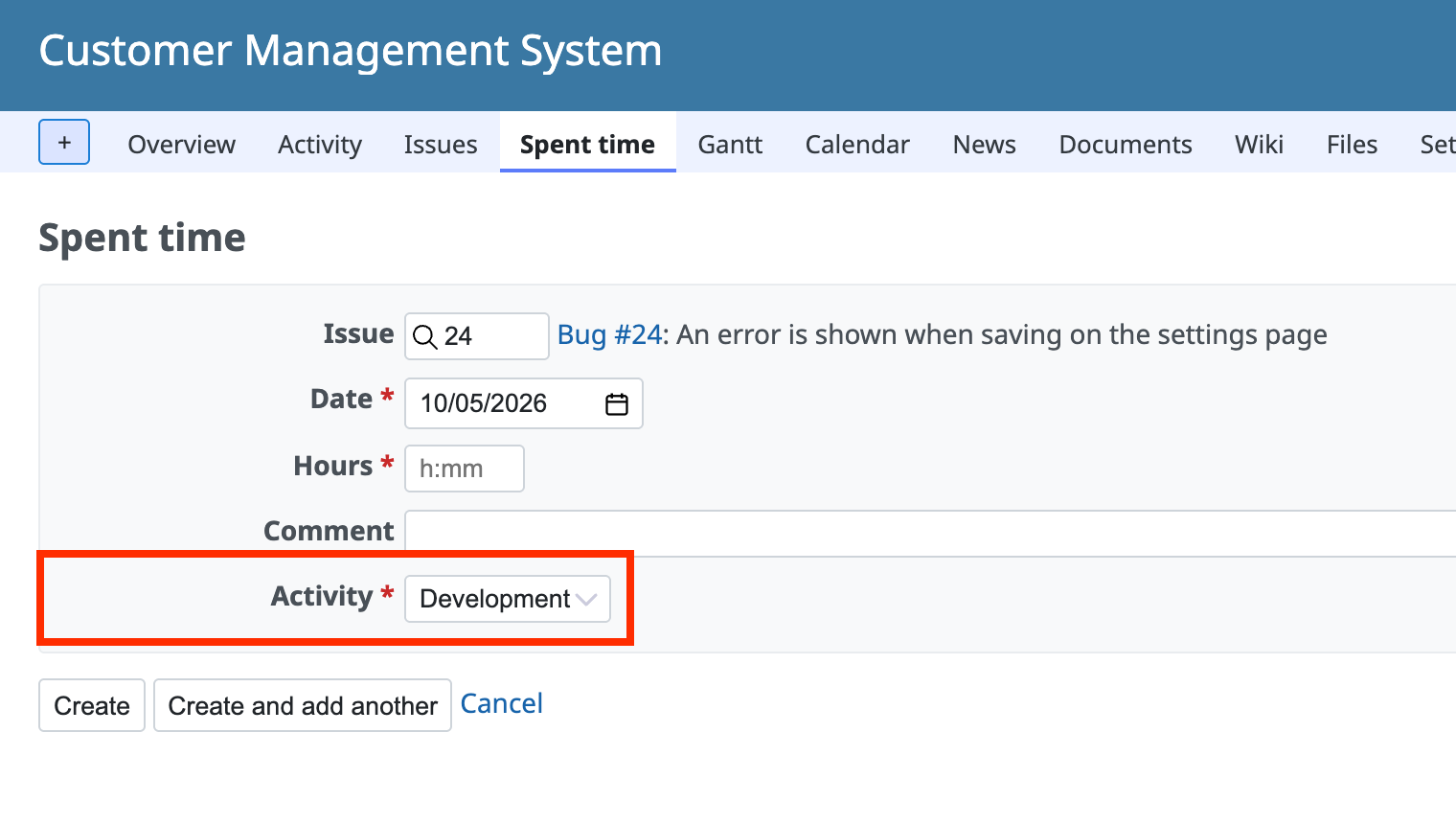
How to configure
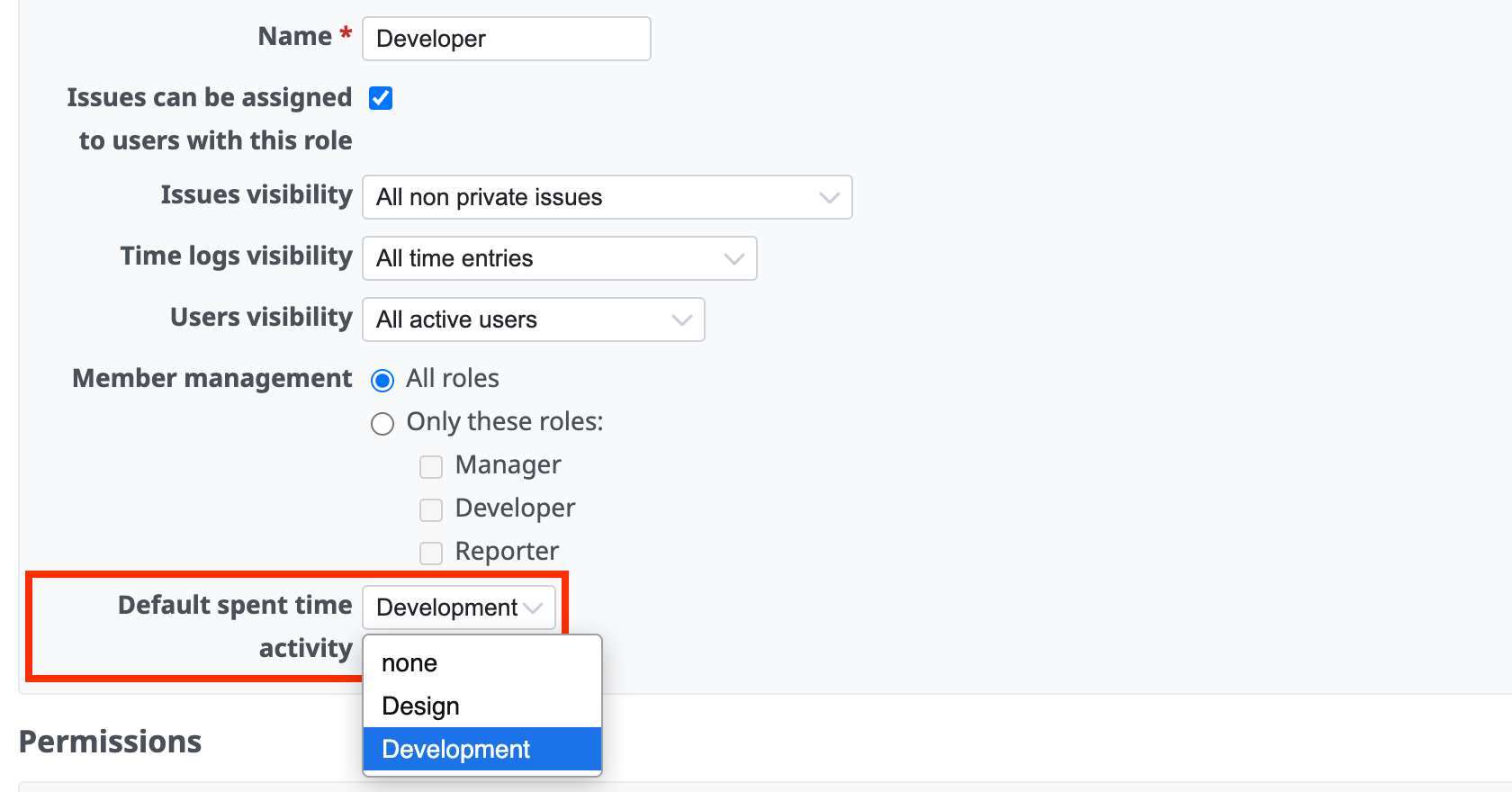
- Go to "Administration" → "Roles and permissions" and click the name of the role
- In "Default spent time activity", select the activity that you want to display by default
- Click "Save"
If you select "none", the default value for the whole of Redmine is displayed. If no default is set for the whole of Redmine, no activity is selected.
Related information











