Logic for calculating the % Done of a parent issue in Redmine
Created on 2026-02-03
•

When issues have a parent and subtask relationship in Redmine, the "Parent tasks attributes" setting on the "Administration" → "Settings" → "Issue tracking" tab decides the % Done of the parent issue.
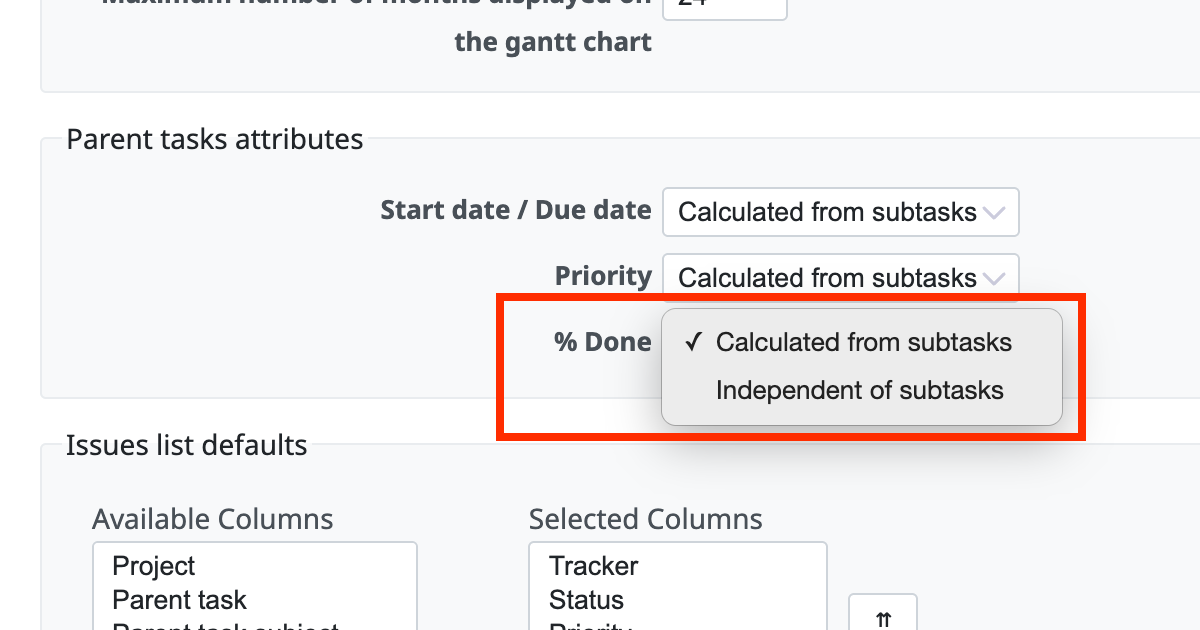
1. When the setting is "Calculated from subtasks"
Redmine calculates the weighted average of the % Done of all subtasks, weighted by the estimated time. The idea is how many hours of work are finished out of the total estimated time.
When the estimated time is entered (weighted average)
- Parent issue
- Subtask A
- Estimated time: 10 hours
- % Done: 50%
- Done: 10 hours × 50% = 5 hours
- Subtask B
- Estimated time: 30 hours
- % Done: 10%
- Done: 30 hours × 10% = 3 hours
- Subtask A
The % Done of the parent issue is (5 hours + 3 hours) ÷ (10 hours + 30 hours) = 20%.
Note: It is not the simple average (50% + 10%) ÷ 2 = 30%.
When the estimated time is not entered
If the estimated time of an issue is not entered, the weight is treated as "1".
- Parent issue
- Subtask A
- Estimated time: empty (weight 1)
- % Done: 50%
- Done: 0.5
- Subtask B
- Estimated time: empty (weight 1)
- % Done: 10%
- Done: 0.1
- Subtask A
The % Done of the parent issue is (0.5 + 0.1) ÷ (1 + 1) = 30%.
Notes
- The % Done of the parent issue is calculated automatically from the values of the subtasks. Therefore, you cannot update it manually on the edit page of the parent issue (the input field is hidden).
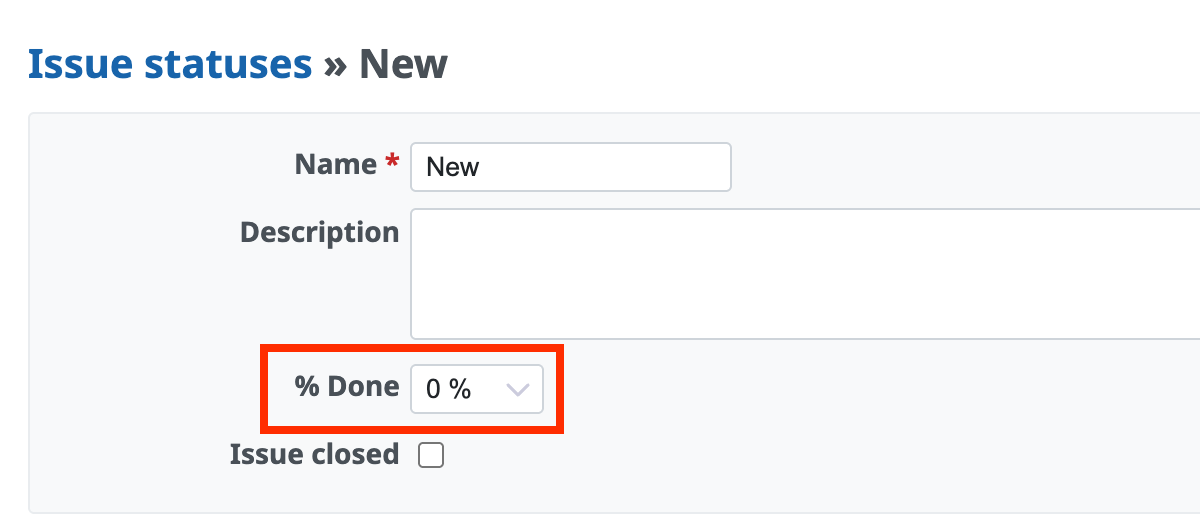
- If "Calculate the issue done ratio with" on the "Administration" → "Settings" → "Issue tracking" tab is set to "Use the issue status", the % Done of the parent issue behaves as follows.
- A % Done value is set for the status of the parent issue in "Administration" → "Issue statuses": the % value of that status has priority
- A % Done value is not set for the status of the parent issue in "Administration" → "Issue statuses": the weighted average of the subtasks
2. When the setting is "Independent of subtasks"
You can enter any % Done value manually on the edit page of the parent issue. The % Done of the parent issue is not linked to the values of the subtasks. Therefore, even if you close all subtasks (100%), the % Done of the parent issue does not change automatically.
This setting is suitable when the parent issue itself has work and you want to manage its progress separately from the subtasks.
Which setting should you use?
| Setting | Advantages | Disadvantages |
|---|---|---|
| Calculated from subtasks | The total of the tasks is reflected automatically, and you can see the overall progress accurately. | You cannot change the % Done of the parent issue separately, and you need to update all subtasks. |
| Independent of subtasks | You can manage the % Done on the parent issue itself. It is very flexible. | To reflect the % Done of the subtasks in the parent issue, you need to update it manually. |
Related information











