Cannot change the Priority, Start date, Due date or % Done of a parent issue in Redmine
Updated on 2026-02-20
•
Created on 2013-11-22
•

When you add a subtask to an issue, you can no longer update the following fields of the parent issue.
- Priority
- Start date
- Due date
- % Done
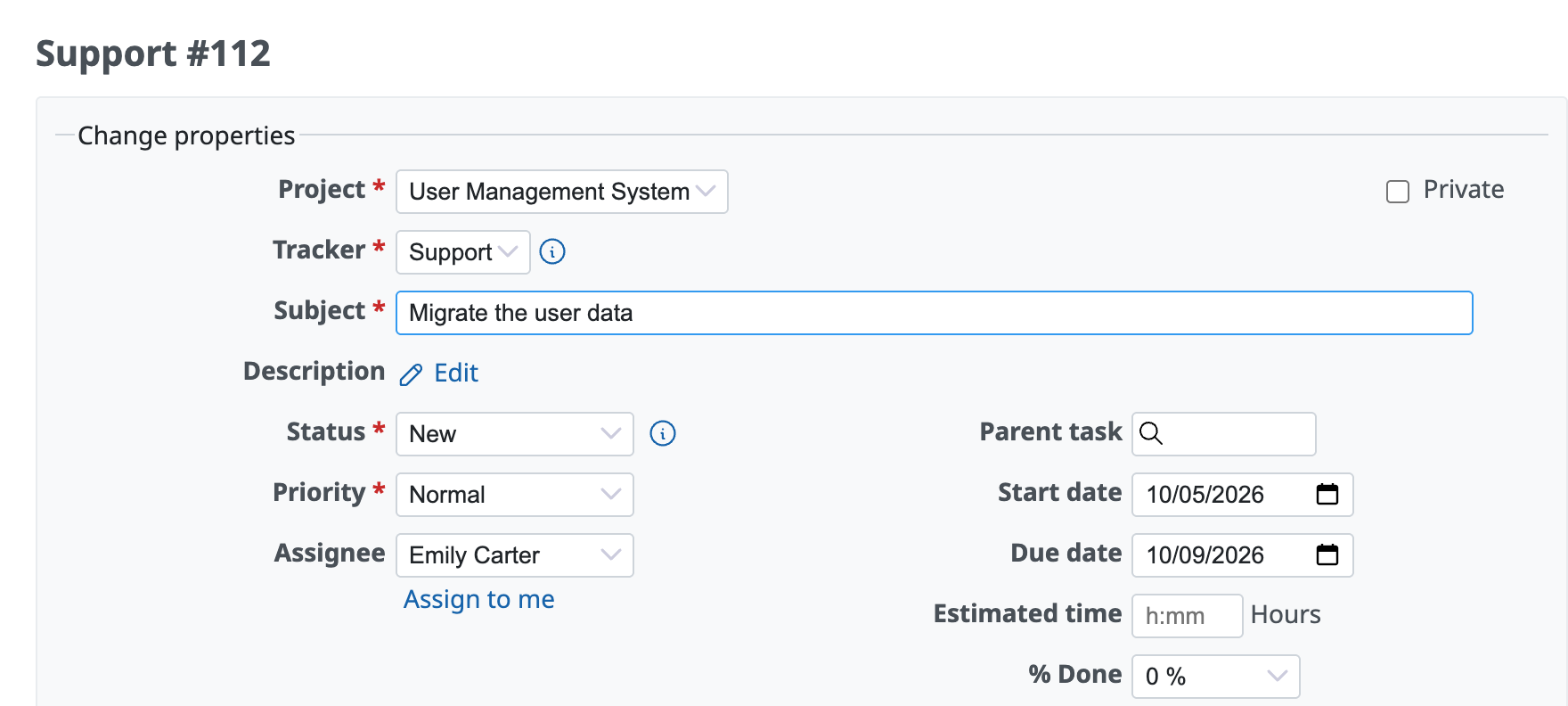
The issue edit page when there are no subtasks
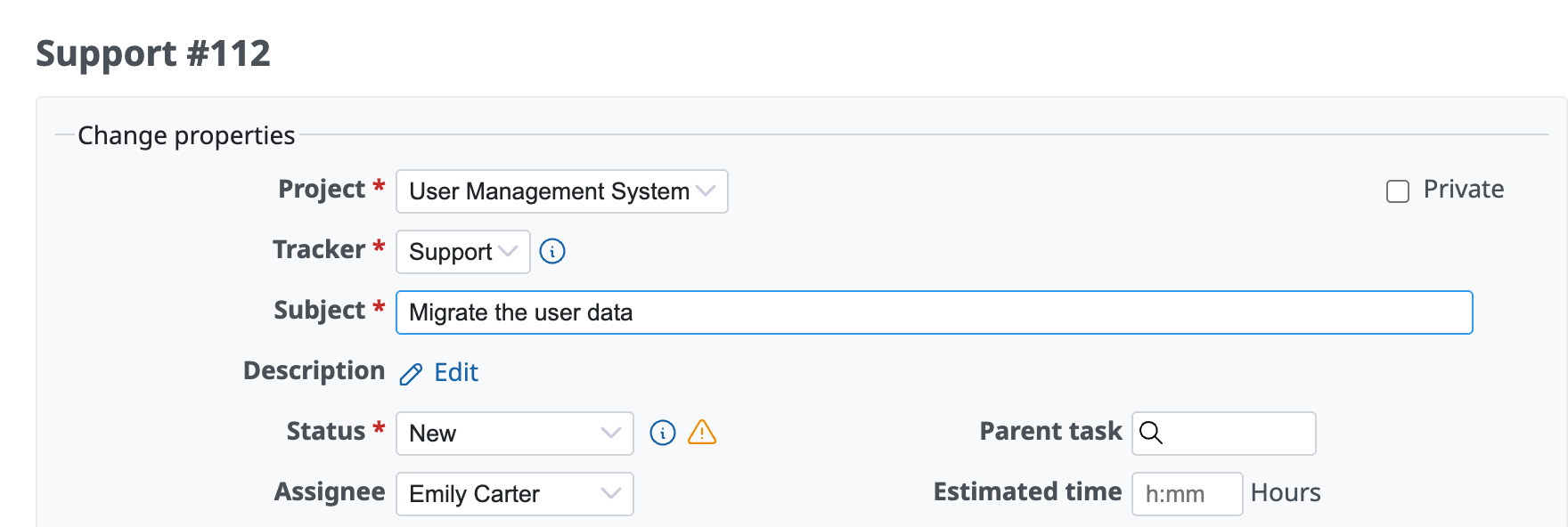
The issue edit page when there are subtasks
This is because these fields of the parent issue are calculated automatically from the values of the subtasks.
How to make the fields editable
You can change the setting so that you can set the values on the parent issue itself, instead of calculating them from the subtasks. On the "Issue tracking" tab of the "Administration" → "Settings" page, change "Parent tasks attributes" to "Independent of subtasks".

How each field is calculated on the parent issue
By default, the setting is "Calculated from subtasks", and the values of the parent issue are calculated automatically as follows.
Priority
The highest priority among all subtasks becomes the priority of the parent issue.
Start date
The earliest start date among all subtasks becomes the start date of the parent issue.
Due date
The latest due date among all subtasks becomes the due date of the parent issue.
% Done
The weighted average of the % Done of all subtasks becomes the % Done of the parent issue. The weight used for the weighted average is the estimated time.
If "Calculate the issue done ratio with" (on the "Issue tracking" tab of the "Administration" → "Settings" page) is set to "Use the issue status", the behavior depends on the status of the parent issue as follows.
- A status with a % Done value set: the % Done value of the status
- A status without a % Done value set: the weighted average of the % Done of all subtasks
The following article explains in detail the logic for calculating the % Done of a parent issue (the difference in weighting with and without estimated time, and calculation examples).
Logic for calculating the % Done of a parent issue in Redmine











