Change the default columns shown on the Redmine issue list page
Created on 2018-07-12
•

You can change the default columns shown on the issue list page to the columns that you like (including custom fields). Change the setting on the "Administration" → "Settings" → "Issue tracking" tab.
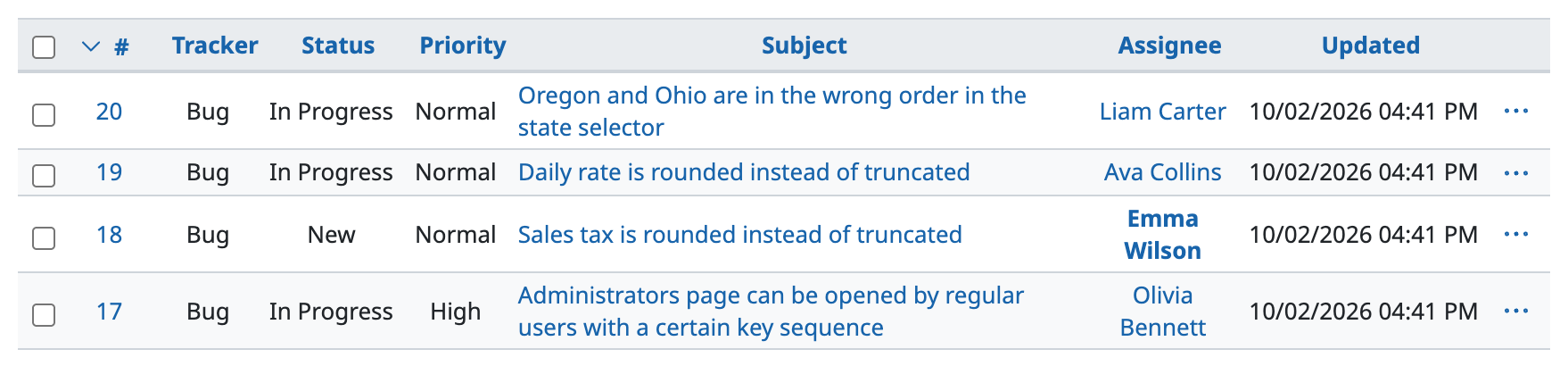
Before the change (default)
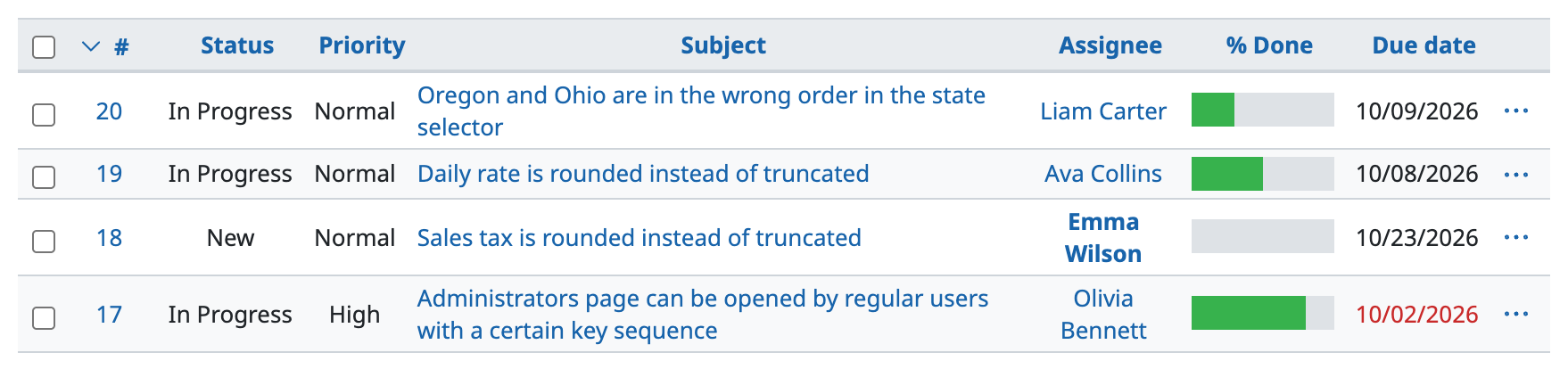
Example after the change
How to change
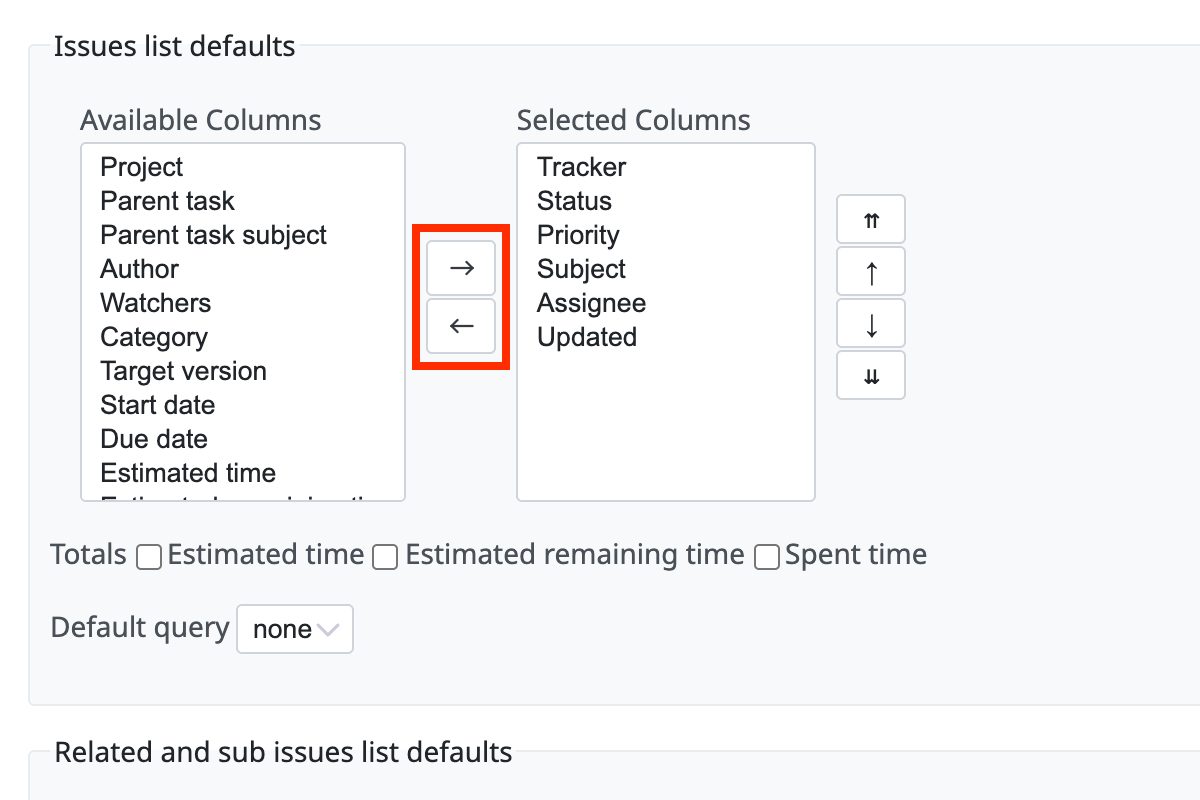
- Go to the "Administration" → "Settings" → "Issue tracking" tab
- In "Issues list defaults", select the columns that you want to display and move them from "Available Columns" to "Selected Columns"
- Click "Save"
The settings apply to all users and all projects.
Related information











