The "Default language" setting in Redmine and what it affects
Updated on 2020-05-07
•
Created on 2011-04-19
•

The administration pages of Redmine have a setting named "Default language", which affects the behavior of the whole Redmine. In an organization where all users work in the same language, it is almost always enough to set it to that language. In an organization with users who have different native languages, select the language that most users understand, such as "English".
Please do not confuse this setting with "Language" on the "My account" page, which switches the display language for each user. They are different settings.
How to configure
Open the "Display" tab of "Administration" → "Settings". It contains the "Default language" setting. Select the language that you want and click the "Save" button.
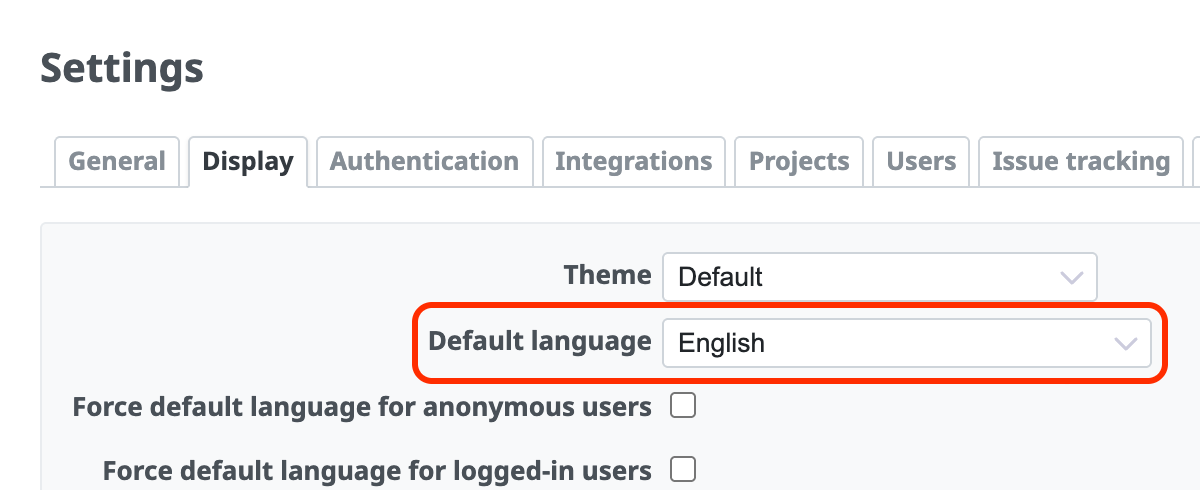
What the "Default language" setting affects
The "Default language" setting affects the following.
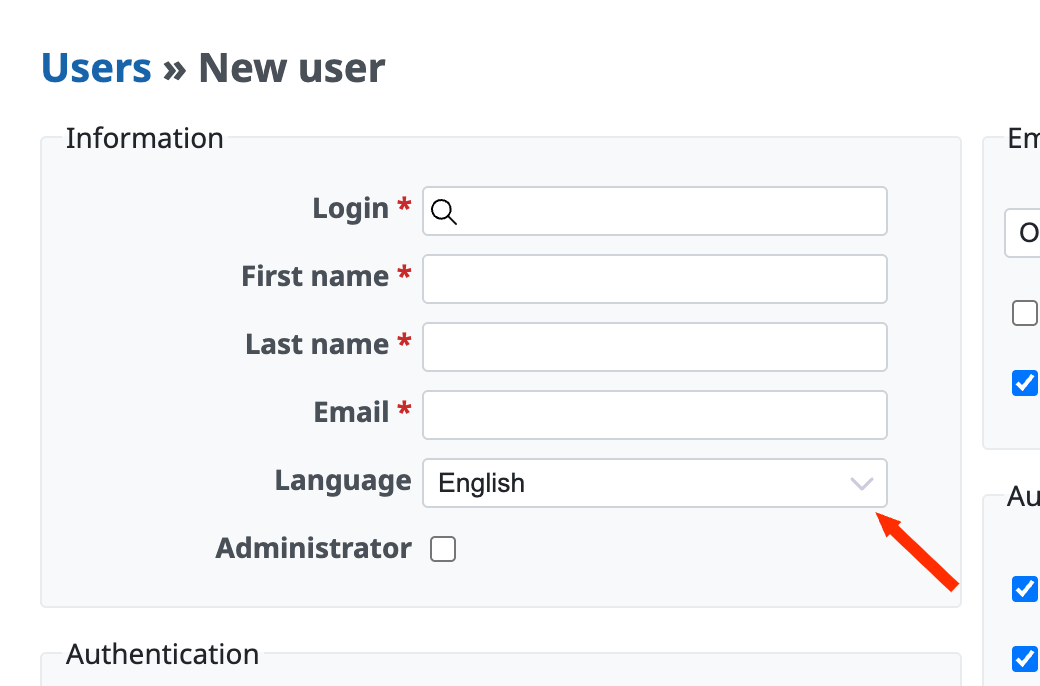
Language of newly added users
In Redmine, each user can freely switch the language used for the pages. However, for a newly created user, the language set in "Default language" is selected unless you specify a language explicitly.
Language of email notifications (Redmine 3.4 and earlier)
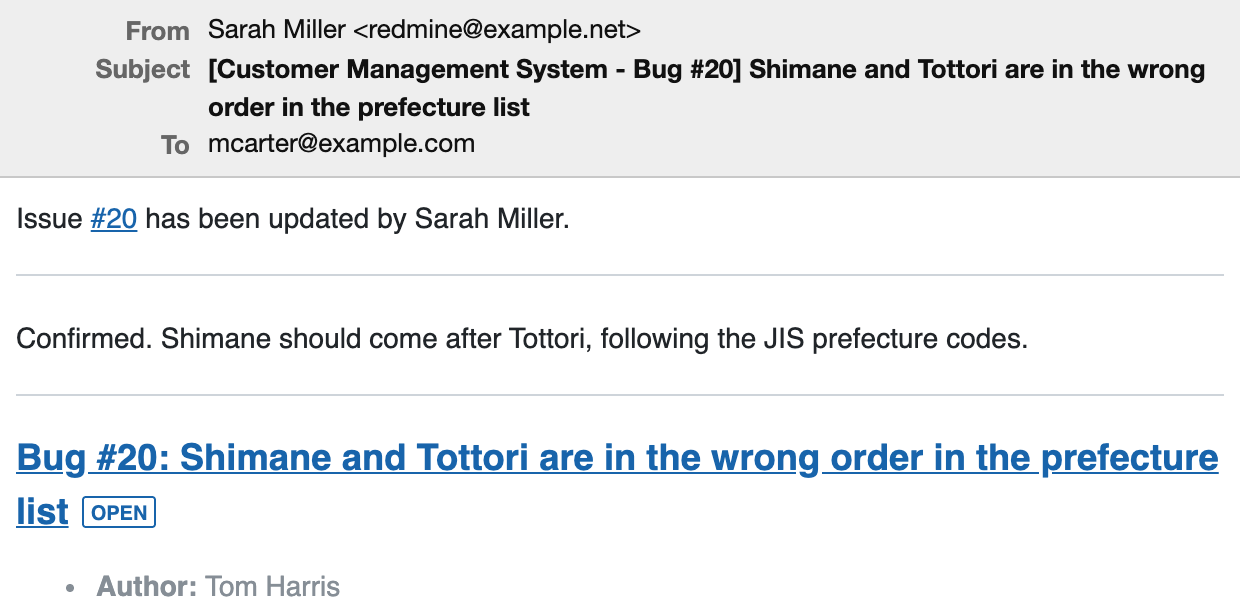
The text of email notifications uses the language set in "Default language", and not "Language" in the "My account" settings of the user.
The following image is an example of an email when "Default language" is "English" and the user selected a different language for "Language" in "My account". The text of the email is in English, regardless of the language selected in "My account".
Related information
Switching the language of the user interface
In Redmine, each user can switch the language used to display menus and field names. Even when the project members have several different native languages, each user can switch to the language that the user prefers. Click "My account" in the account menu at the top right of the page, and change "Language" in the "Information" section of the page that opens. ...











