Changing the choices for "Activity" when logging spent time in Redmine
Created on 2012-11-06
•

Redmine has a time tracking feature. You can record how much time you spent on the work for an issue, for example when you update the issue.
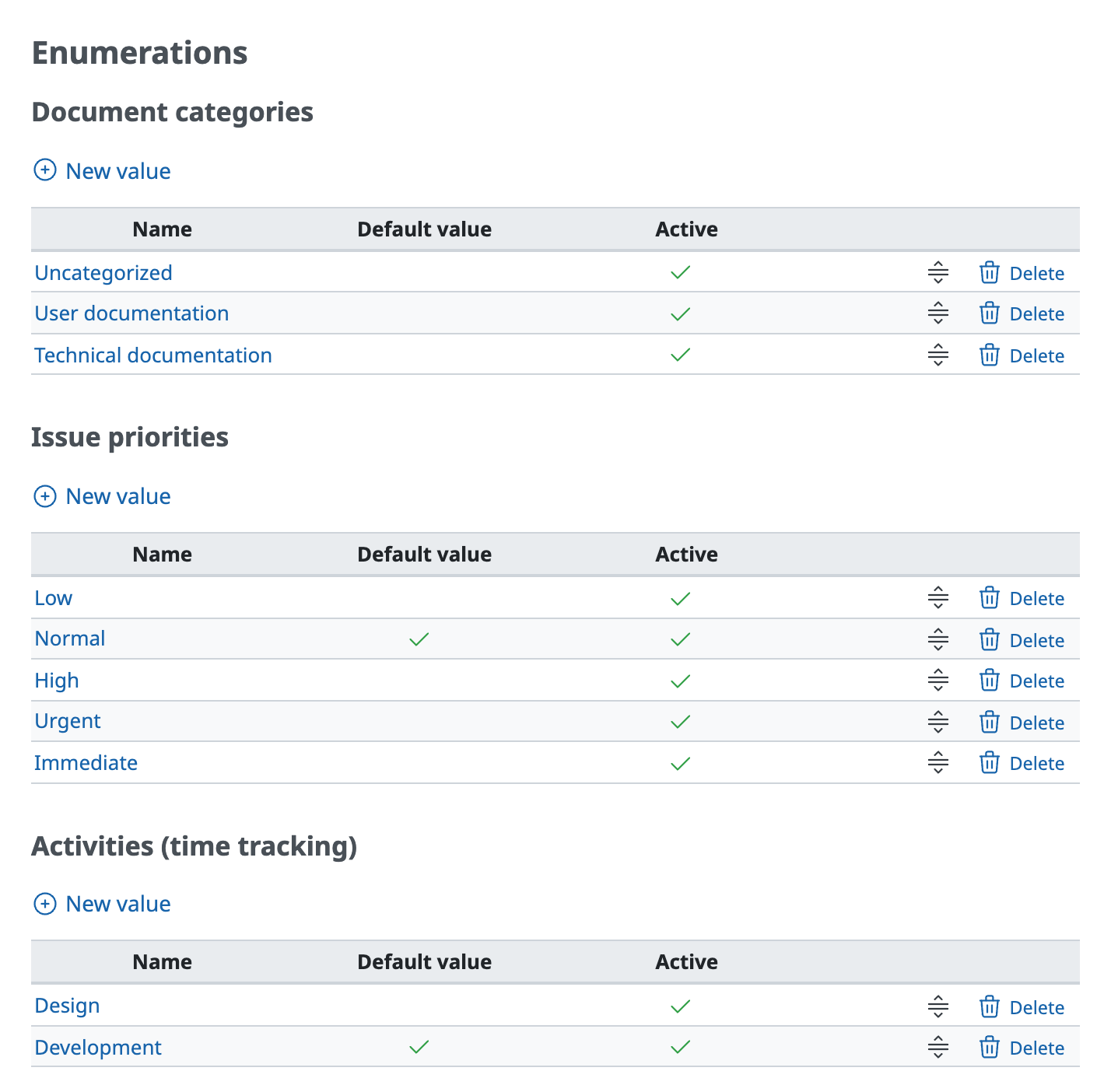
When you log time, the activity is required in addition to the spent time. In a default Redmine, you can select from two activities: "Design" and "Development".

How to change the choices for the activity
You can add, change, and delete the items that are displayed as choices for "Activity" on the "Administration" → "Enumerations" screen. You can also change their order.