Displaying spent time and estimated time in Redmine in HH:MM format instead of decimal
Created on 2018-02-01
•

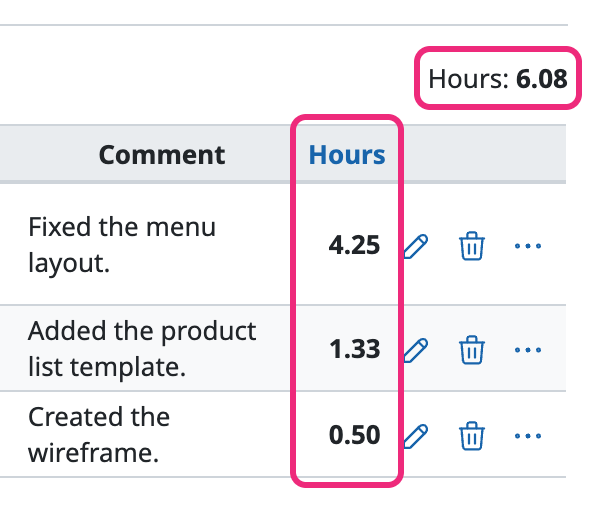
By default, Redmine displays values of less than one hour in spent time and estimated time as decimals (for example, 30 minutes is 0.5, and 1 hour 20 minutes is 1.33).
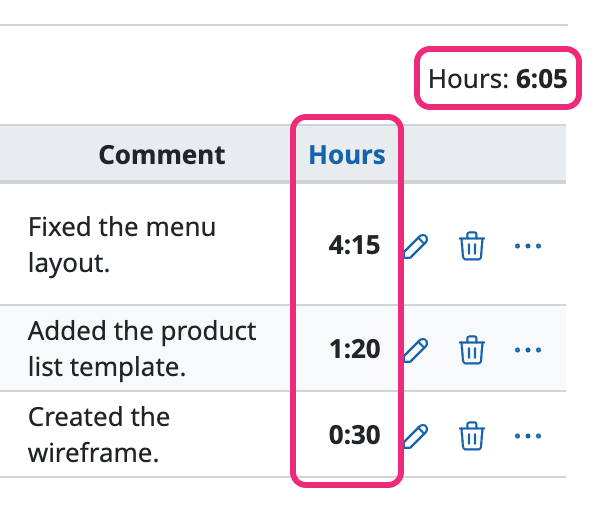
If you change the "Time span format" setting on the "Display" tab of the "Administration" → "Settings" screen, Redmine displays the values in HH:MM format (for example, 30 minutes is 0:30, and 1 hour 20 minutes is 1:20).
Before the change (less than one hour is displayed as a decimal)
After the change (less than one hour is displayed in minutes)
How to configure
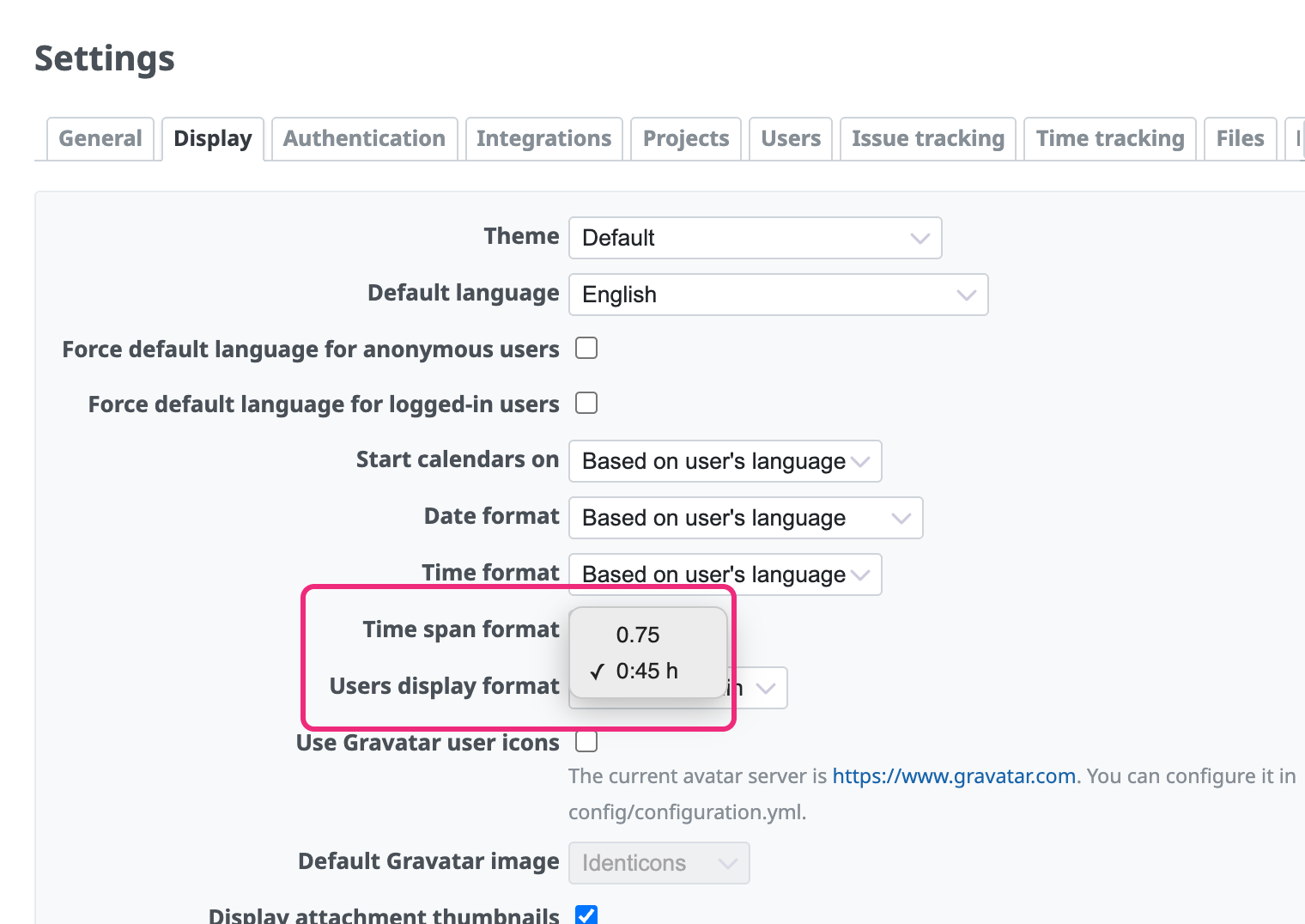
- Open "Administration" → "Settings" → the "Display" tab
- Select "0:45h" in "Time span format"
- Click "Save"
Related information











