Entering spent time on behalf of other users in Redmine
Created on 2021-01-11
•

Supported versions: Redmine 4.1 or later
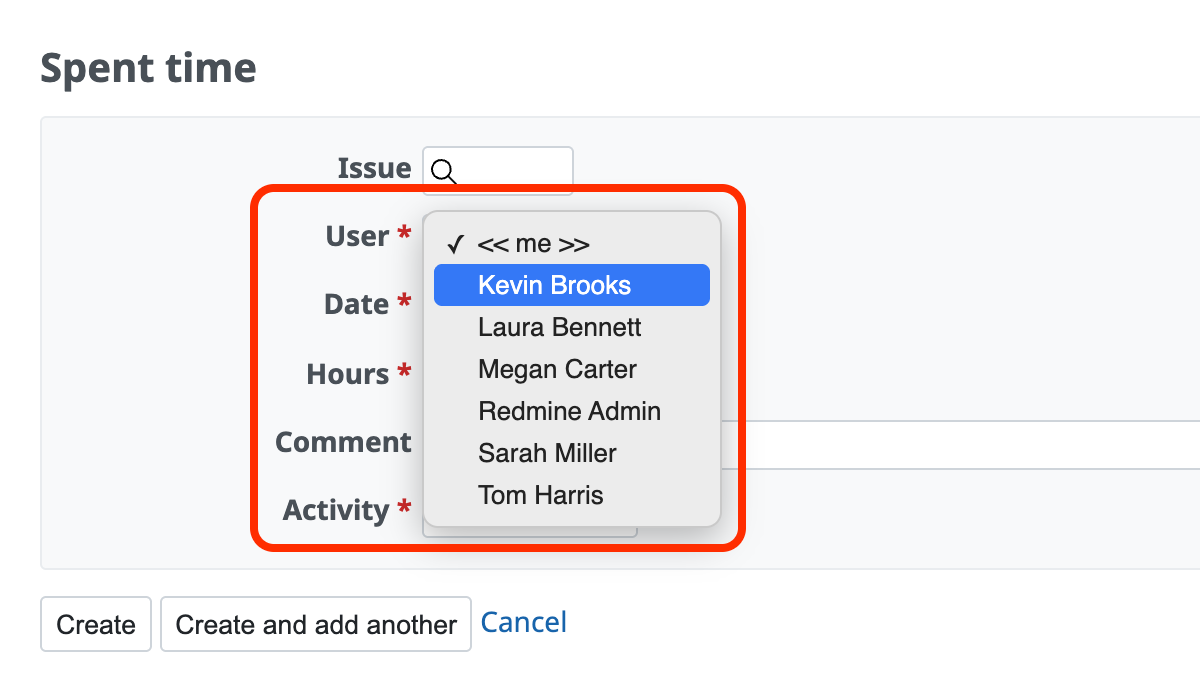
If you have the "Log spent time for other users" permission, you can select the user for whom the spent time is logged on the spent time entry screen. This allows you to enter spent time on behalf of another person.
The spent time entry screen where you can select the user is the screen that you open in one of the following ways. It is different from the "Log time" section in the issue edit screen (you cannot select a user in the "Log time" section).
- Click "Log time" in the "+" menu at the left end of the project menu
- Click "Log time" at the upper right of the "Spent time" tab of the project
- Click "Log time" at the upper right of an individual issue screen