Correcting spent time that is already entered in Redmine
Created on 2021-01-11
•

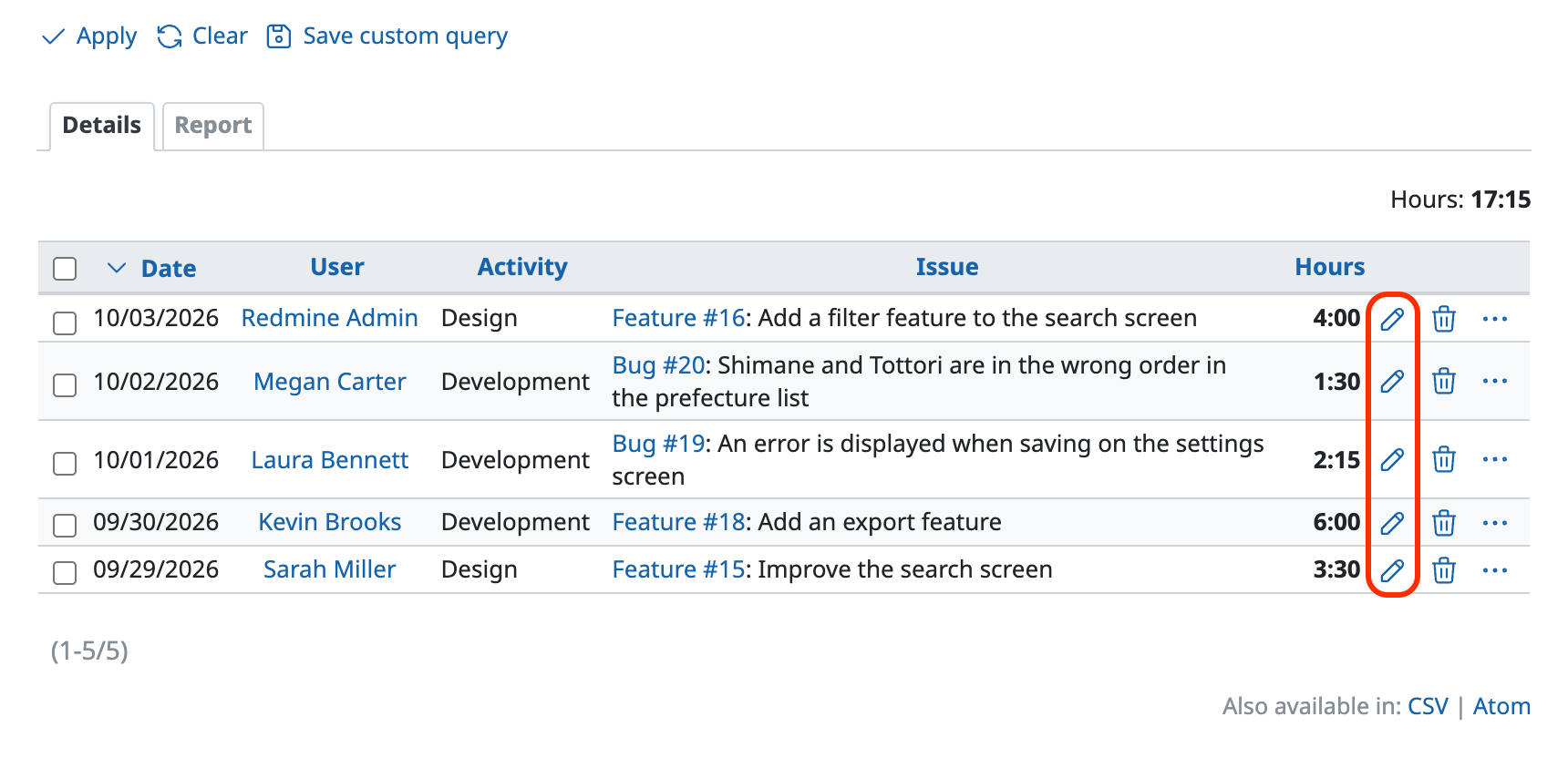
To correct spent time that is already entered in Redmine, open the "Spent time" tab of the project and click the edit button at the right end of the entry that you want to edit.
To edit spent time, you need the "Edit time logs" permission or the "Edit own time logs" permission. If you do not have the permission, the edit button is not displayed.