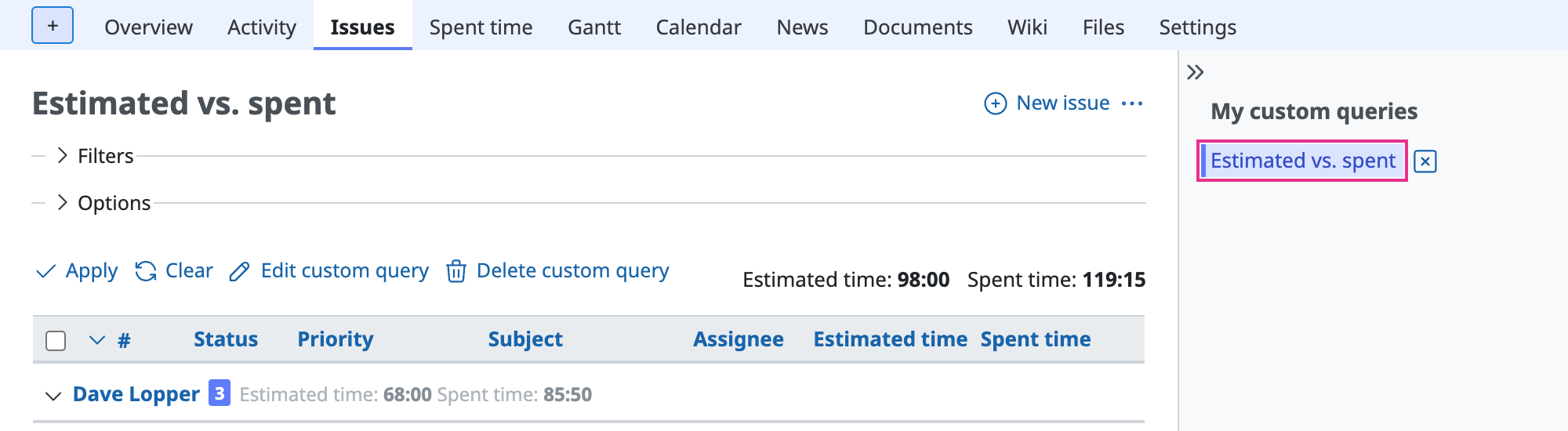
Comparing estimated time with spent time in Redmine
Created on 2018-02-16
•

You can total spent time on the "Spent time" tab. However, Redmine does not have a feature that compares spent time with estimated time.
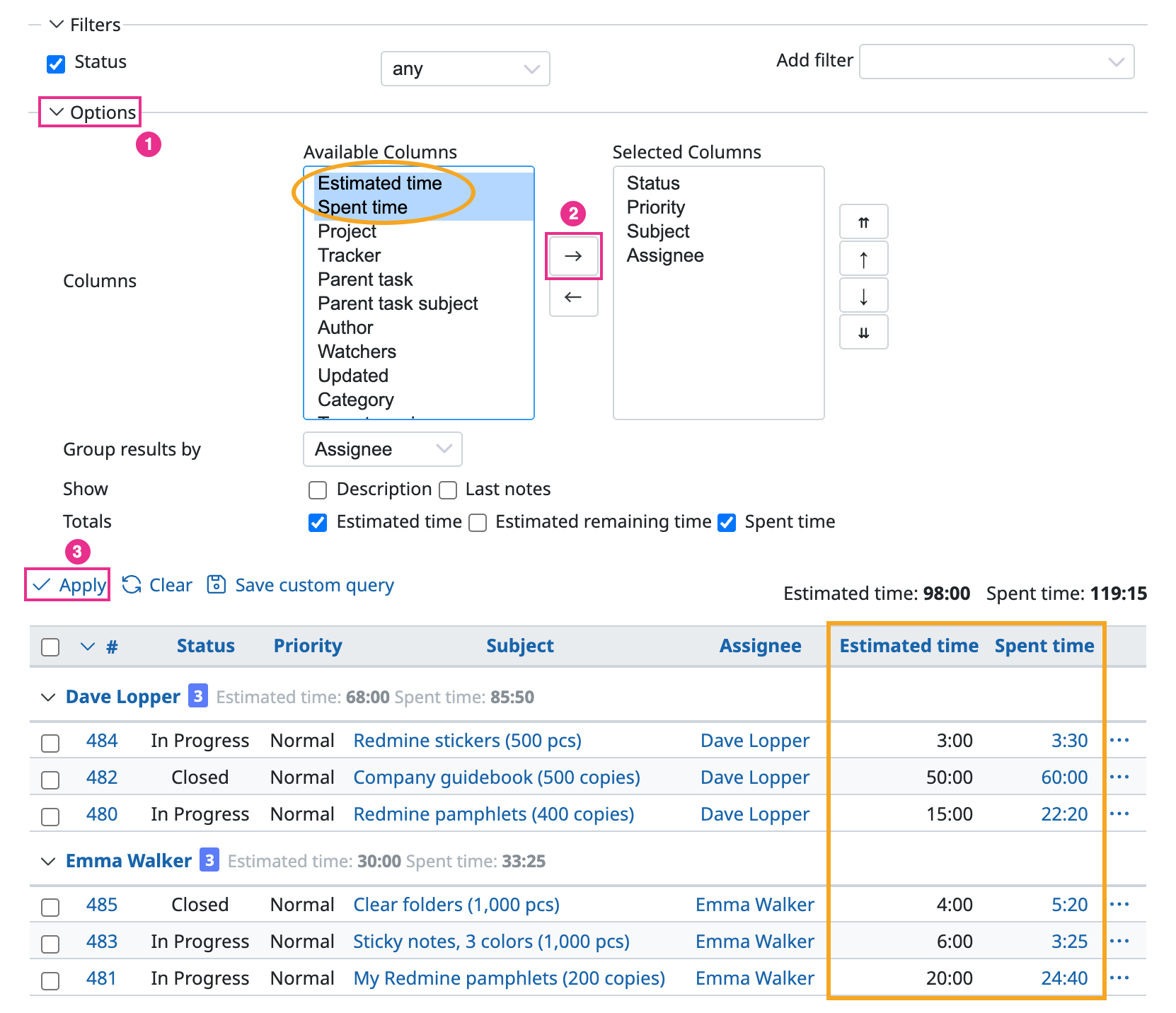
To compare estimated time with spent time, display both in the issue list.
How to display the values
- Click "Options" in the issue list
- Move Estimated time and Spent time from "Available Columns" to "Selected Columns"
- Click "Apply"
Advanced use
- If you check "Estimated time" and "Spent time" under "Totals", Redmine displays the total estimated time and the total spent time of the displayed issues.

- If you save the display conditions as a custom query, you can display the list with one click.