How to check the activity of a specific user in Redmine
(Supported versions: Redmine 4.2 or later / RedMica 1.3 or later)
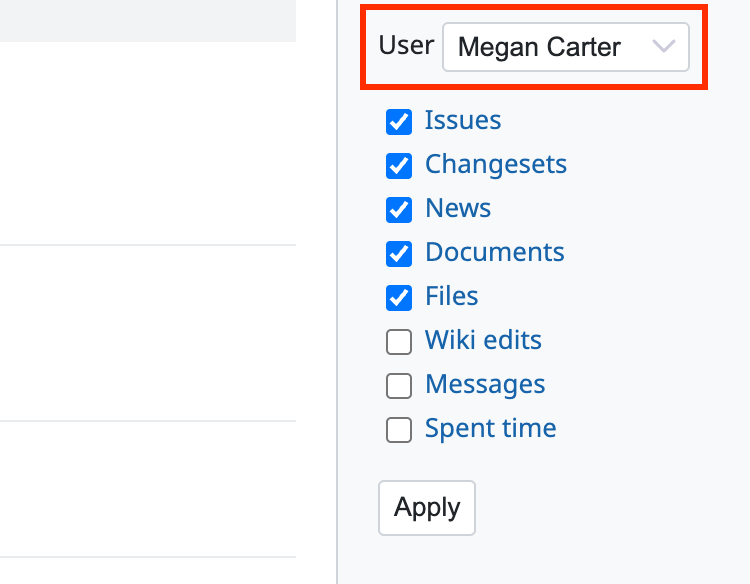
The Activity page has a feature to display the update history of a specific user only.
You can focus on a specific user and understand what the user is working on now.
Steps
- Go to the project that you want from "Projects" in the top menu.
- Select the "Activity" tab.
- Click "User" in the sidebar. A list of users appears. Select the member whose activity you want to see.
- Click "Apply".
Related information











