Copying a Redmine project
Created on 2023-03-29
•

You can create a new project by copying the members, issues, and other data of an existing project. For example, you can prepare a template project that already has custom queries and versions, and copy the template project each time you create a new project.
How to create a new project by copying
- Click "Administration" → "Projects".
- Click "…" (Actions) at the right end of the row of the project that you want to copy.
- Click "Copy" in the drop-down menu.
- On the "New project" page, enter the name, identifier, and other fields of the new project.
- Turn on the modules to use in the new project.
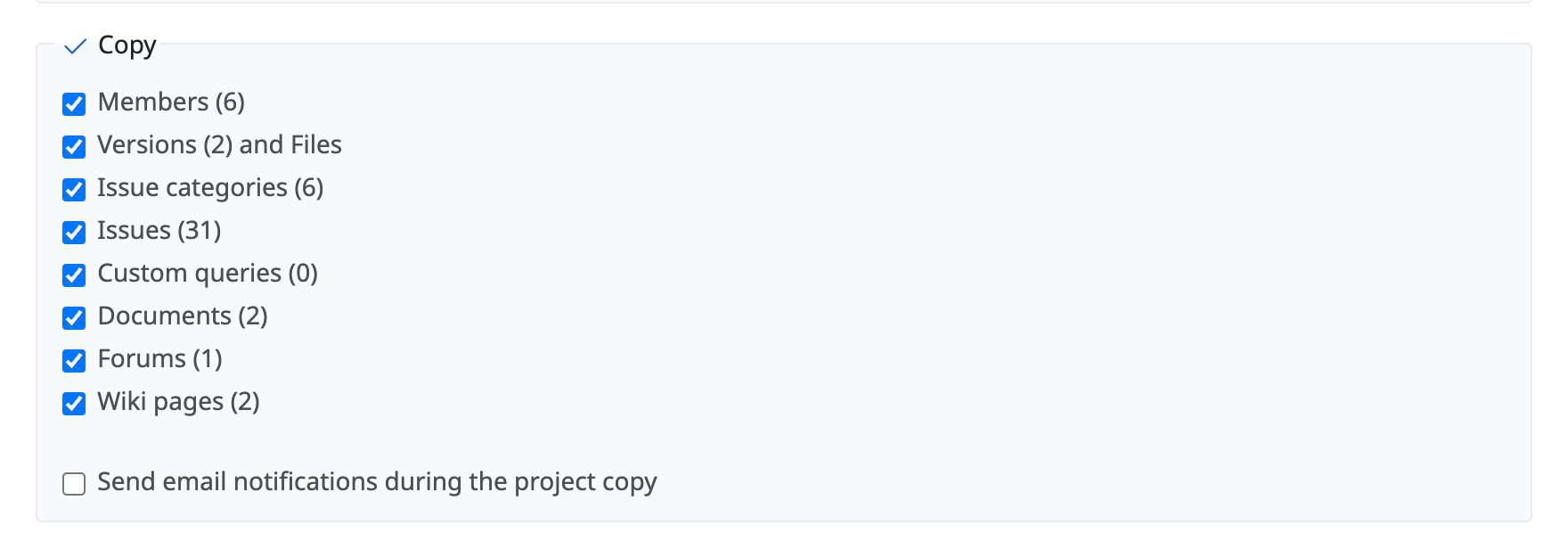
For example, if you turn on "Issue tracking", you can copy the settings of trackers and custom fields. - Turn on the items to copy from the source project.
The numbers in parentheses show the number of records in the source project.
(Example) The source project has 6 members, 31 issues, and so on. - Click "Copy".