How to move easily to frequently used projects in Redmine (bookmark feature)
Created on 2022-12-02
•

(Supported versions: Redmine 4.1 or later / RedMica 1.0 or later)
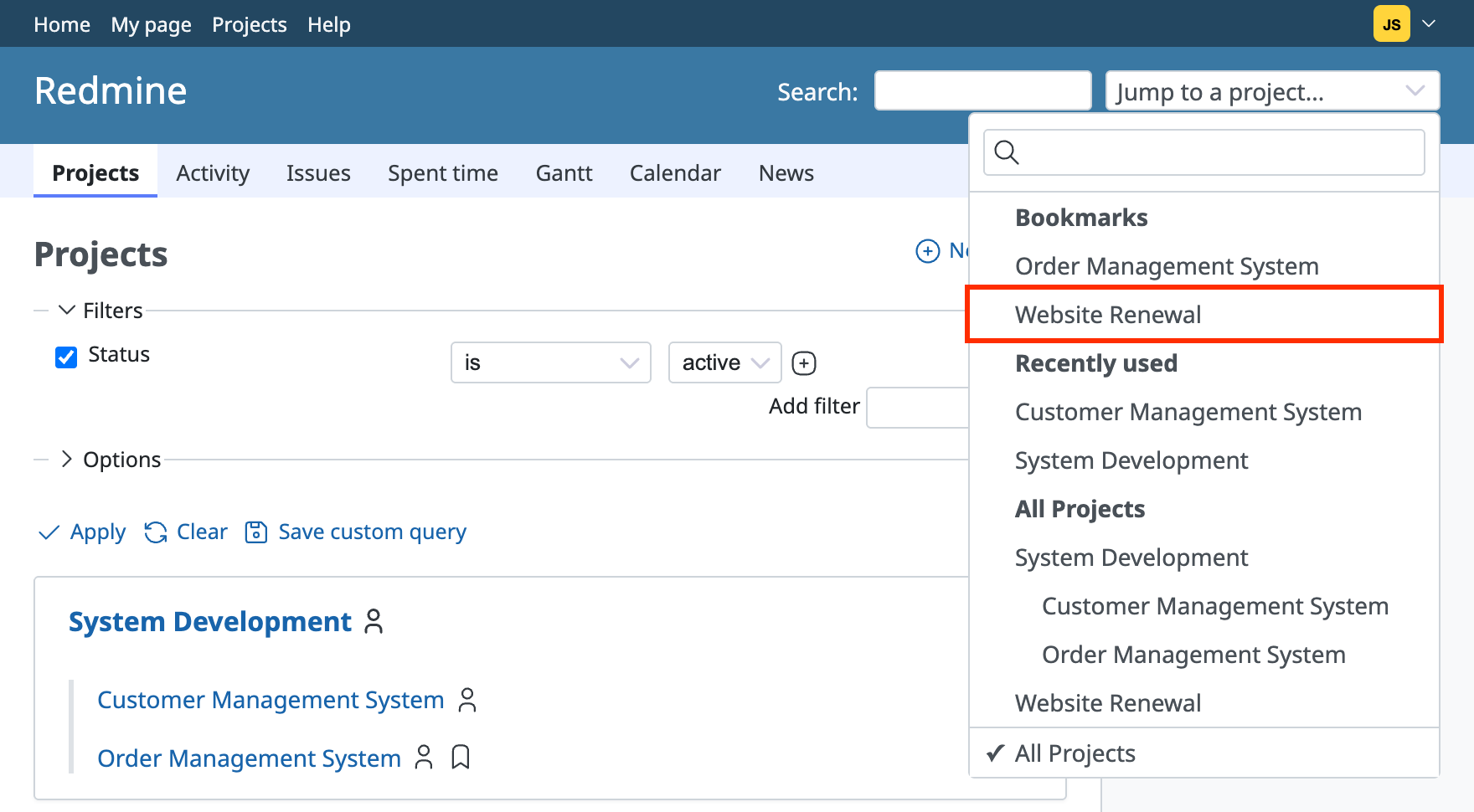
Redmine has a feature to add projects to your bookmarks. Bookmarked projects appear at the top of the project selector. If you bookmark the projects that you access often, you can find them quickly. This is very convenient.
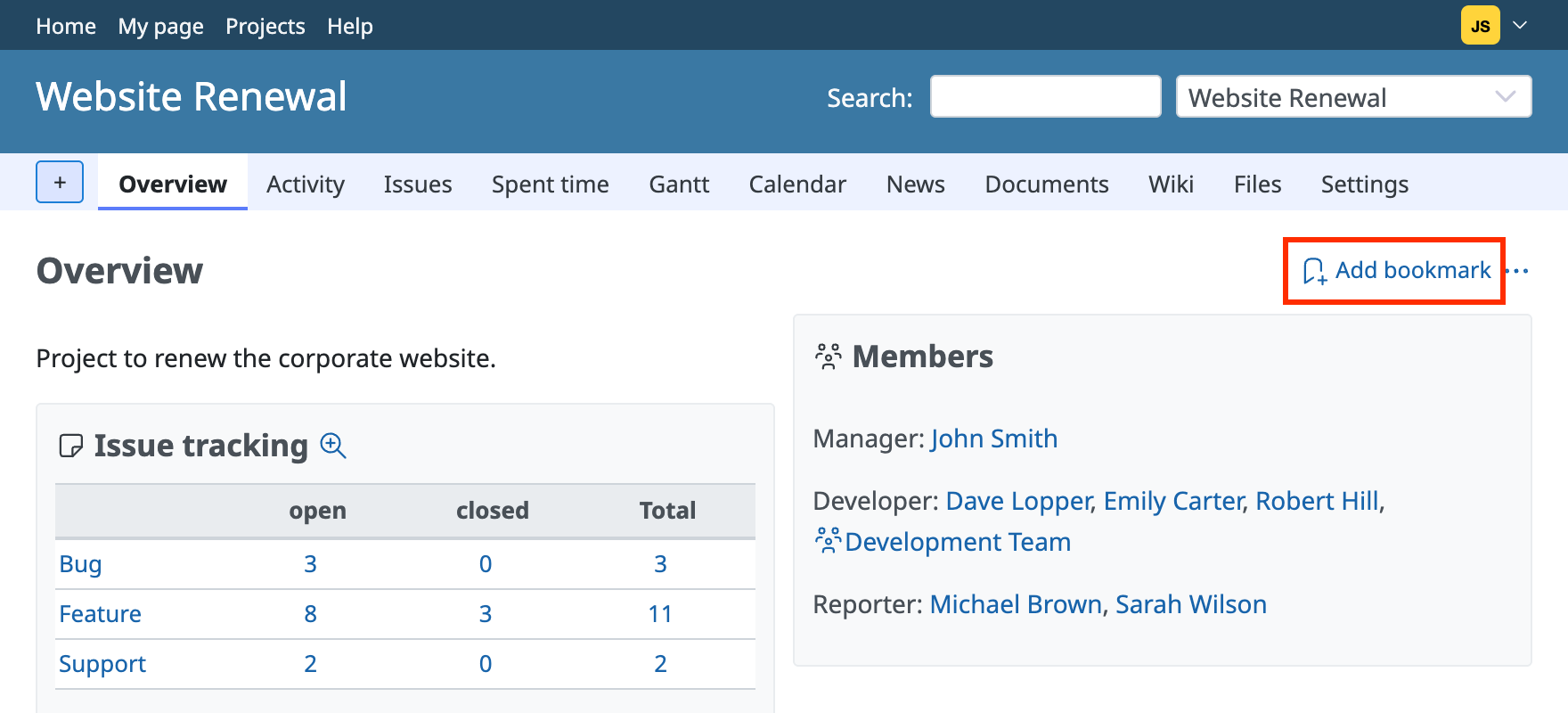
Adding a project to your bookmarks
Click "Add bookmark" at the top right of the project overview page to add the project to your bookmarks.
After you add a bookmark, the project appears at the top of the project selector.
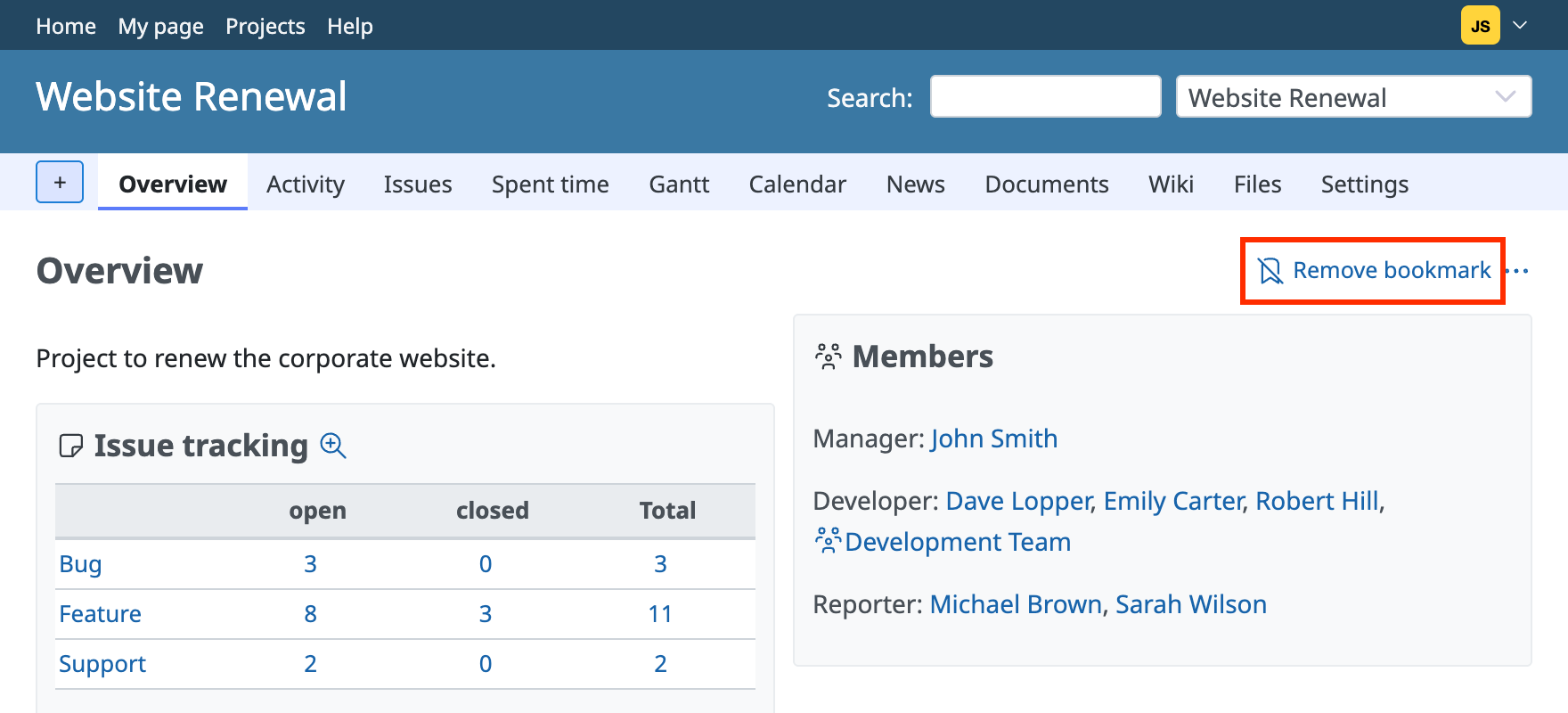
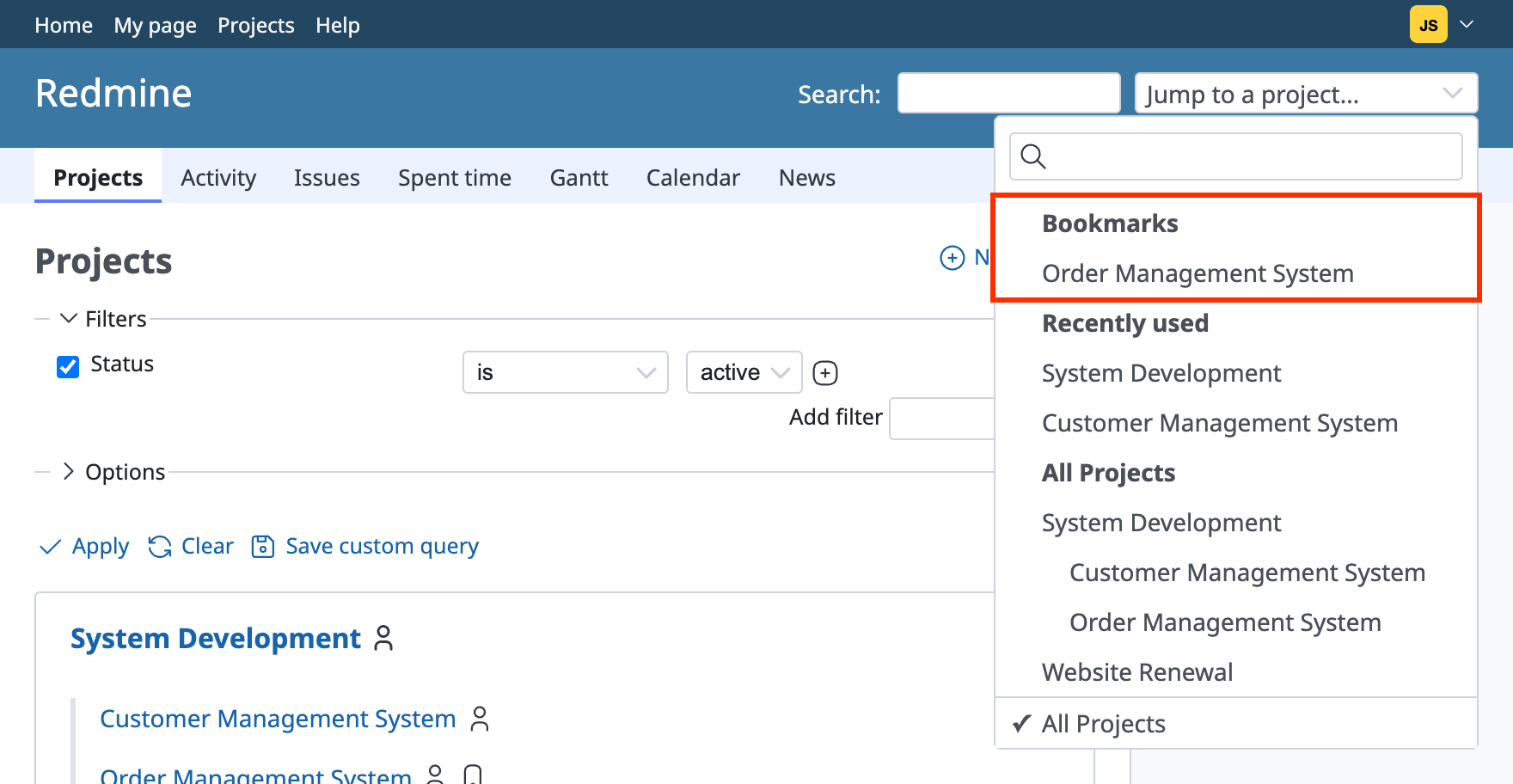
Removing a project from your bookmarks
To remove a bookmark, click "Remove bookmark" at the top right of the project overview page.