Use wildcards in the Redmine issue filter
Created on 2021-02-14
•

This procedure is for Redmine 4.2 / RedMica 1.2 or earlier. In Redmine 5.0 / RedMica 2.0, you can run an AND search with several keywords in a text filter.
Among the issue filters, you can use wildcards in the filters where you can specify any text, such as Subject, Description and File. A wildcard is a special character that matches any text. You can use wildcards for a more flexible search.
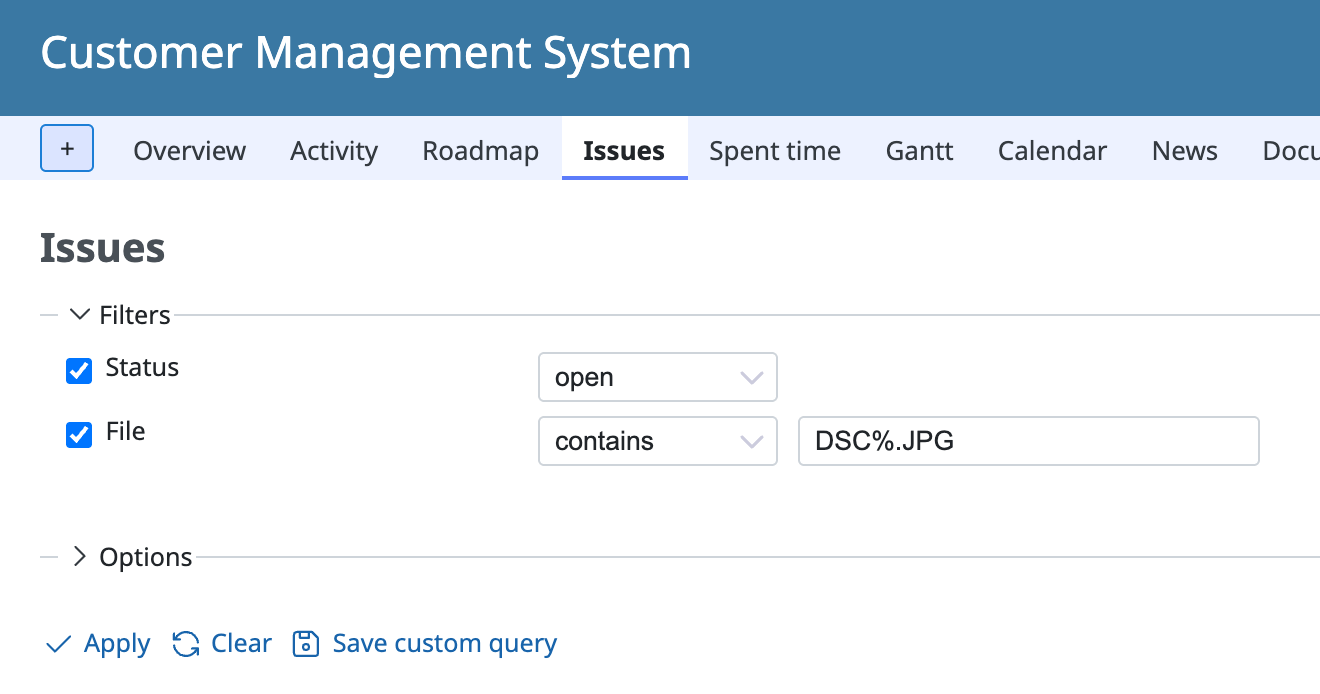
Wildcards that you can use
%: Matches text of any length, zero or more characters_: Matches any one character
Examples
open_source: Matches "open souce", "open-source" and so on. Does not match "opensource"open%source: Matches "opensouce", "open source", "open the source" and so ondsc%.jpg: Matches "dsc_0001.jpg", "dsc_0002.jpg" and so on











