Display the notes of an issue in reverse chronological order (newest first) in Redmine
Updated on 2022-01-28
•
Created on 2012-07-18
•

By default, the notes of an issue are displayed in order from the oldest date. However, the latest information is displayed at the bottom. When there are many notes, you must scroll to the bottom of the page to see the latest information.
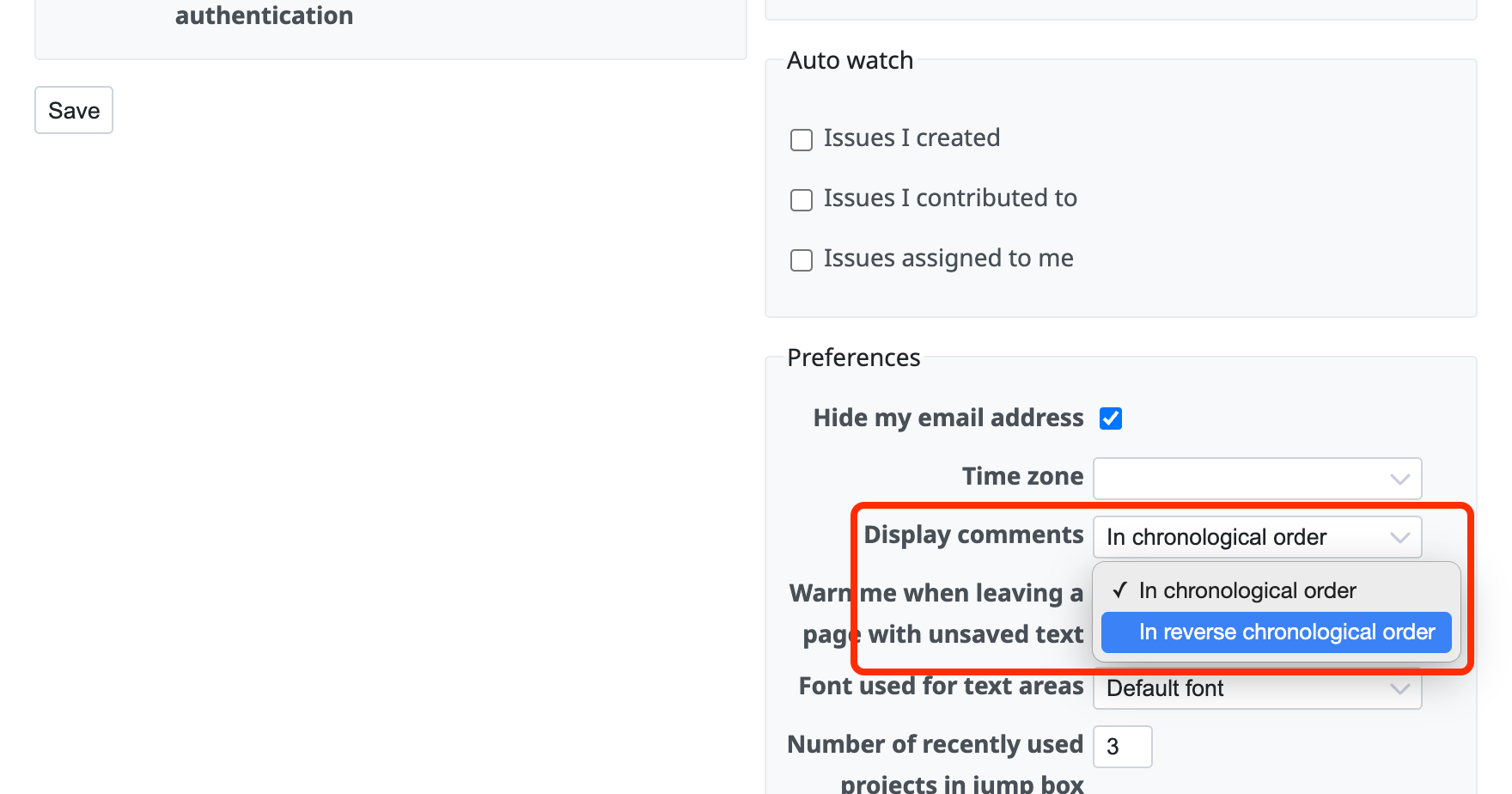
If you change "Display comments" to "In reverse chronological order" on the "My account" page, the notes are displayed from the newest one (in descending order).