Prevent spent time from being logged on closed issues in Redmine
Created on 2026-01-14
•

In Redmine, you can log on an issue, at any time, the time that you spent on the work of the issue. By default, you can log spent time on an issue in any status. However, if you turn off "Accept time logs on closed issues" on the "Administration" → "Settings" → "Time tracking" tab, you can prohibit logging spent time on closed issues.
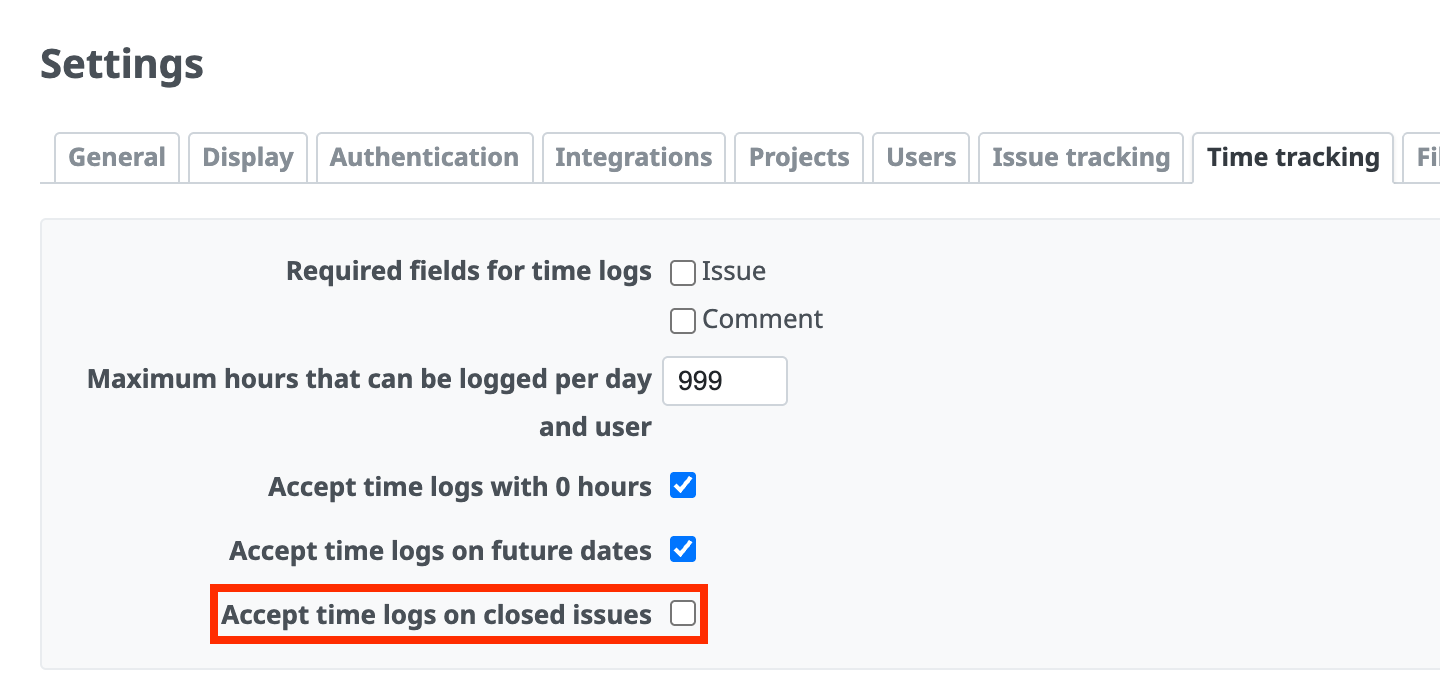
"Administration" → "Settings" → "Time tracking" tab → "Accept time logs on closed issues"
This setting prevents the fixed total of spent time from changing. In addition, users can enter spent time only until the issue is closed, so this works as a deadline for input. This prevents, to some extent, users from putting off the input for reasons such as "Input is troublesome, so I want to enter everything together later". By encouraging users to enter spent time at the same time as the work, you can manage work hours more accurately.
The link and the input fields to log spent time are hidden on the page of a closed issue.
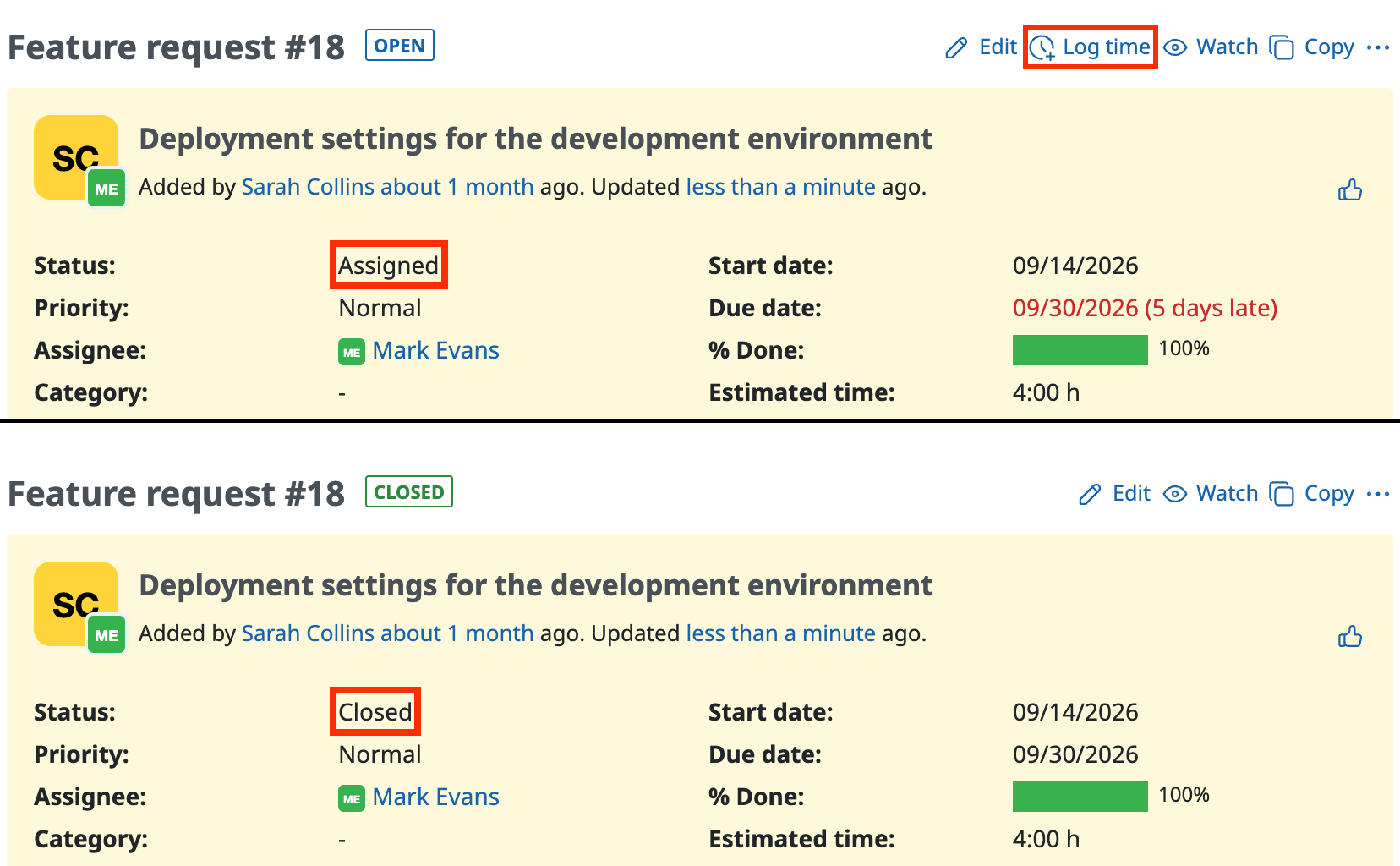
The upper issue is open and the lower issue is closed. The link for spent time is not displayed on the lower issue.
If you try to log time on a closed issue on the page to log time from the Spent time tab, a message says that you cannot log the time.












