Increase the number of issues displayed on the Redmine issue list page
Created on 2011-07-16
•

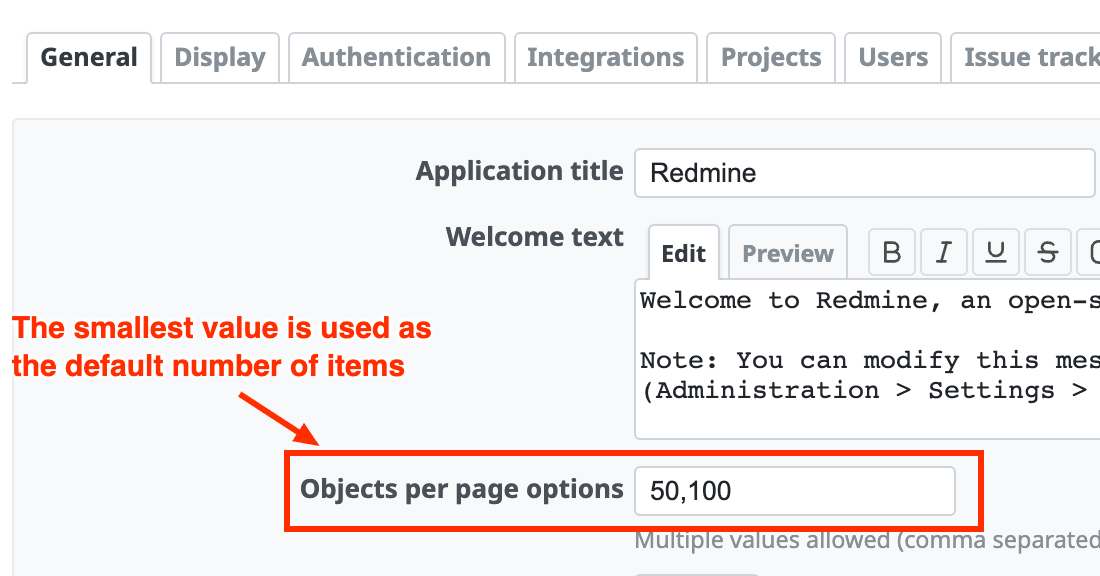
By default, the issue list page of Redmine displays 25 issues on one page. You can change this number in "Administration" → "Settings" → "General" → "Objects per page options".
How to change
Log in as a user who is a Redmine administrator and open the "General" tab on the "Administration" → "Settings" page.
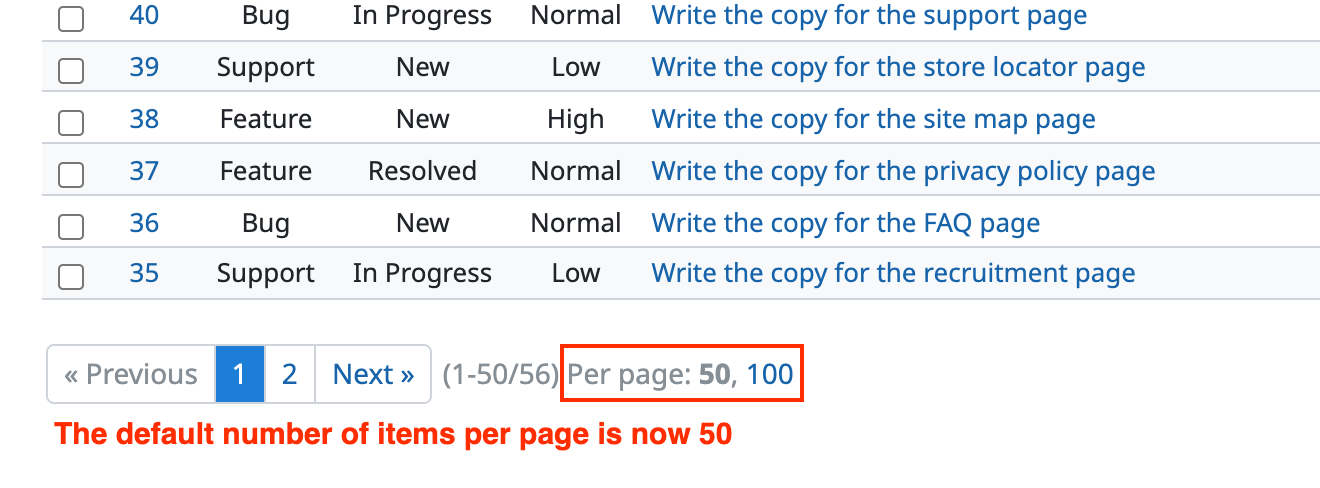
Among the comma-separated values set in "Objects per page options", the smallest value is used as the default number of issues displayed on the issue list page. To increase the number displayed on one page, specify larger values such as "50,100".
By default, "Objects per page options" is set to "25,50,100". This means that 25 issues are displayed if nothing is specified, and that you can switch to 50 or 100 issues.
Related information











