How to use several values of one field as a condition in the Redmine issue filter
Created on 2018-07-20
•

This page describes how to narrow down issues by specifying several values for one field in a filter, for example on the issues page.
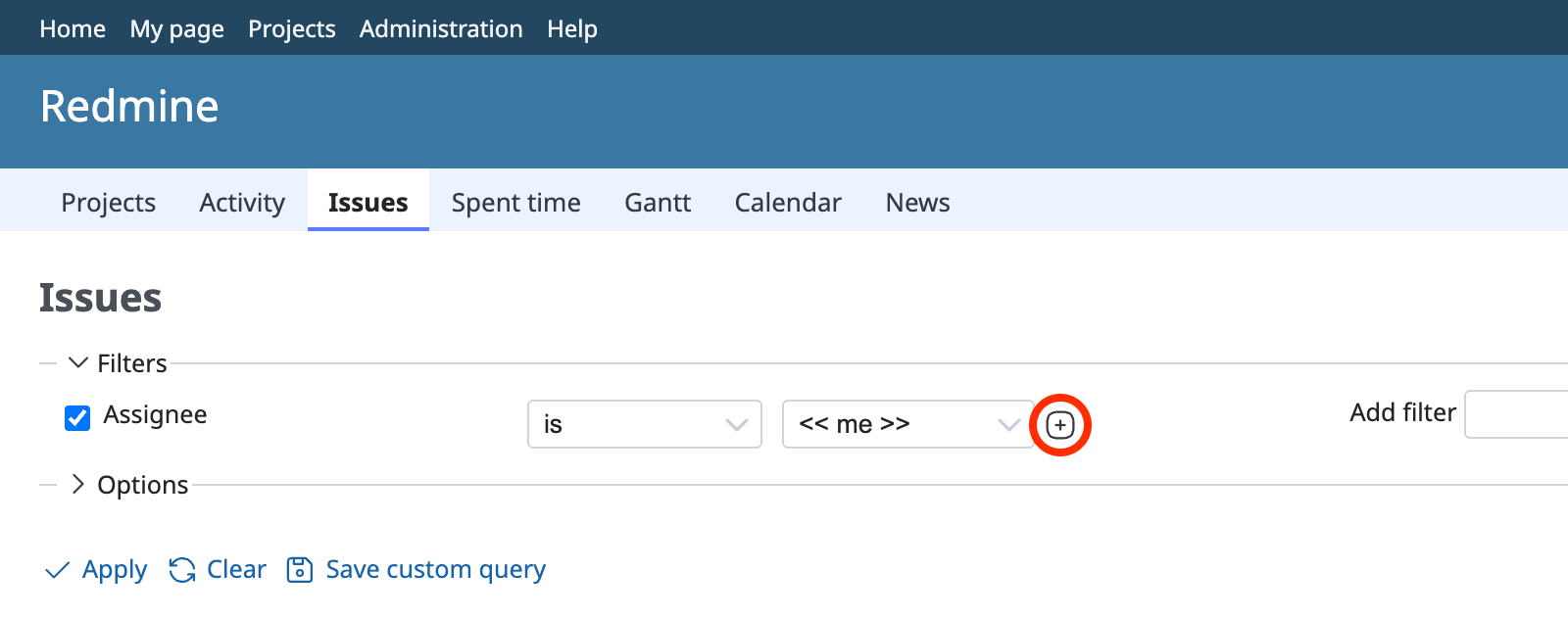
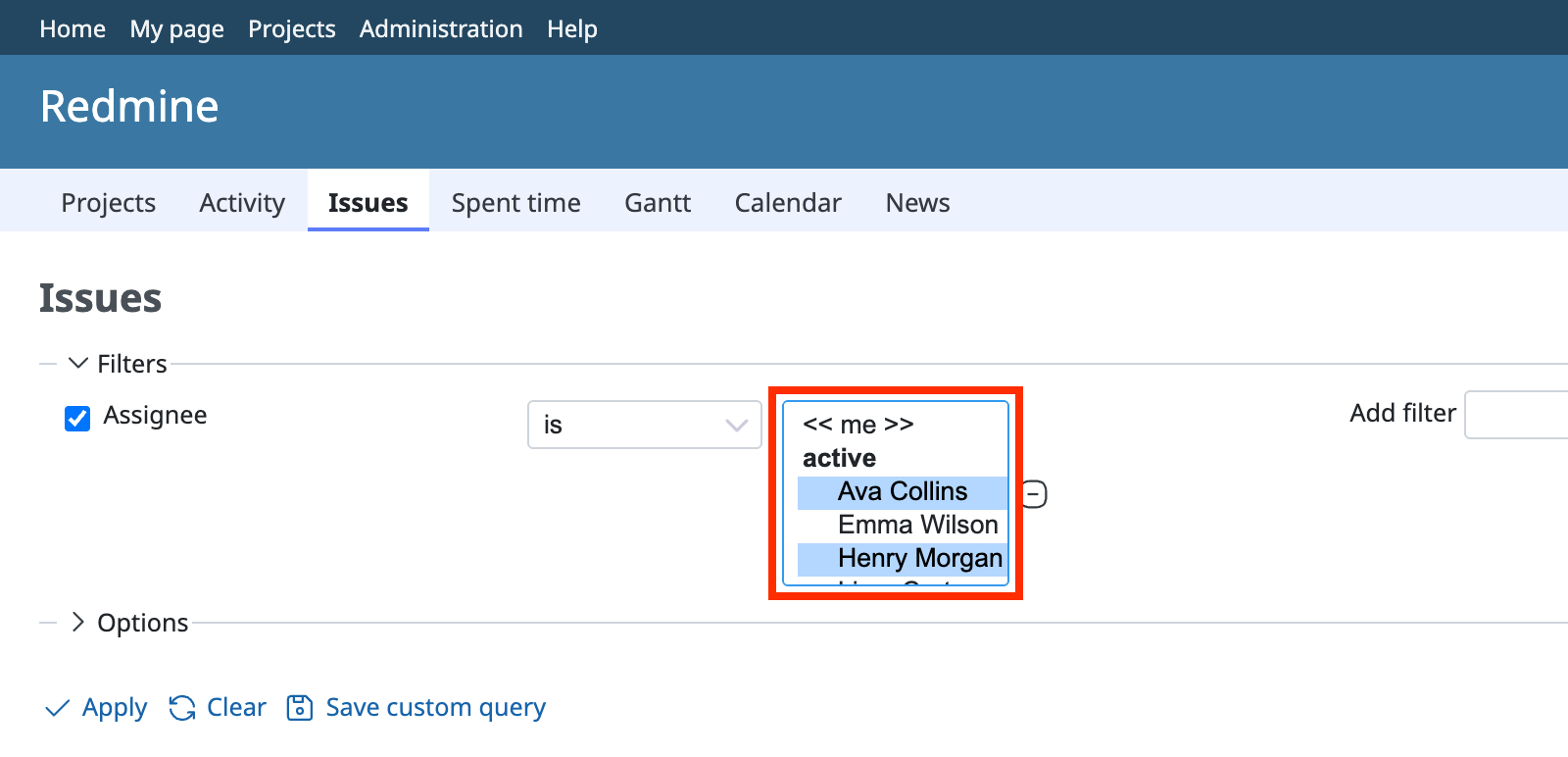
Click the plus mark on the right of the drop-down menu. All values are displayed in a list box.
Hold down the Ctrl key on Windows, or the command key on Mac, and click the values to select several values.
Click "Apply". The issues that match the conditions are displayed.