Narrow down issues by specifying several issue numbers in the Redmine issue filter
Created on 2023-04-06
•

You can narrow down issues by specifying issue numbers in the issue filter. Enter issue numbers separated by commas to specify several issues.
Procedure
- Add a condition from "Add filter" on the issue list page
- Select "is" or "is not"
- is: displays the issues that match the specified numbers
- is not: displays the issues that do not match the specified numbers
- Enter several issue numbers separated by commas
- Click "Apply"
Issue
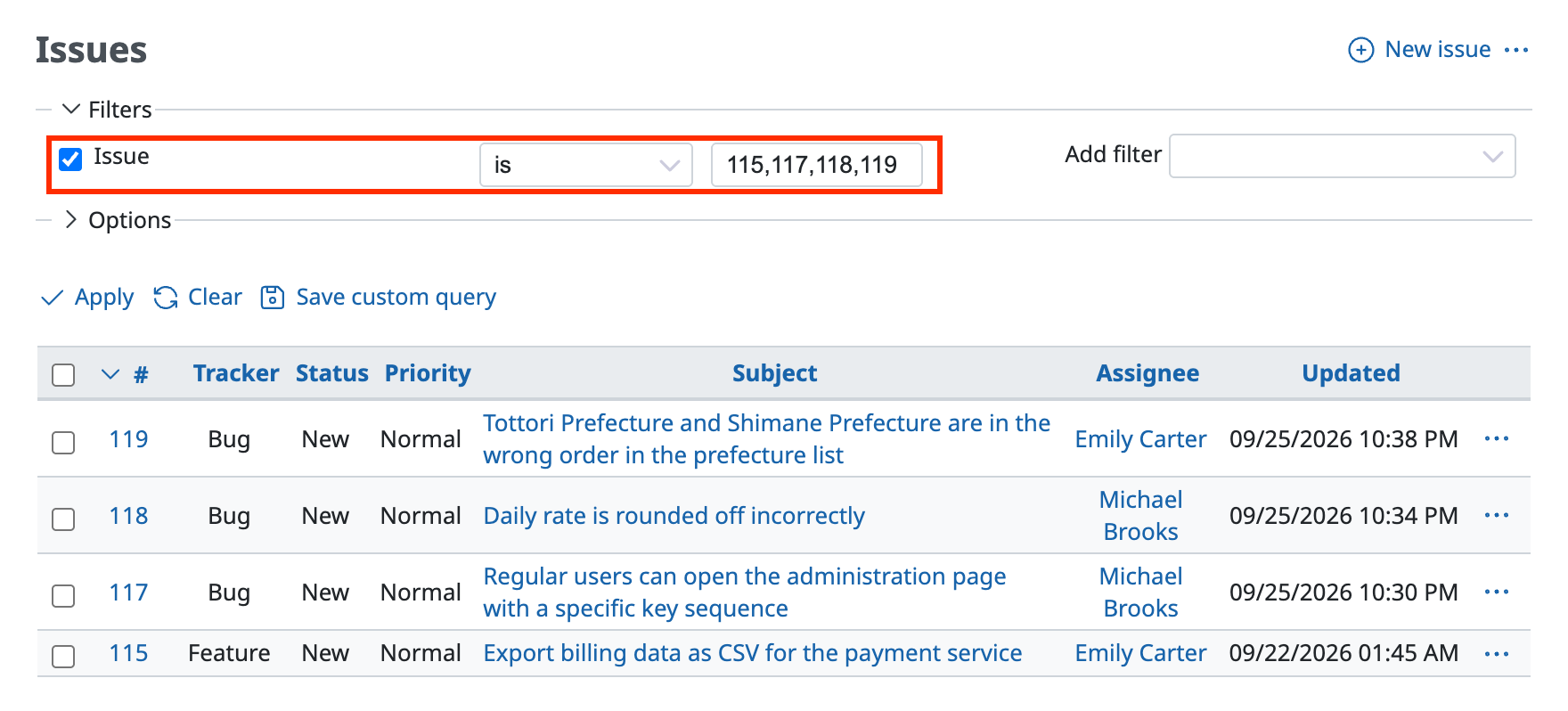
Example: Issues whose numbers are 115, 117, 118 and 119
Parent task / Subtasks
Supported versions: Redmine 4.1 or later
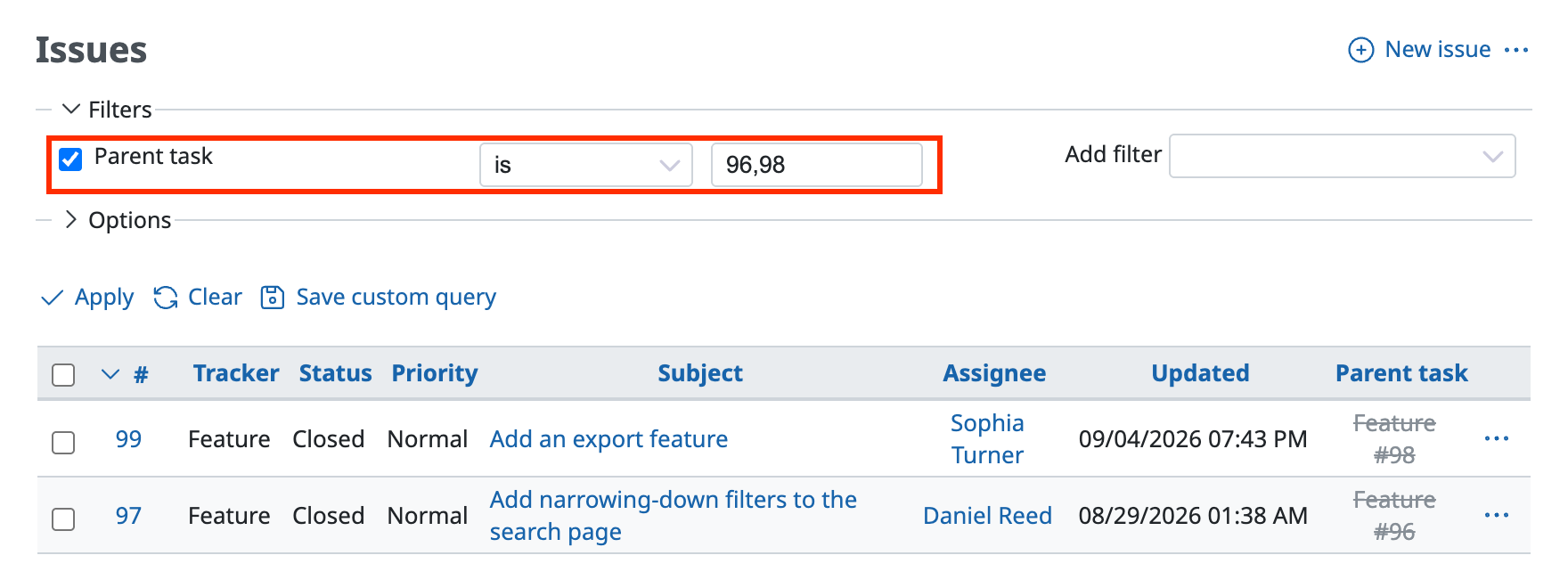
Example: Issues whose parent is 96 or 98 (97 and 99 are the subtasks)
Related issues
Supported versions: RedMica 2.3 or later / Redmine 5.1 or later
- Related to
- Is duplicate of
- Has duplicate
- Blocks
- Blocked by
- Precedes
- Follows
- Copied to
- Copied from
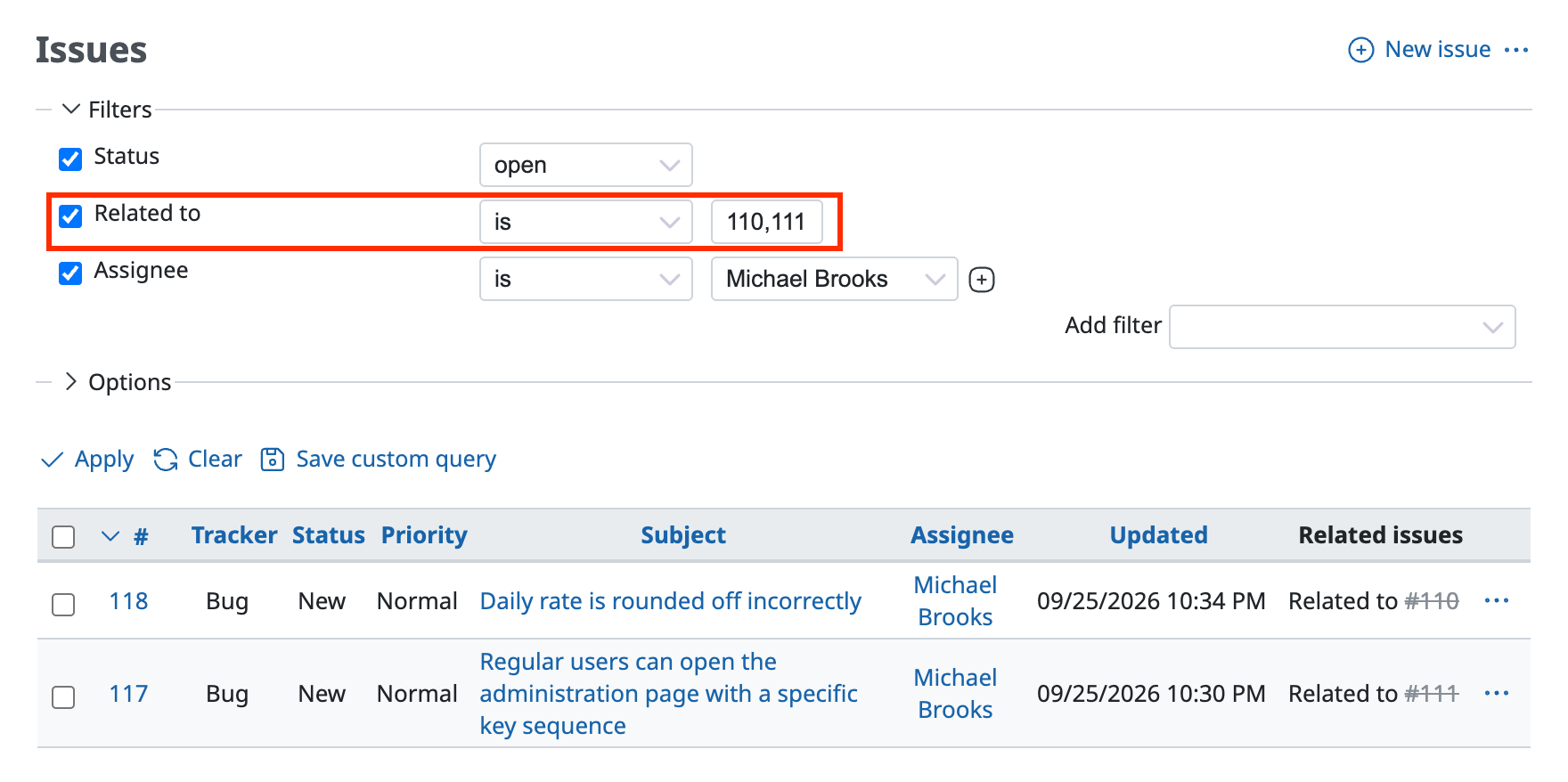
Example: Issues whose status is open, that are related to issue 110 or 111, and that have the specified assignee
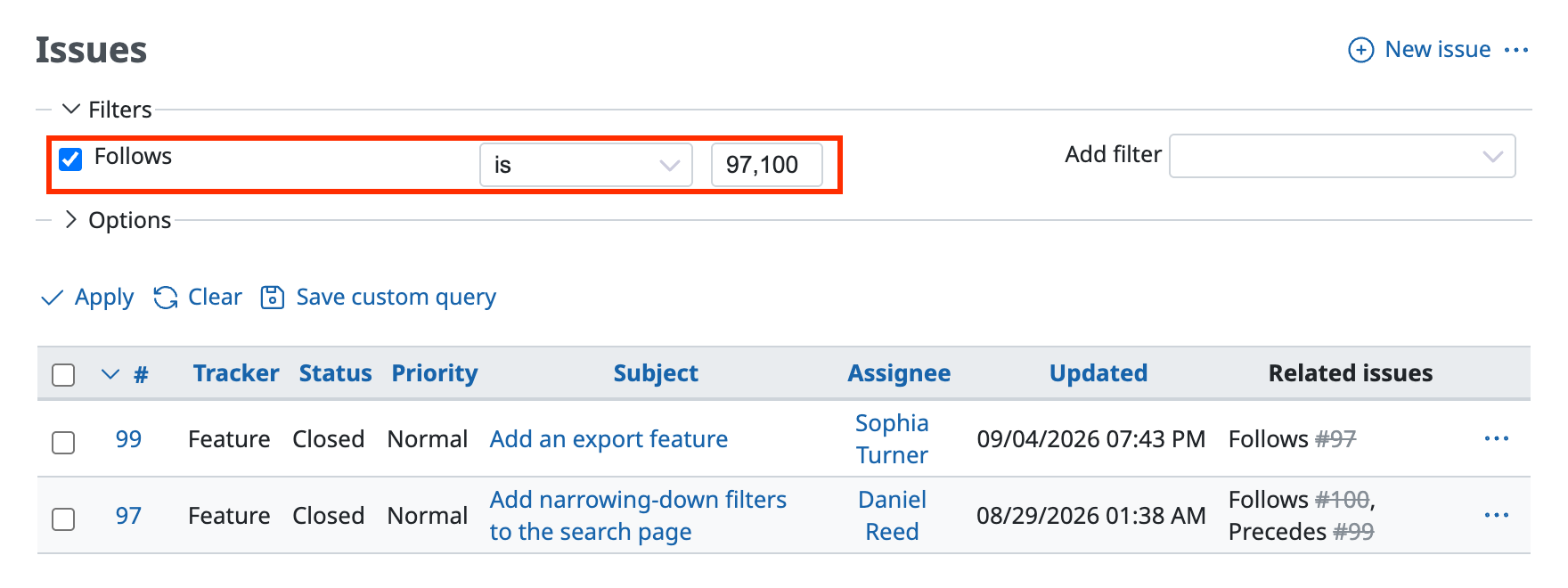
Example: Issues that follow issue 97 or 100 (97 or 100 is the preceding issue)