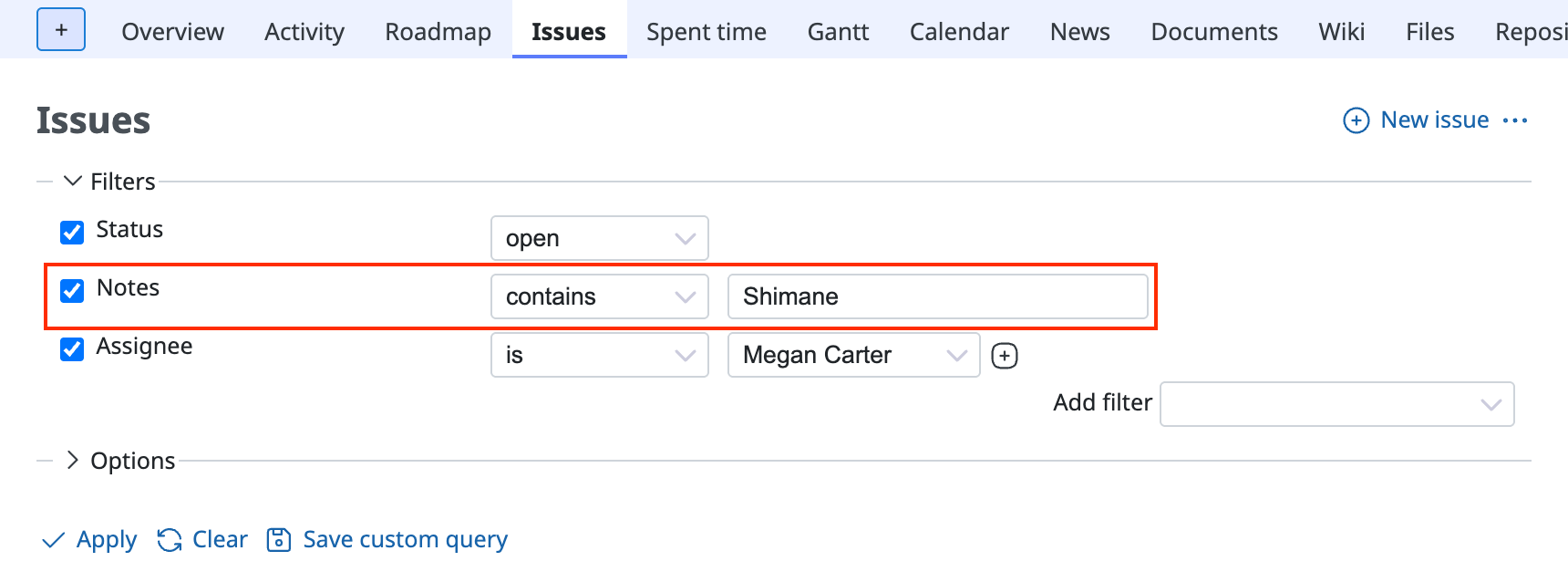
How to use the notes of Redmine issues in a filter
(Supported versions: Redmine 5.0 / RedMica 1.3 or later)
Redmine has a feature to narrow down issues by text contained in their notes.
You can also search text from the search box at the top right. However, on the issue list page you can combine this filter with other filters, so it is easier to find issues.
Procedure
- Select the "Issues" tab of the project to display the issue list
- Select "Notes" from Add filter → Notes is added to the filters
- Select "contains" and enter the text
- Click "Apply"