Hide "Log time" on the issue edit page of Redmine
Created on 2021-01-11
•

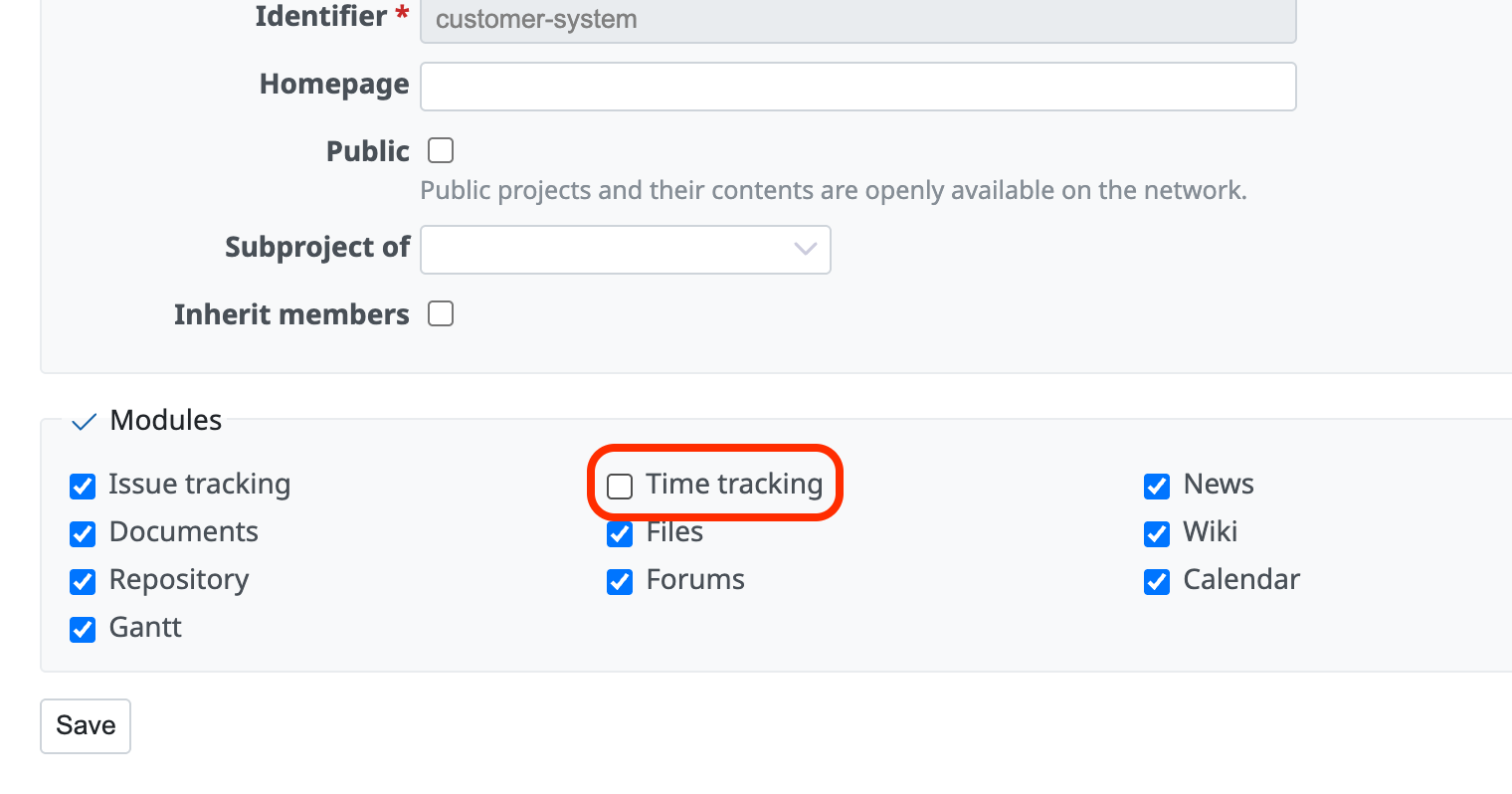
To hide "Log time" on the issue edit page of Redmine, turn off the "Time tracking" checkbox in "Modules" on the "Project" tab of the "Settings" page of the project.
If you turn off the "Time tracking" module, all features related to spent time are disabled in this project. "Log time" on the issue edit page and "Spent time" in the project menu no longer appear.