Delete an issue in Redmine
Updated on 2024-08-01
•
Created on 2010-12-16
•

To delete an issue, click "…" → "Delete issue" at the top right of the page of the issue that you want to delete.
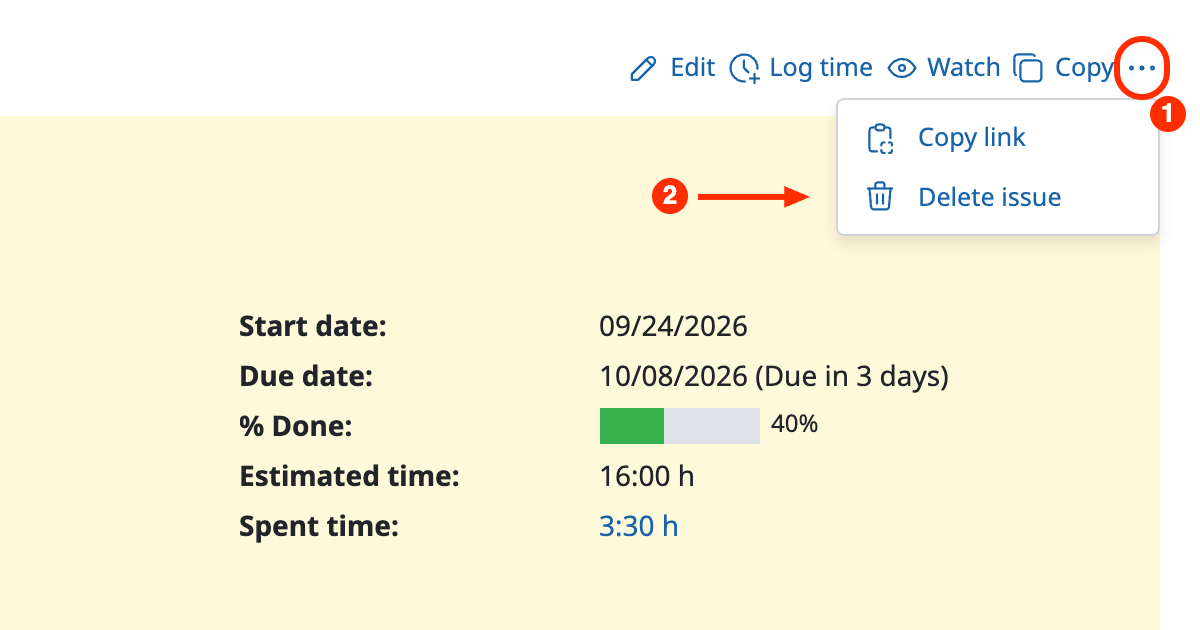
Only administrators and users who have a role with the "Delete issues" permission can delete issues. With the default settings of Redmine, this permission is assigned only to the "Manager" role. Users with the "Developer" or "Reporter" role cannot delete issues.
You can check and change the permissions assigned to each role on the "Administration" → "Roles and permissions" → "Permissions report" page.











