How to display a thousands separator comma in the numbers of a custom field in Redmine
Updated on 2025-12-16
•
Created on 2024-08-01
•

(Supported versions: Redmine 6.0 or later / RedMica 3.1 or later)
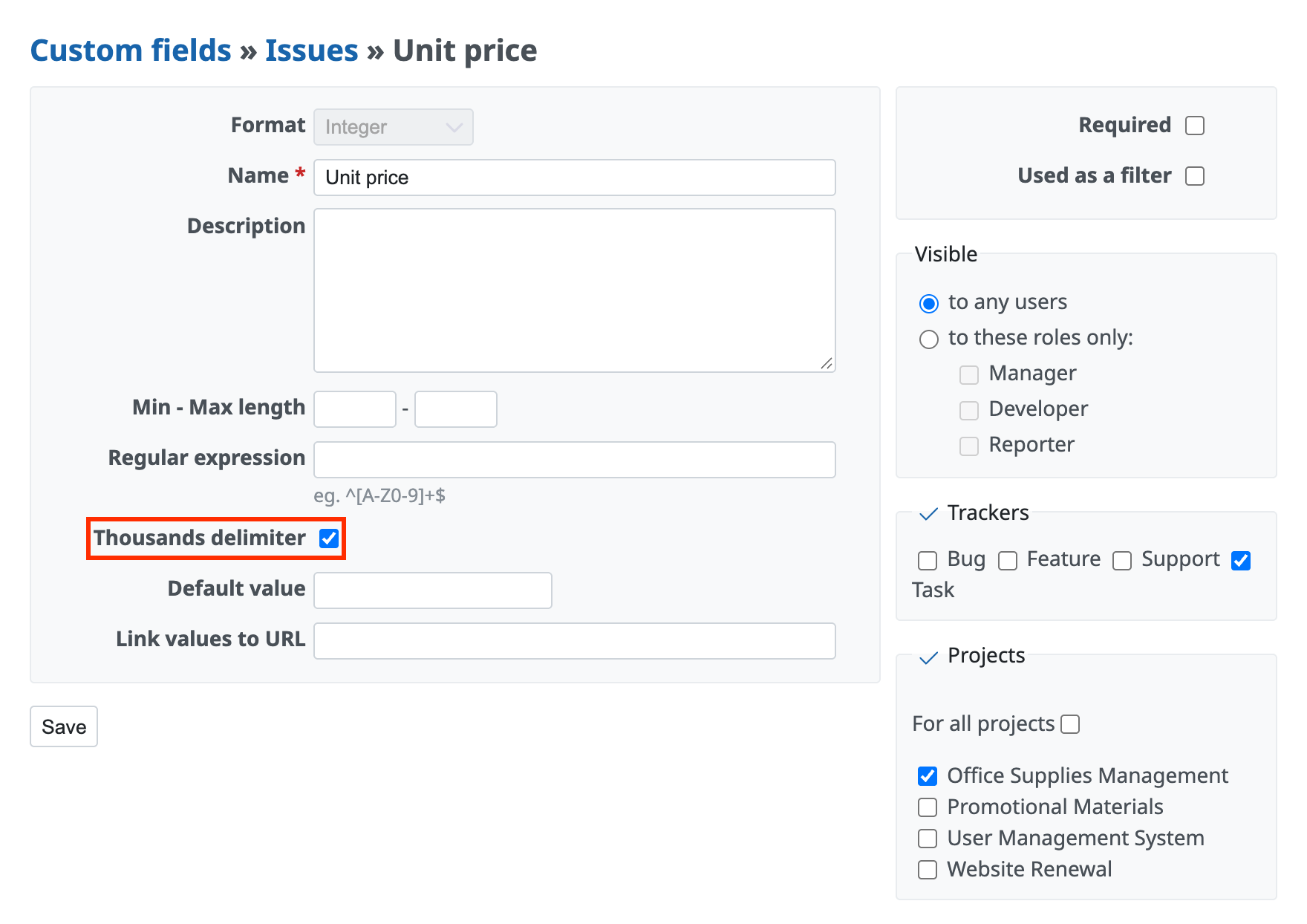
For a custom field with the "Integer" or "Float" format, if you turn on "Thousands delimiter" on the settings page of the custom field, the value is displayed with a comma every three digits on the issue page, the issue list and other pages.
For example, if you turn on Thousands delimiter for a custom field that holds an amount of money or a large number, 1000000 is displayed as 1,000,000. This makes large values easier to read.
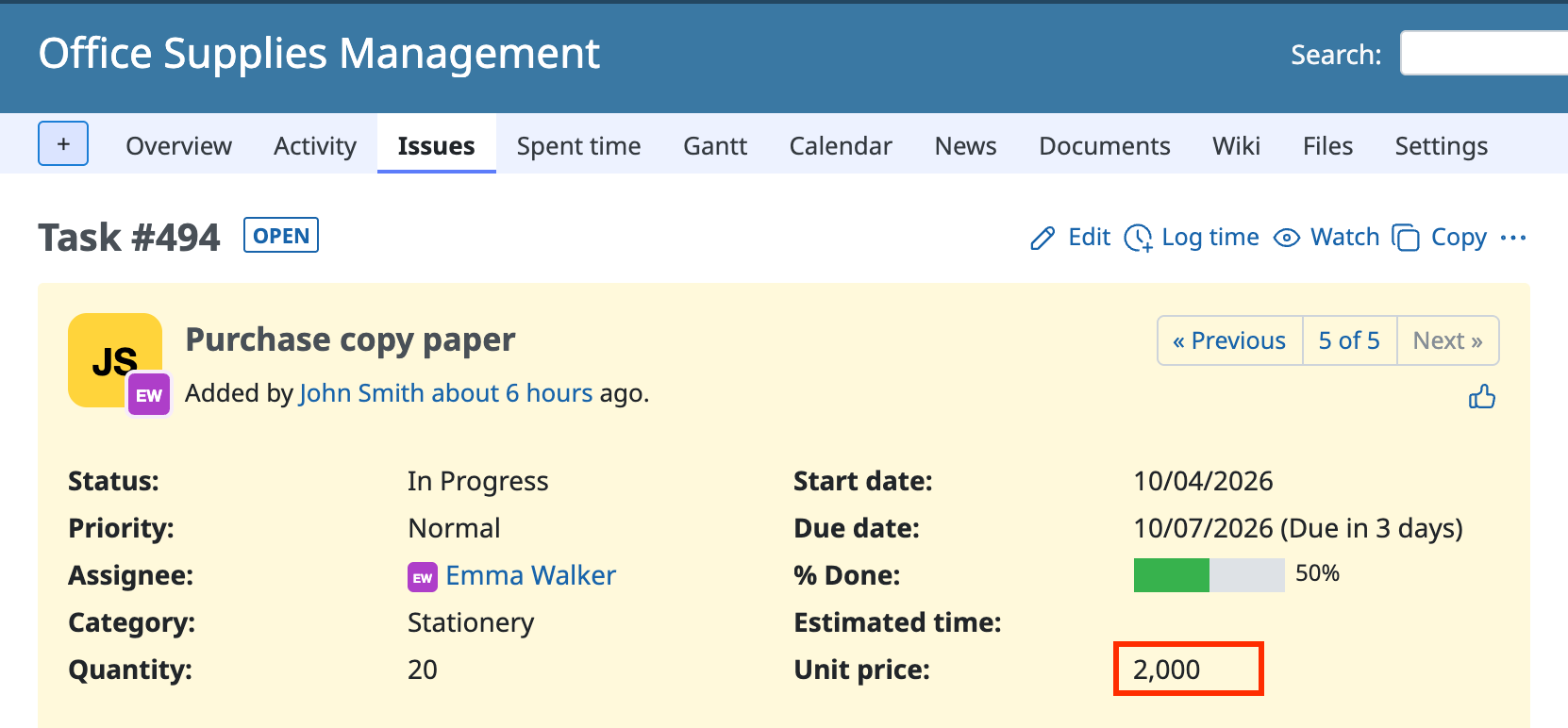
A thousands separator comma is displayed in "Unit price"
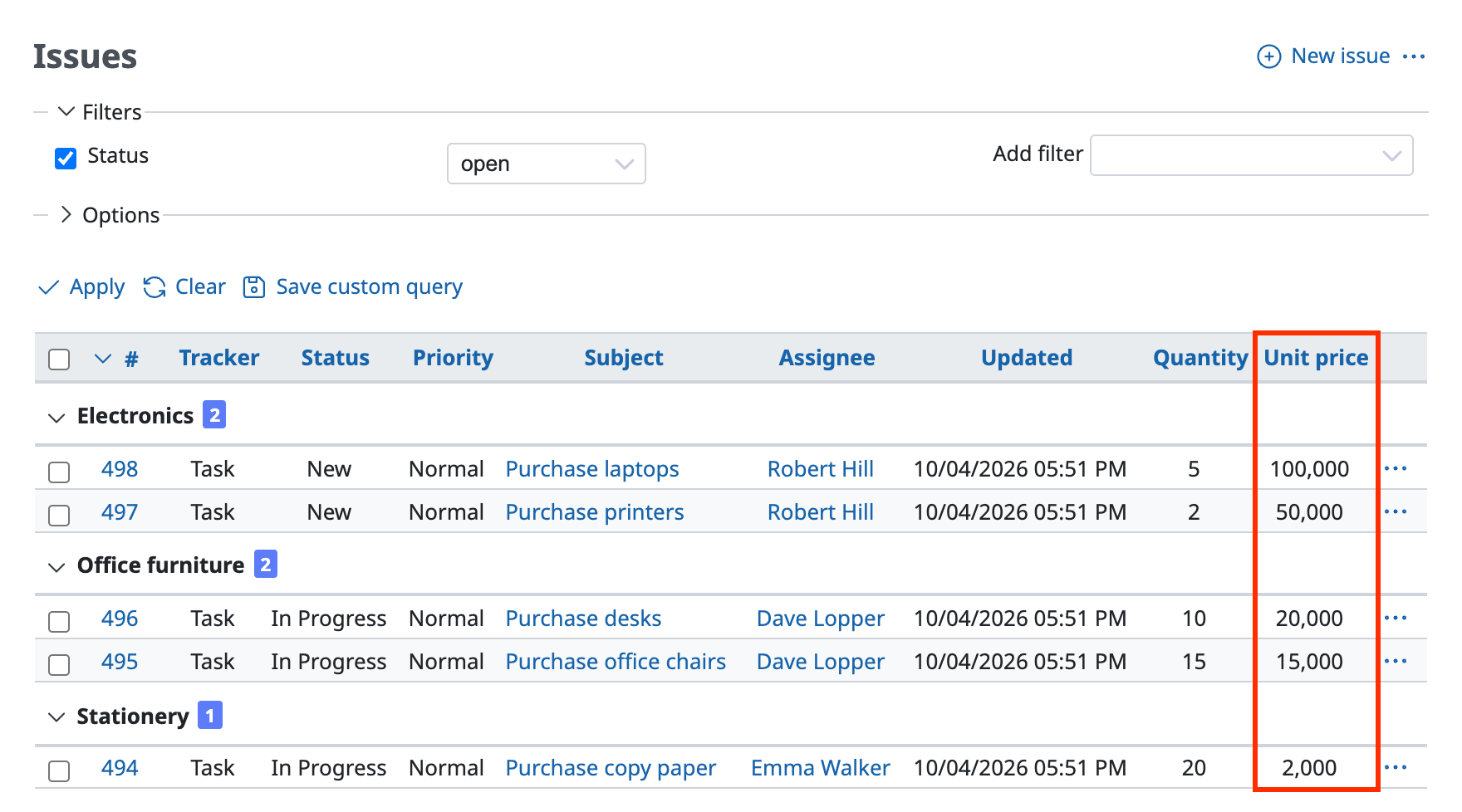
It is also displayed on the issue list page
Settings
- Click "Administration" → "Custom fields" in the top menu
- Click the name of an existing custom field
To create a new one, click "New custom field" → select "Float" or "Integer" as the format - Turn on "Thousands delimiter"
- Click "Save"