Display the issues of all projects in Redmine
Created on 2012-11-06
•

The issue list of Redmine can show not only the issues in a specific project but also a list across all projects. This is useful, for example, when several projects run in parallel and you want to see all the issues assigned to you together, regardless of the project.
Procedure for Redmine 3.4 or later
Click "Projects" in the application menu at the top of the page. Then click "Issues" on the "Projects" page.
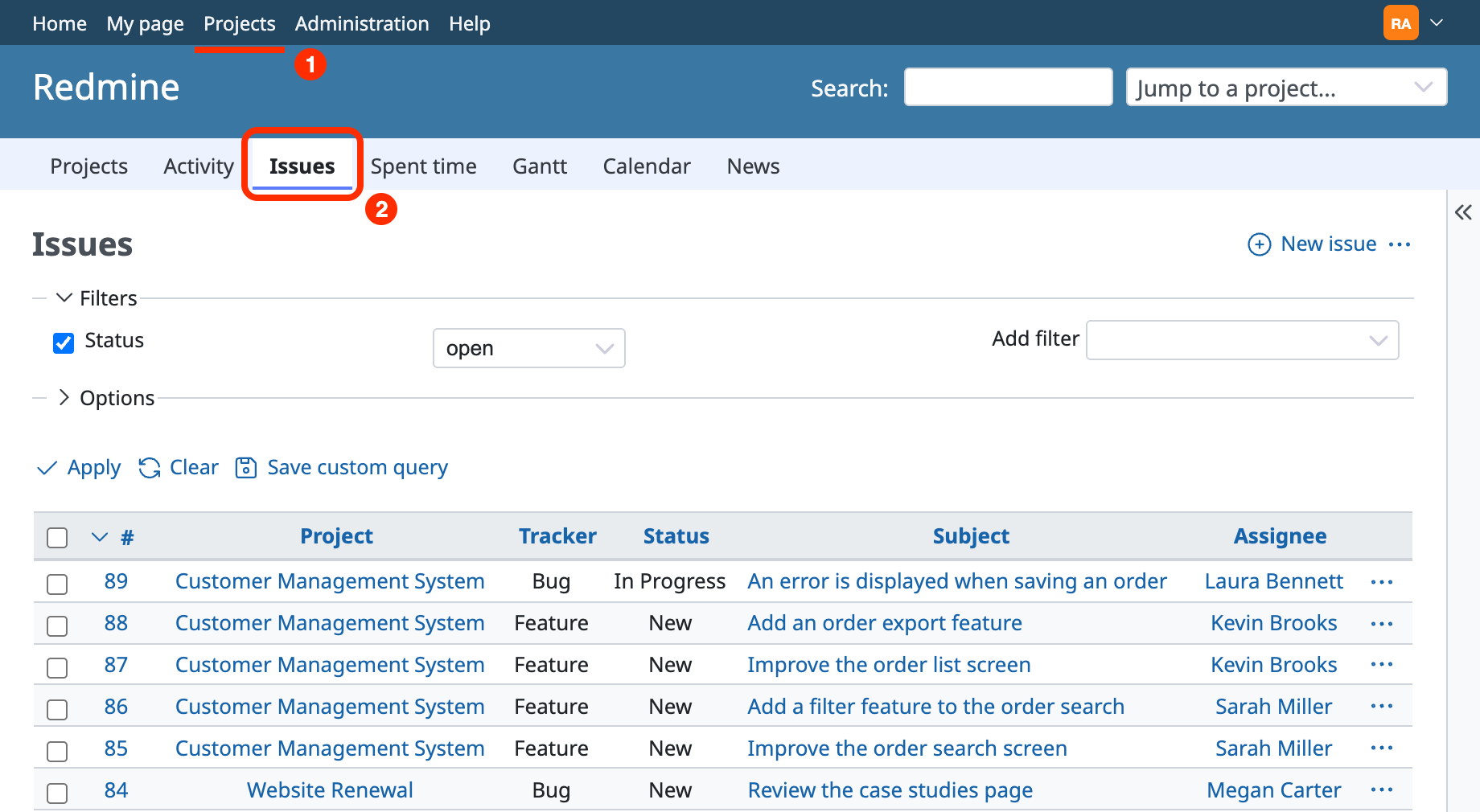
In addition to issues, you can also see information across projects for Activity, Spent time, Gantt, Calendar and News.











