How to copy a URL that covers several Redmine issues
Supported versions: RedMica 1.3 or later / Redmine 5.0 or later
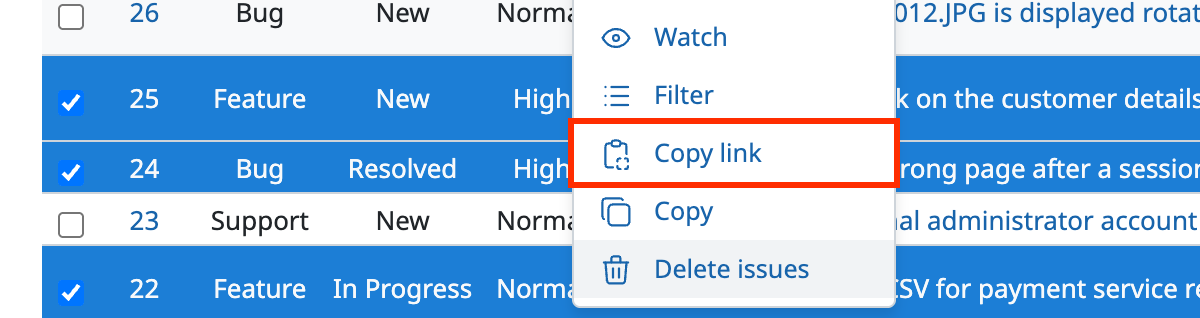
With the "Copy link" button in the context menu, you can easily copy the URL of an issue list page that shows the selected issues.
When you access this URL, you see the same issue list as when you select several issues with the "Issue" filter.
This is useful when you want to point other users to several issues.
Procedure
- On the issue list page, select several issues in one of the following ways
- Hold down the Ctrl key (Windows) or the ⌘ key (Mac) and click a part of the issue row that is not a link
- Select the checkboxes at the left end
- Right-click a part of the issue row that is not a link, or click "…", to display the context menu
- Click "Copy link" in the context menu