Move a Redmine issue to another project
Updated on 2025-08-19
•
Created on 2025-04-02
•

To change the project of an issue (move it to another project), select the destination project on the issue edit page.
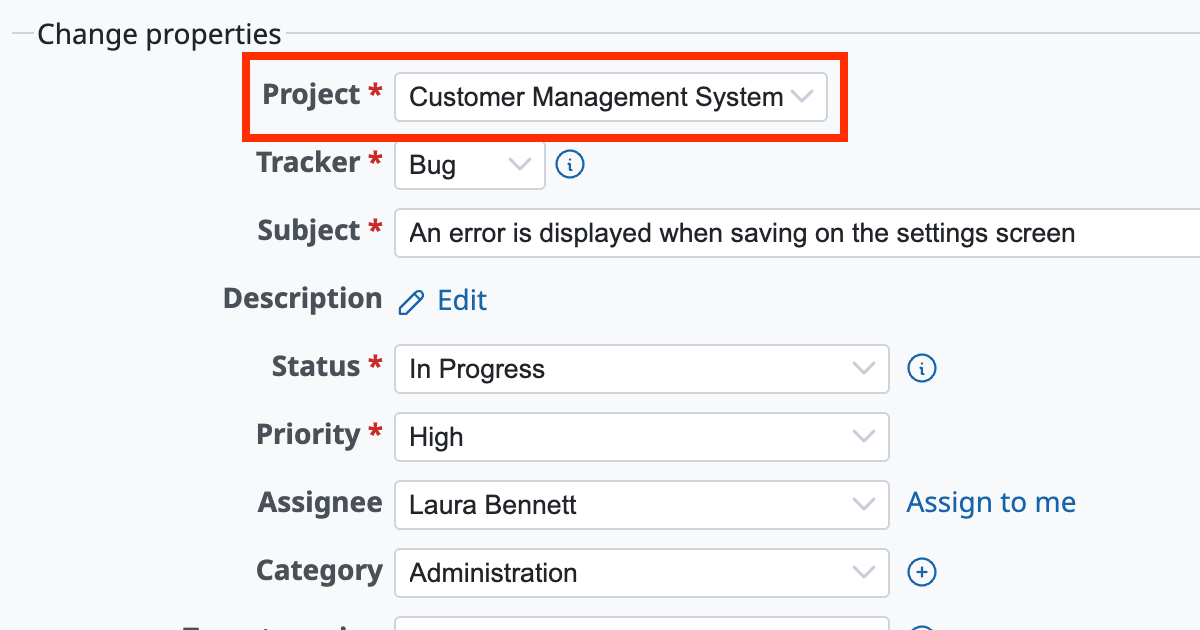
To move an issue to another project, the user needs the following two permissions.
- A role with the "Edit issues" permission in the source project
- A role with the "Add issues" permission in the destination project
You can check and change the permission assignments on "Administration" → "Roles and permissions" → "Permissions report".











