Make the Assignee field of Redmine issues required
Created on 2017-06-15
•

On the "Fields permissions" tab of the "Administration" → "Workflow" page, you can change fields that are optional by default, such as the "Assignee" field of issues, to required fields.
This is useful, for example, when you want to make the assignee clear so that issues are not left unattended.
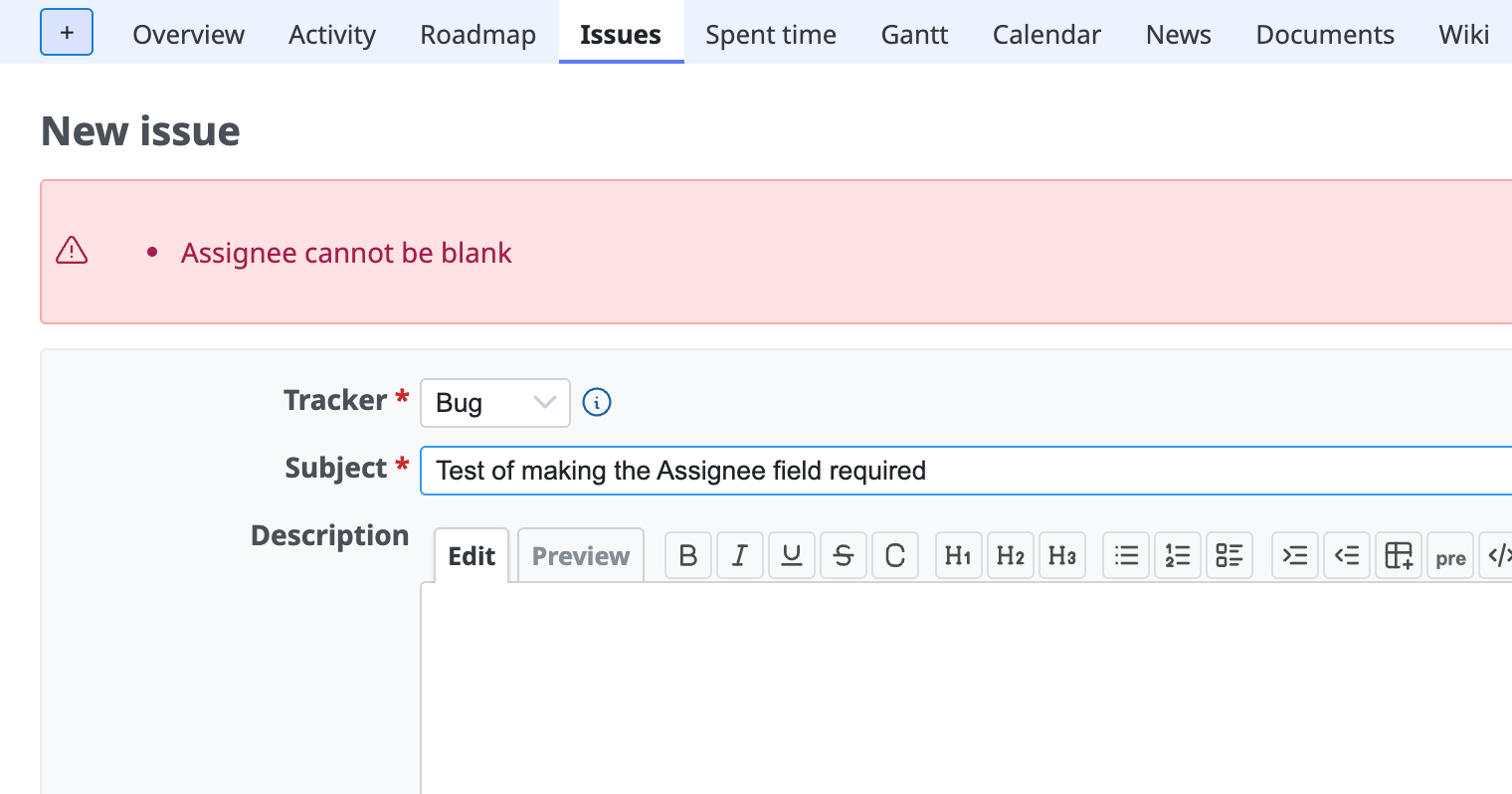
Settings
① Open the settings page
Log in as a user with administrator privileges. Then open the "Fields permissions" tab on the "Administration" → "Workflow" page.
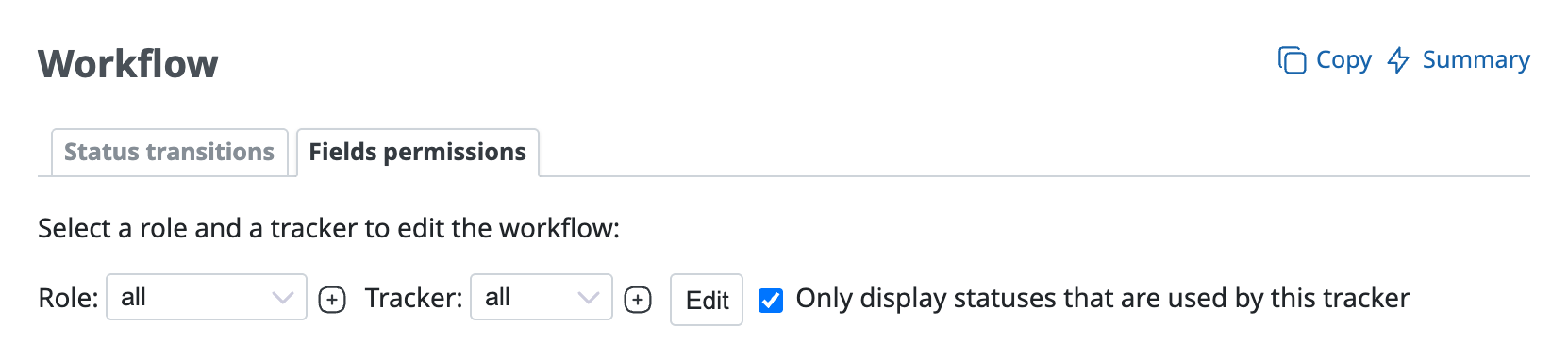
② Select the combination of role and tracker to configure
You can configure the settings for each combination of role and tracker. For example, you can make the "Assignee" field required only when a user with the "Developer" role creates or updates an issue of the "Bug" tracker.
Select the combination of role and tracker to configure and click the "Edit" button. If you want the field to be always required, select "all" for both the role and the tracker and click the "Edit" button.
③ Set the "Assignee" field to "Required" for all statuses
A page appears where you can set "Required" or "Read-only" for each field and each status. On this page, select "Required" for the "Assignee" field in all statuses and click "Save".
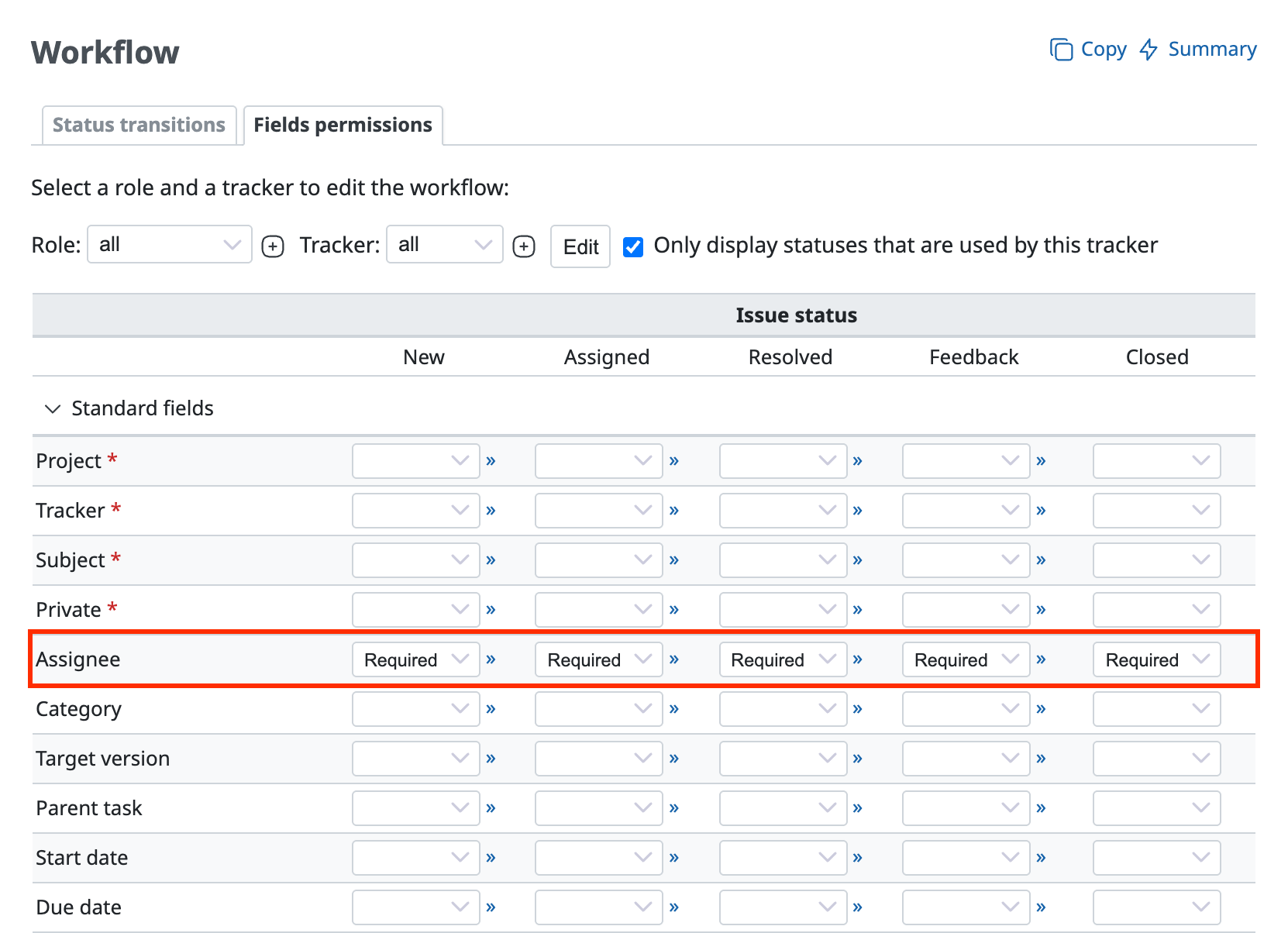
With these settings, the "Assignee" field becomes a required field.











