Settings in configuration.yml for Redmine email notifications
Updated on 2020-06-04
•
Created on 2007-11-04
•

To receive notifications such as issue updates by email, you need to configure email delivery in the configuration file config/configuration.yml. This file does not exist immediately after a new installation of Redmine. Create it with config/configuration.yml.example as a reference.
Email delivery was previously configured in config/email.yml, but this changed to config/configuration.yml in Redmine 1.2.
Configuration examples
To configure email notifications, add a description like the following to config/configuration.yml.
Using an MTA on the same server as Redmine
default:
  email_delivery:
    delivery_method: :smtp
    smtp_settings:
      address: localhost
      port: 25
      domain: redmine.example.com
Using an SMTP server (mail.example.com) that requires login authentication
default:
  email_delivery:
    delivery_method: :smtp
    smtp_settings:
      address: mail.example.com
      port: 25
      authentication: :login
      domain: redmine.example.com
      user_name: myaccount
      password: password
Testing email notifications
You can test whether the email notification settings are correct in the administration pages of Redmine.
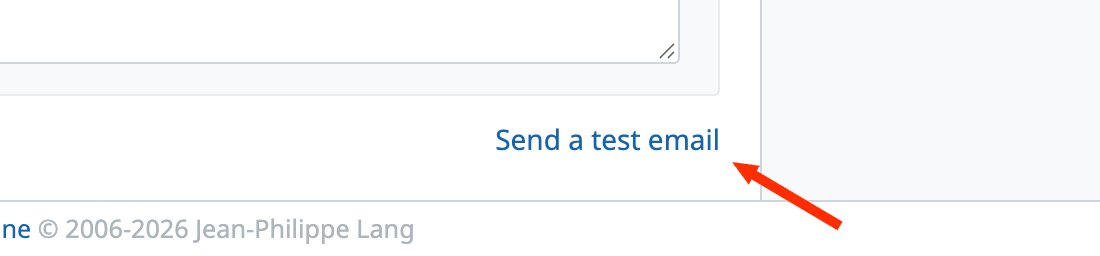
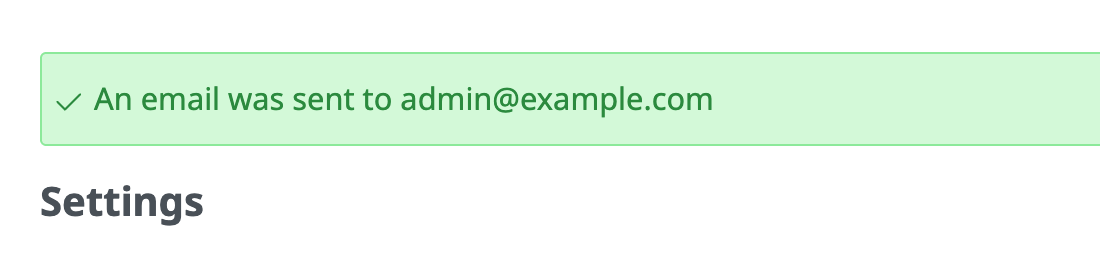
Open the "Email notifications" tab of the "Administration" → "Settings" page, and click the "Send a test email" link at the bottom right of the page. Redmine tries to send a test email to the user who clicked the link, and displays the result on the page.
Link to send a test email:
Display of the test result (success):
Related information
- Email configuration (Redmine Guide, redmine.org)











