Downloading all attachments of an issue together in Redmine
Updated on 2026-09-10
•
Created on 2021-02-01
•

(Supported versions: Redmine 4.2 or later / RedMica 1.1 or later)
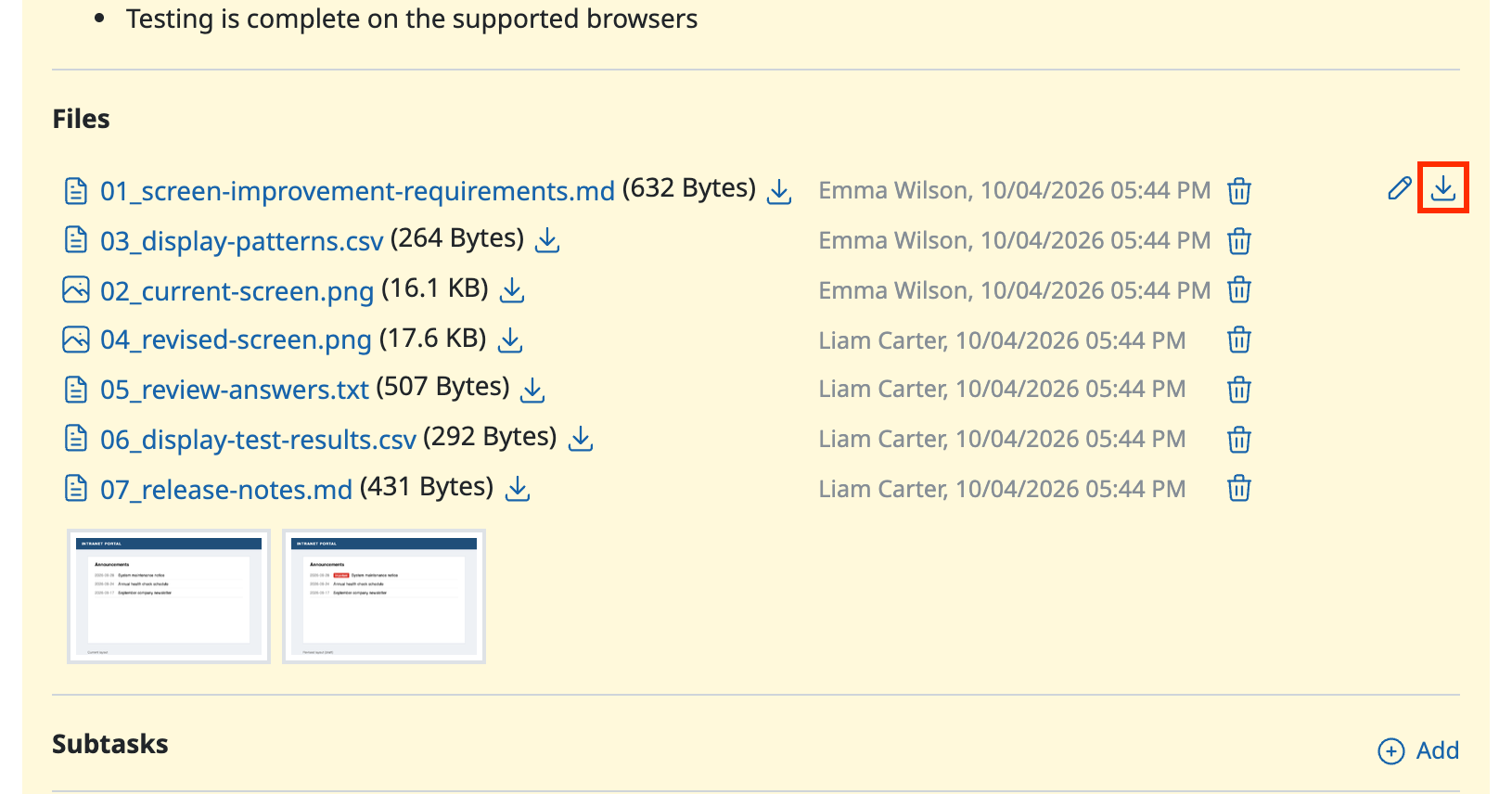
You can download multiple attachments together from the page of a Redmine issue or wiki page. To download them, click the icon in the Files section.
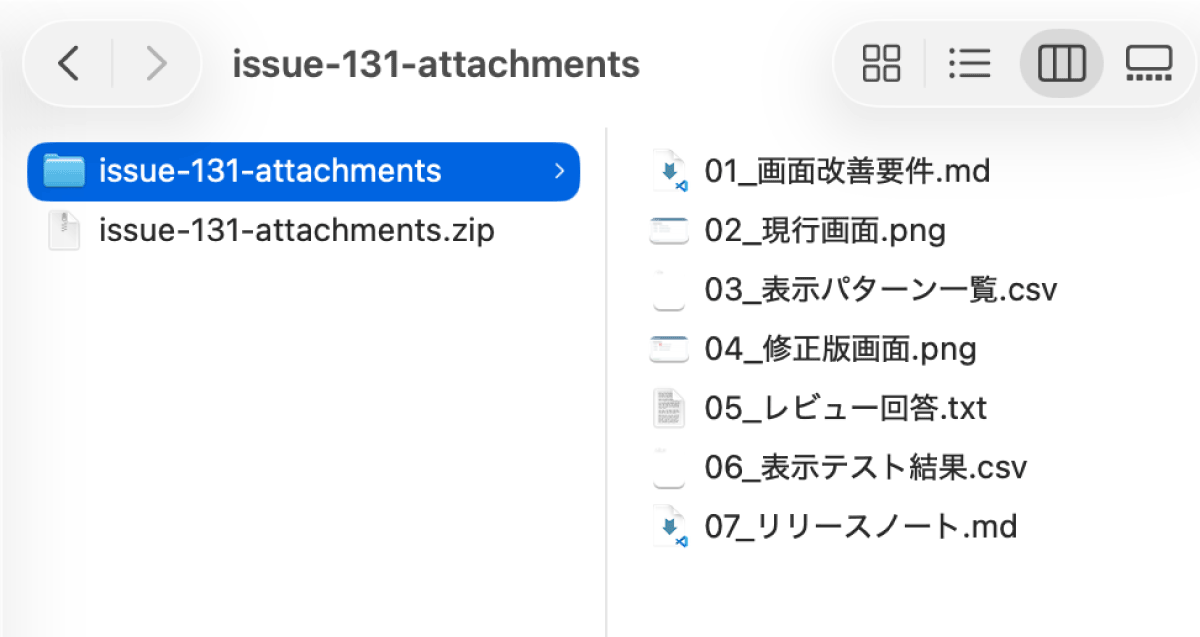
The downloaded file is compressed in zip format.
Pages where you can download attachments together
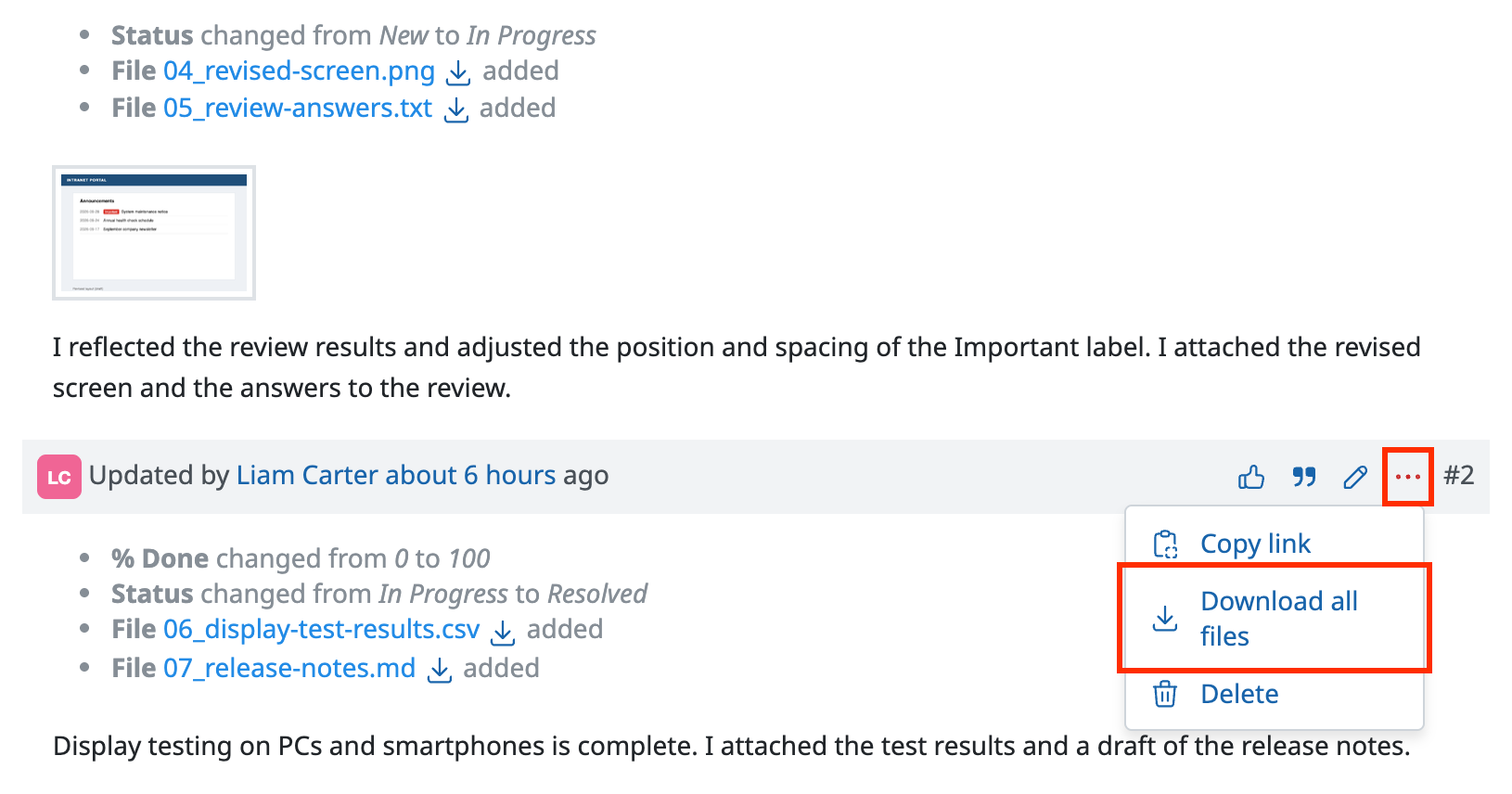
Downloading the attachments of each history entry of an issue together
(Supported versions: Redmine 5.0 or later / RedMica 2.1 or later)
For issues, you can download together not only the attachments of the whole issue but also the attachments of each history entry. This is useful when an issue has many attachments and you want to download only the files added in a specific history entry.
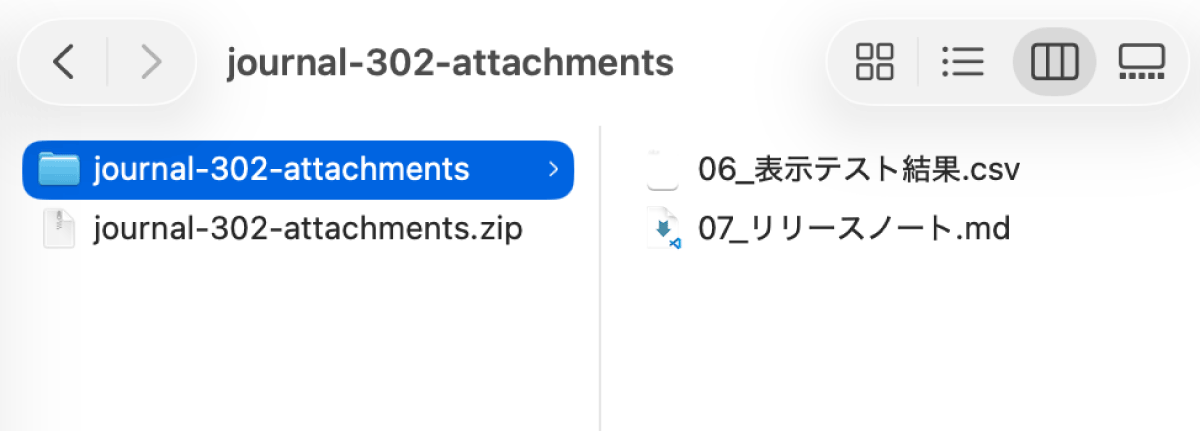
Click the "…" menu at the top right of a history entry, and then click "Download all files". Only the files attached in that history entry are downloaded together in zip format.