Dates are not shown on the Redmine Gantt chart
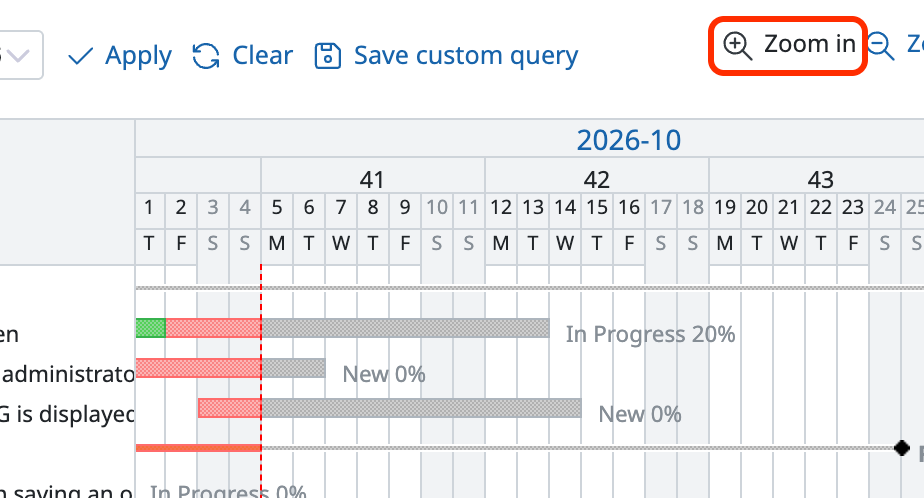
Dates are shown when you click "Zoom in" at the top right of the Gantt chart several times and zoom in to the maximum level.
Dates are shown on the Gantt chart in Redmine 3.2 or later.
Redmine News, Guides, and Insights
Created on 2016-12-15
•
ISHIHARA Yukiko
Dates are shown when you click "Zoom in" at the top right of the Gantt chart several times and zoom in to the maximum level.
Dates are shown on the Gantt chart in Redmine 3.2 or later.

News and insights about Redmine, an open-source project management software. [more]









