Publishing an FAQ in Redmine forums
Created on 2025-09-25
•

"Forums" is a bulletin board feature that lets users discuss specific topics with each other. When you add a message to a forum, users can discuss the topic by writing replies to that message. You can set permissions such as viewing, posting, editing, and deleting messages for each role.
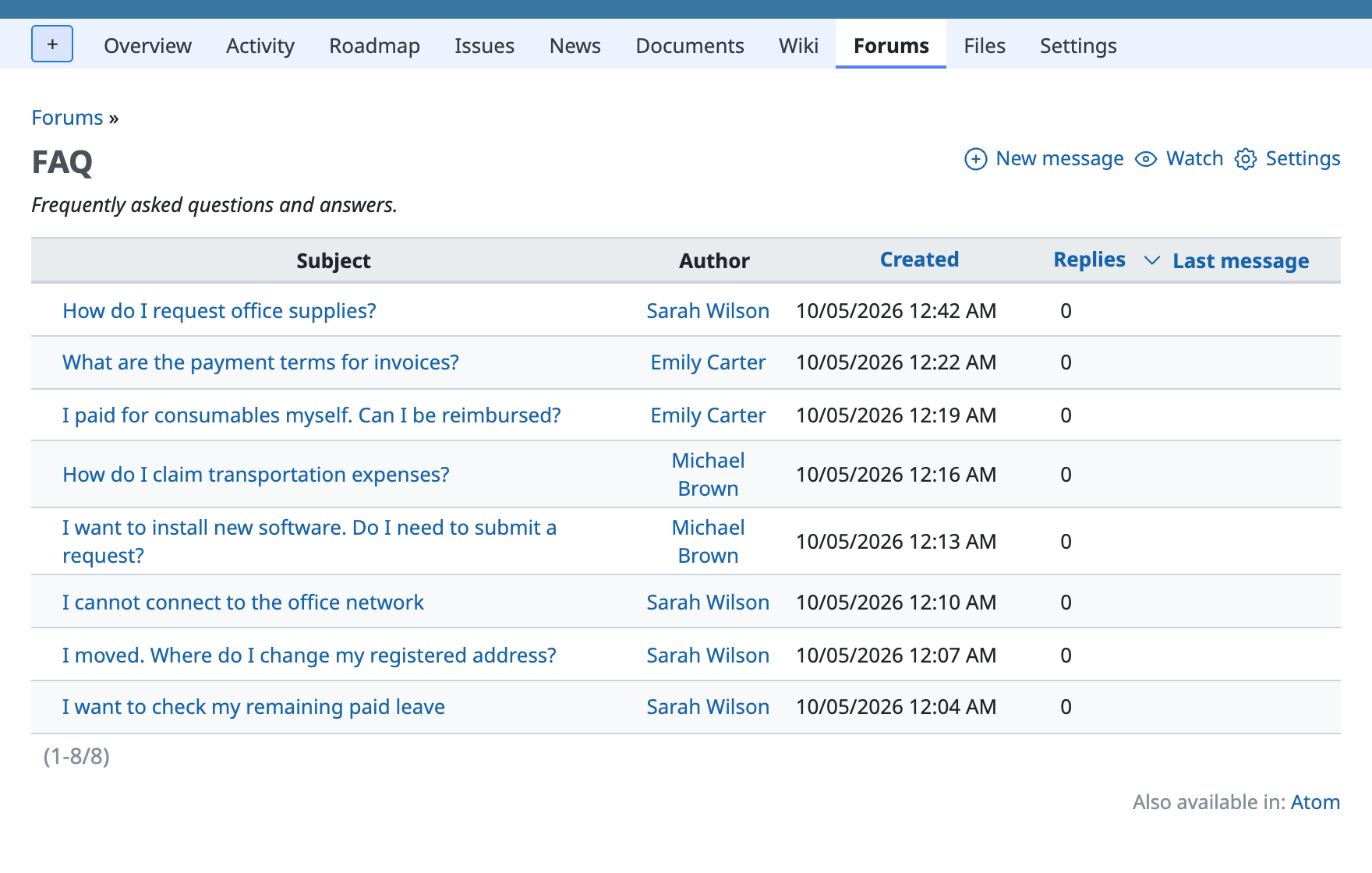
From "Forums" in the project menu, you can view the list of forums and messages that have been added.
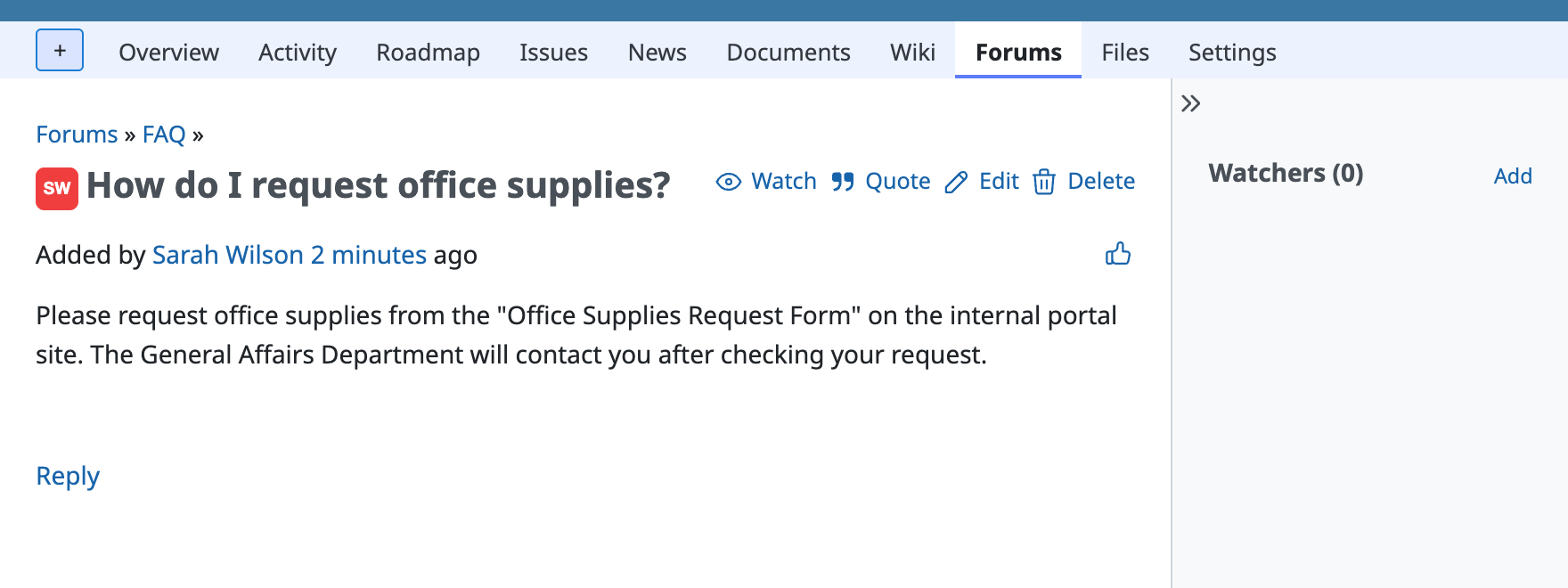
Click the subject of a message in the list to see the details of the message.
This article explains how to create a forum for an FAQ and add messages that contain the questions and answers to that forum. The steps are as follows.
1. Configure roles (disable the permission to post messages for specific roles)
Configure specific roles so that they can only view messages and cannot post messages.
- Log in to Redmine as a user who has administrator privileges
- Open "Administration" → "Roles and permissions" in the top menu
- Click the name of the role that should not be able to post messages
- In the "Forums" box, check only "View messages", clear the other permissions, and click "Save"

2. Create a forum for the FAQ
Create a forum for the FAQ.
- Go to the project in which you want to create the forum
- Open "Settings" in the project menu, enable "Forums" in the "Modules" box on the "Project" tab, and click "Save"
- Click the "Forums" tab in the "Settings" of the project
- Click "New forum", enter "Name" and "Description" on the screen that is shown, and click "Create"

3. Add messages (add the FAQ content)
- Open "Forums" in the project menu and click "New message"
- Enter the question in "Subject" and the answer in the form below the subject, and click "Create"

Related information











