Editing the Redmine home page
Updated on 2023-04-12
•
Created on 2018-02-01
•

You can edit the content of the home page that is shown when you log in to Redmine.
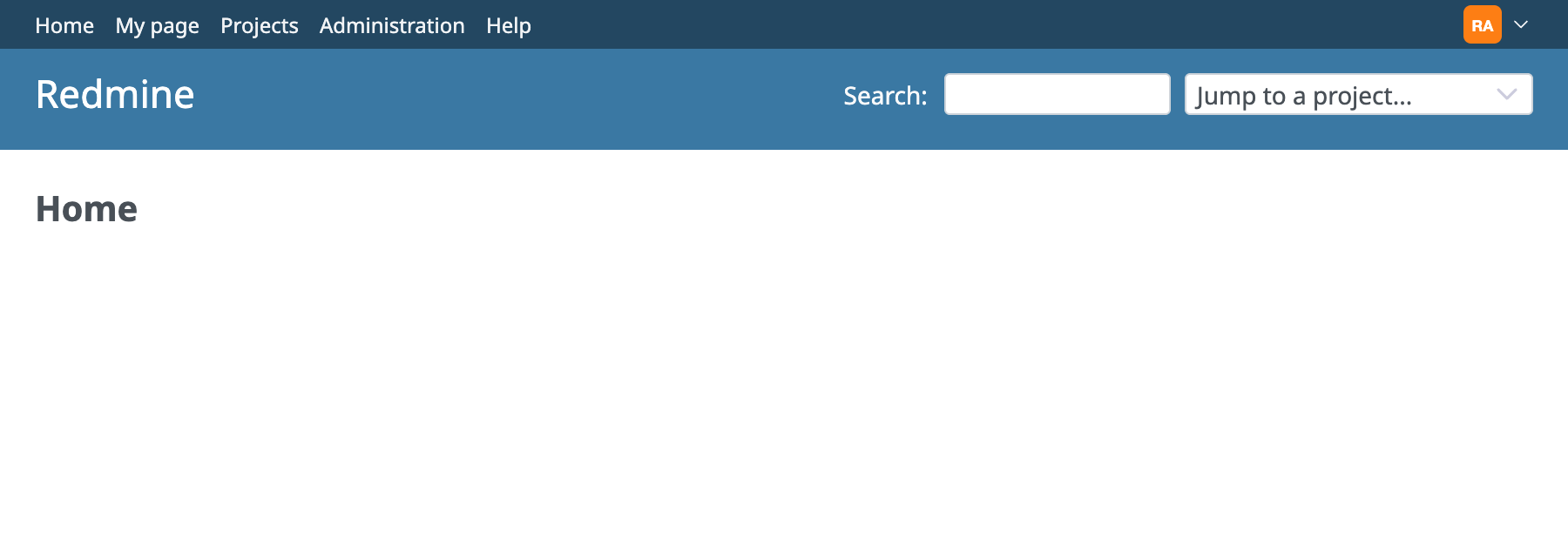
The left side is called the "Welcome text". You can use it to show information that all users should know, such as your operating policy for Redmine and how to use Redmine.
The right side shows the latest news of all projects that you are a member of.
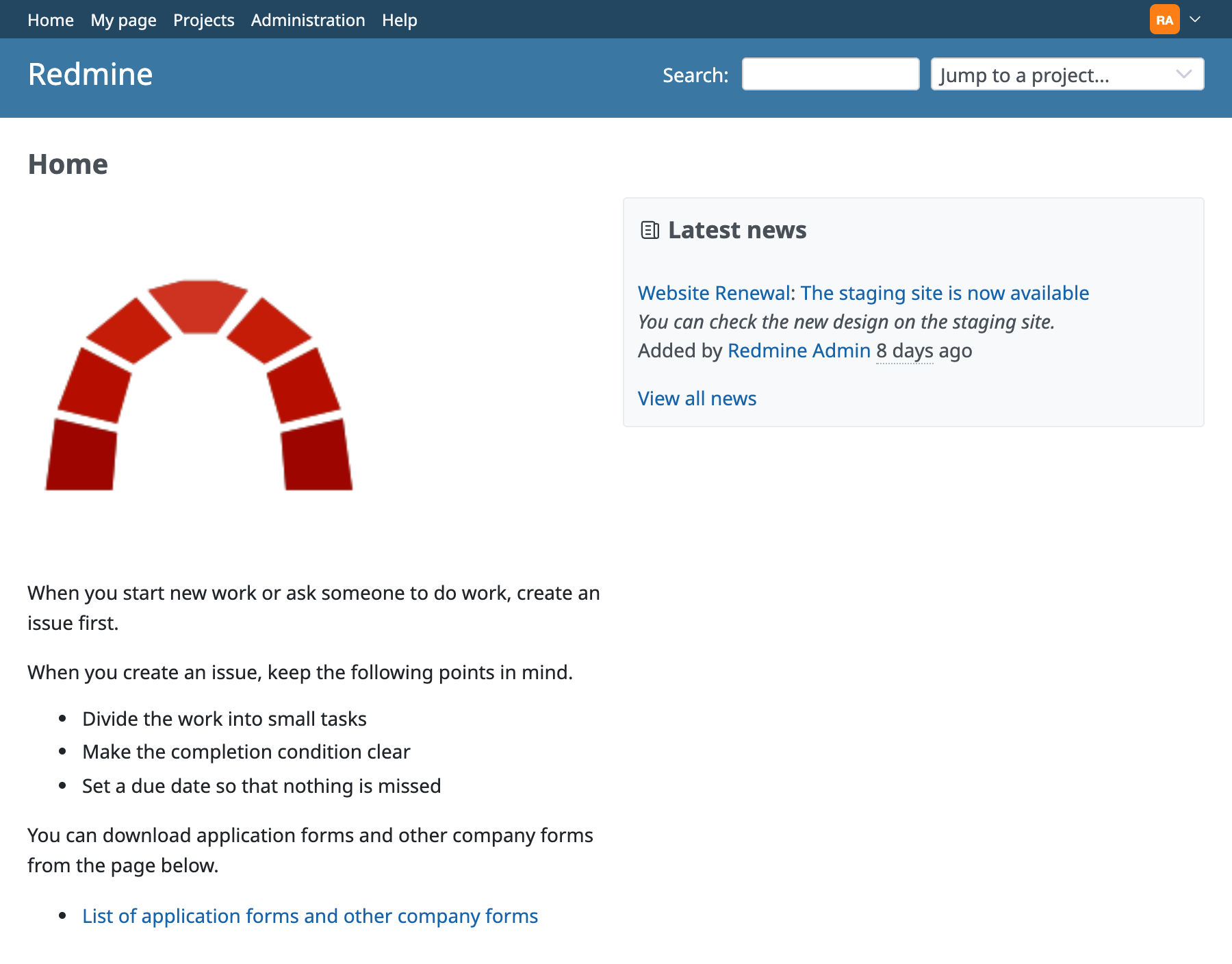
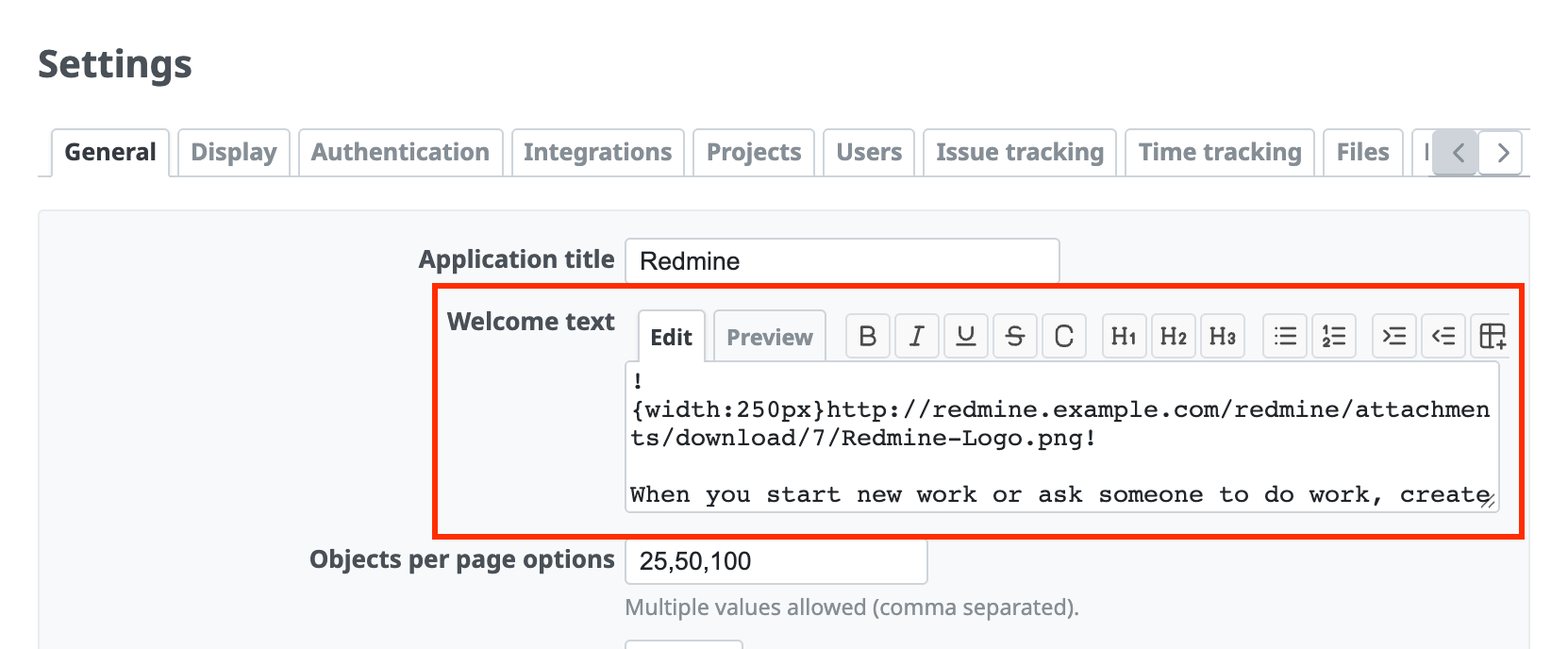
The screen above is produced by the text below. In the welcome text, you can use Textile or Markdown formatting in the same way as in issues and the Wiki. As in the screen above, you can also show images and link to Wiki pages.
!{width:250px}http://redmine.example.com/redmine/attachments/download/7/Redmine-Logo.png!

When you start new work or ask someone to do work, create an issue first.

When you create an issue, keep the following points in mind.
* Divide the work into small tasks
* Make the completion condition clear
* Set a due date so that nothing is missed

You can download application forms and other company forms from the page below.

* [[shinsei:List of application forms and other company forms]]
How to configure
- Open "Administration" → "Settings" → "General" tab
- Enter text in "Welcome text"
- Click "Save"