Exporting the settings of roles and permissions in Redmine
(Applicable versions: Redmine 4.2 / RedMica 1.3 or later)
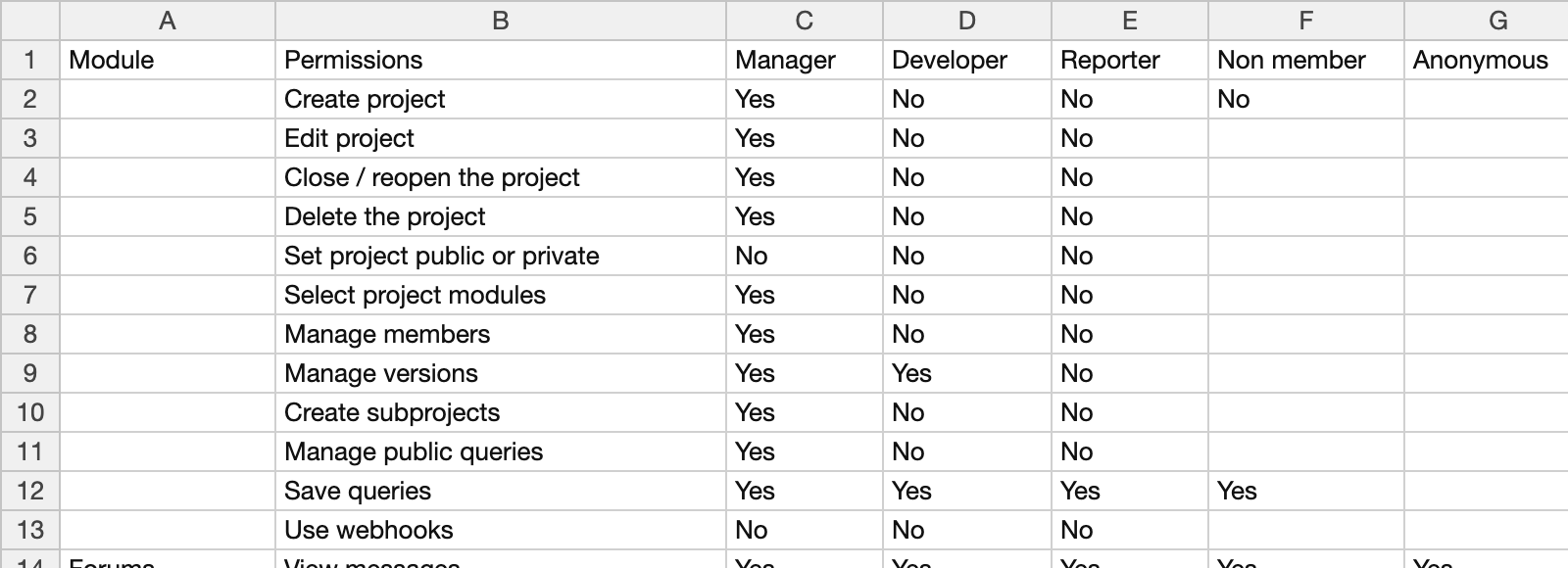
Redmine can export the "Permissions report", which shows the settings of roles and permissions in a list, to CSV.
You can check the list of permissions in software such as a spreadsheet application.
Steps
- Click "Administration" in the top menu
- Click "Roles and permissions", and then click "Permissions report" at the top right
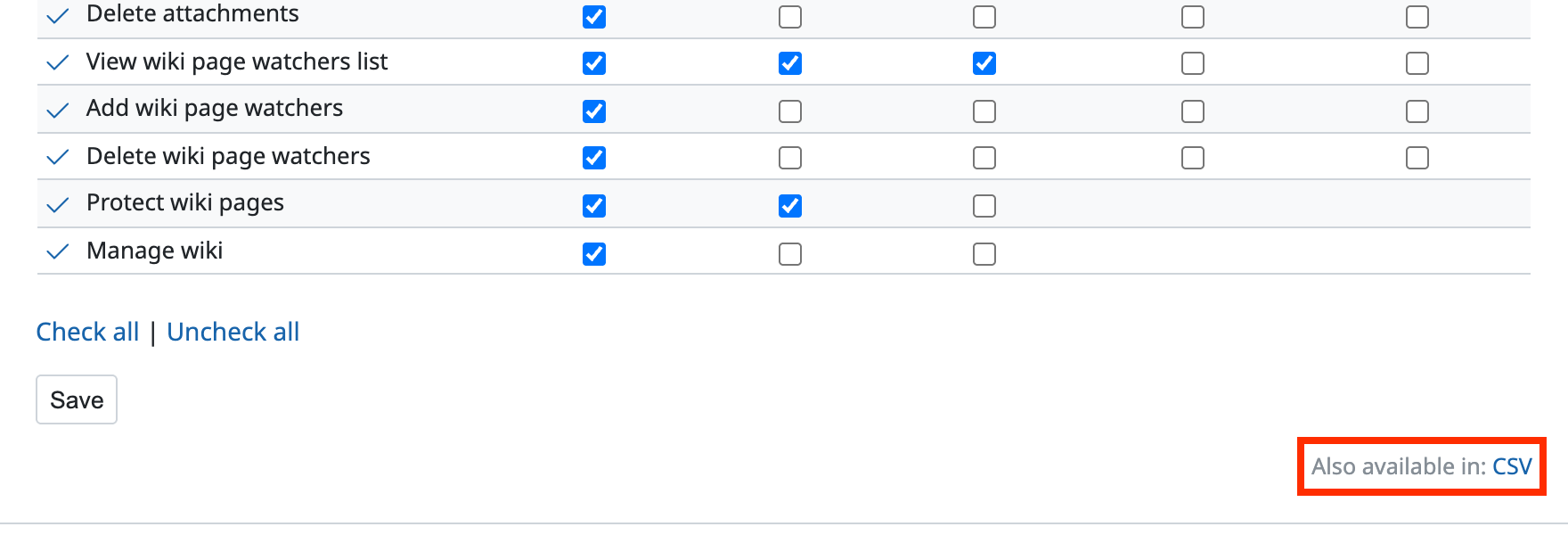
- Click "Also available in: CSV" at the bottom