Changing the maximum size of files that can be uploaded to Redmine
Created on 2012-02-24
•

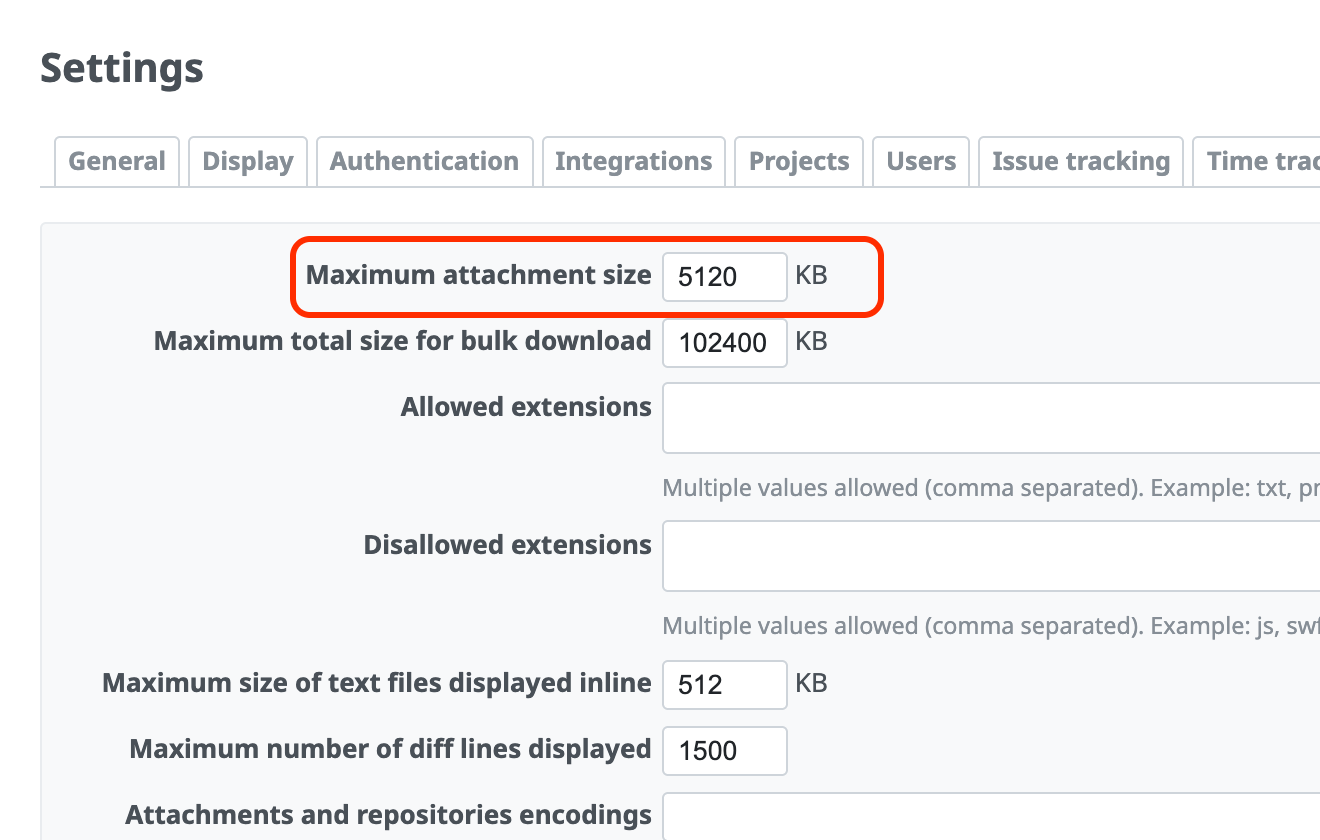
By default, the maximum size of a file that you can attach to a Redmine issue or wiki page is 5120 KB per file.
To raise the limit so that you can attach larger files, change the value of "Maximum attachment size" on the "Files" tab (the "General" tab in Redmine 3.1 and earlier) of the "Administration" → "Settings" screen. If you set the value to 0, you can prohibit file attachments.
If you try to attach a file that is larger than "Maximum attachment size", the error message "This file cannot be uploaded because it exceeds the maximum allowed file size (5 MB)" is shown.
Related information











