Showing user icons (Gravatar) in Redmine
Updated on 2025-12-08
•
Created on 2015-11-05
•

In Redmine, you can show an icon together with the user name on screens such as the issue screen and the activity screen. Icons help you identify users visually.
Redmine uses the icon image that each user has registered with a web service called "Gravatar".


About Gravatar
Gravatar is a web service that manages icon images. You can use an icon image that is registered with this service in multiple web services and applications. In addition to Redmine, services such as WordPress and GitHub also support Gravatar.
You only upload one image to Gravatar, and it is used in all of those services and applications. You do not need to upload an icon in many places.
How to enable Gravatar icons in Redmine
After you make the following setting, Redmine shows the icon that each user has registered with Gravatar.
1. Open the "Display" tab in "Administration" → "Settings"
2. Check "Use Gravatar user icons"
3. Click "Save"

Registering an icon with Gravatar
Even if you enable icons in the administration screen, no icon is shown for users who have not registered an icon with Gravatar. If you have not registered yet, please create a Gravatar account and register an icon.
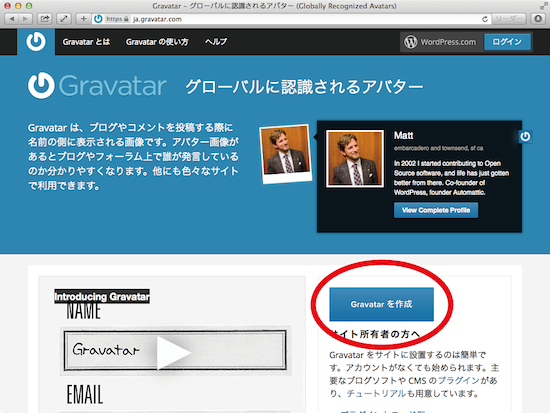
To create an account and register an icon, go to https://gravatar.com/, click the button that creates a Gravatar, and follow the instructions on the screen.
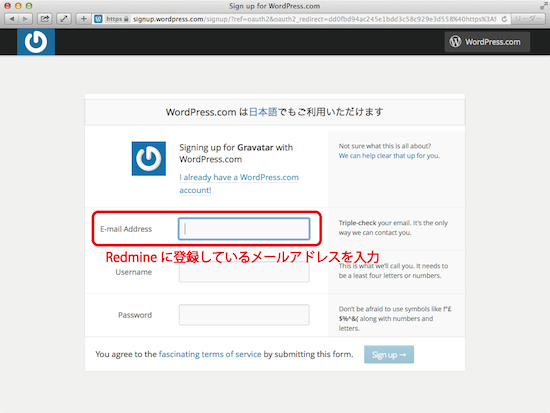
In the email address field, enter the email address that is registered in Redmine. Gravatar uses the email address as the key. Please note that the icon is not shown if the email address is different. You can enter any user name and password (they do not need to match your Redmine account).