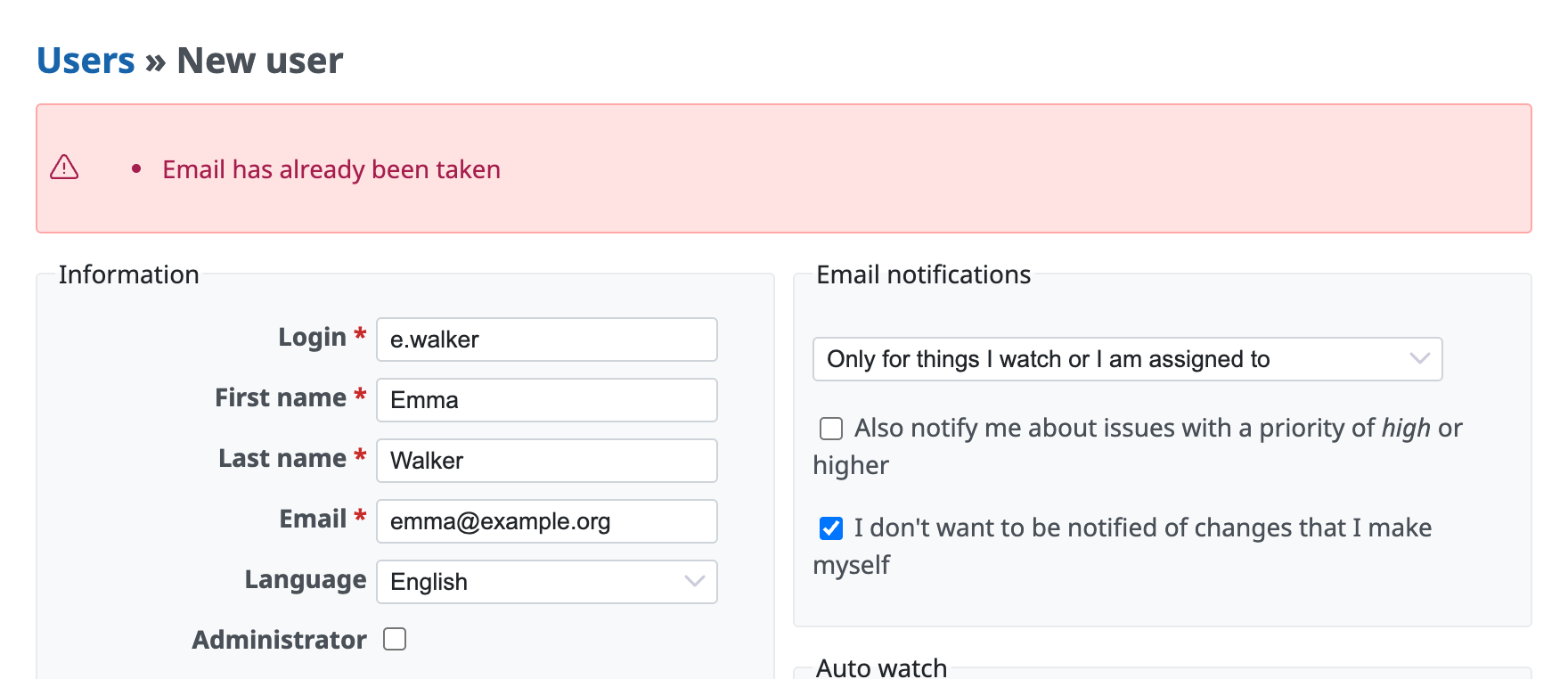
"Email has already been taken" is shown when you create a new Redmine user
Updated on 2026-07-31
•
Created on 2024-04-26
•

"Email has already been taken" is shown on the new user screen because another user has already registered the email address that you entered. Please use a different email address.
In Redmine, multiple users cannot use the same email address. This is because Redmine sometimes uses the email address internally to identify a user.
In Redmine, one user can register multiple email addresses. For this reason, even if you cannot find the email address on the user list screen, a user may have registered it as an additional address. To find such a user, search for the user by email address.
How to search for a user by email address
You can find the user who uses an email address with the following steps.
- Open "Administration" → "Users" and select "Email" in "Add filter"
- Enter the email address of the user and click "Apply"
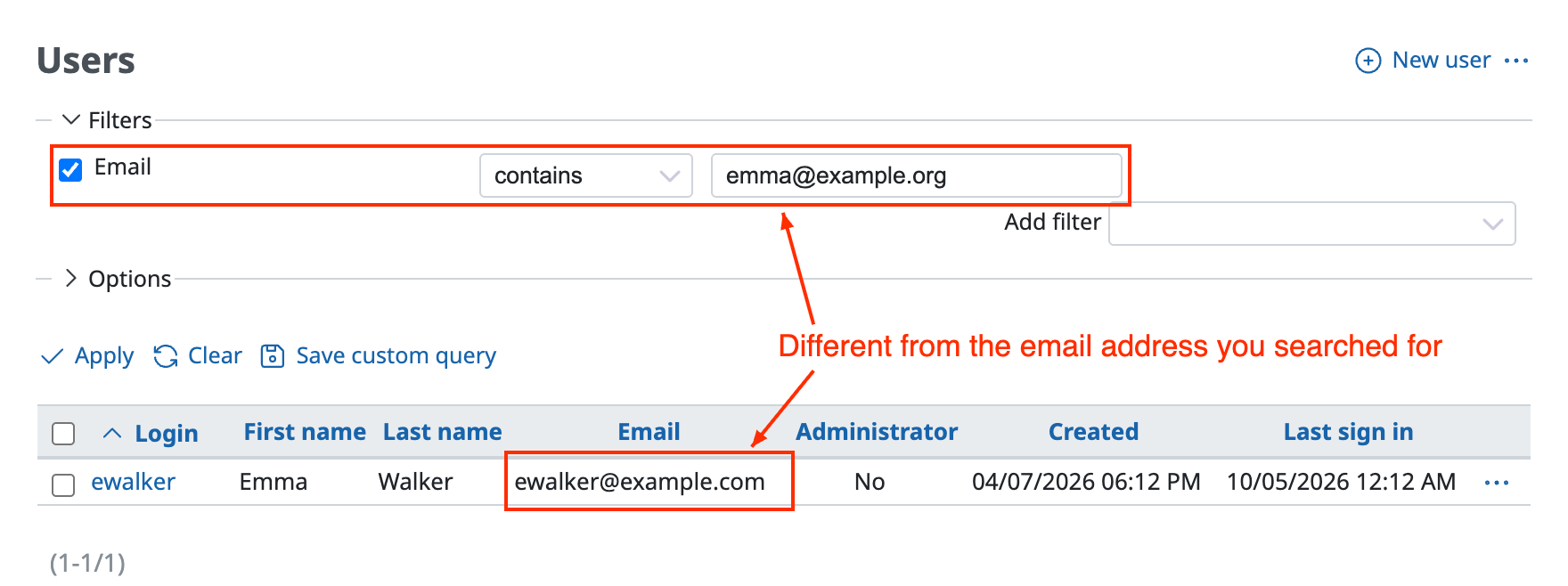
If the email address that you searched for is not shown in "Email" on the user list screen, the user may have registered multiple email addresses.
- Click the login of the user that is shown to open the user edit screen
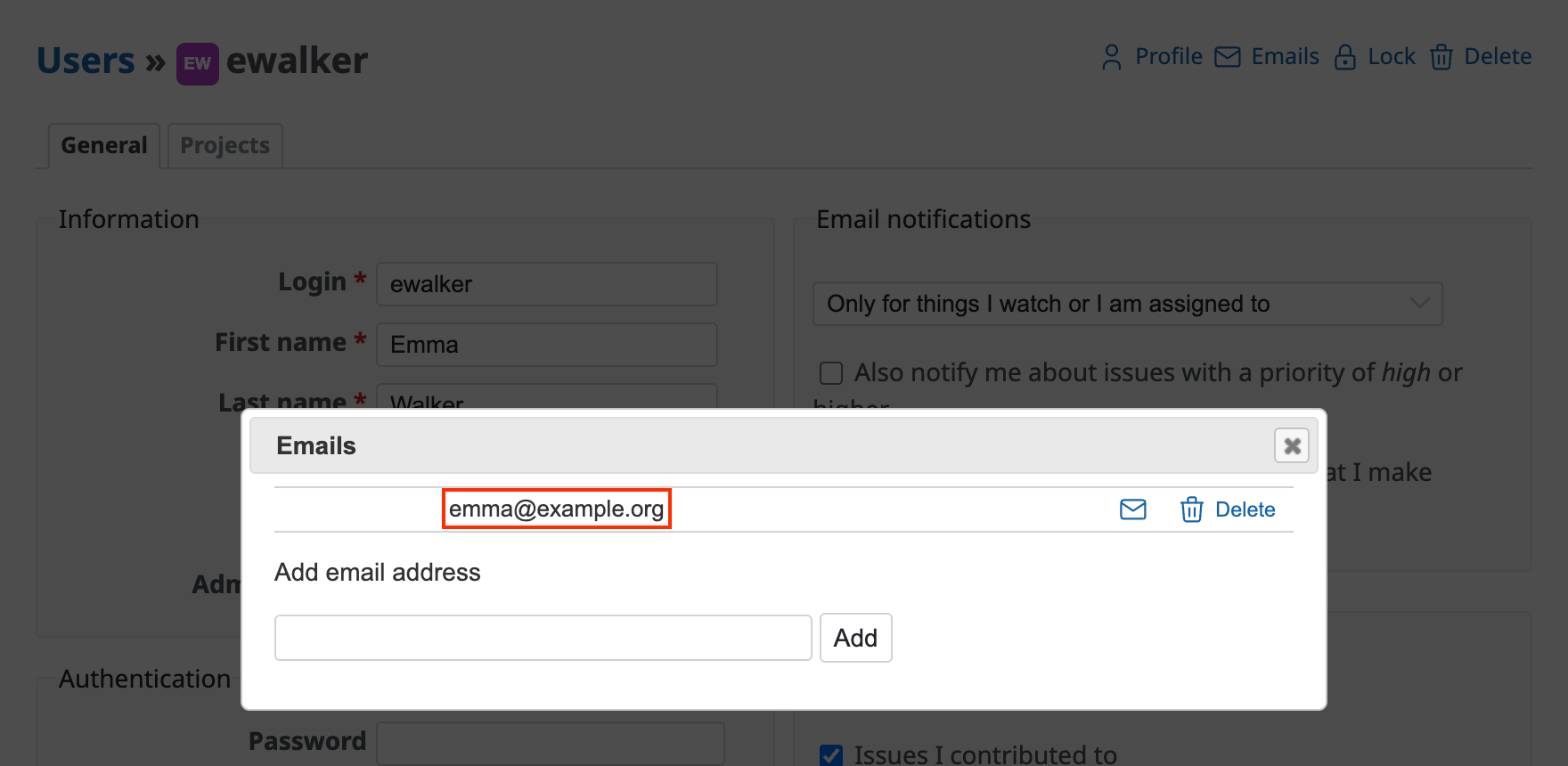
- Click "Emails" at the top right
- If the user has registered multiple email addresses, the email addresses are shown