Versions
In Redmine, a version is used to group and manage issues that must be completed by a specific deadline within a project.
In general project management terms, a version corresponds to a milestone.
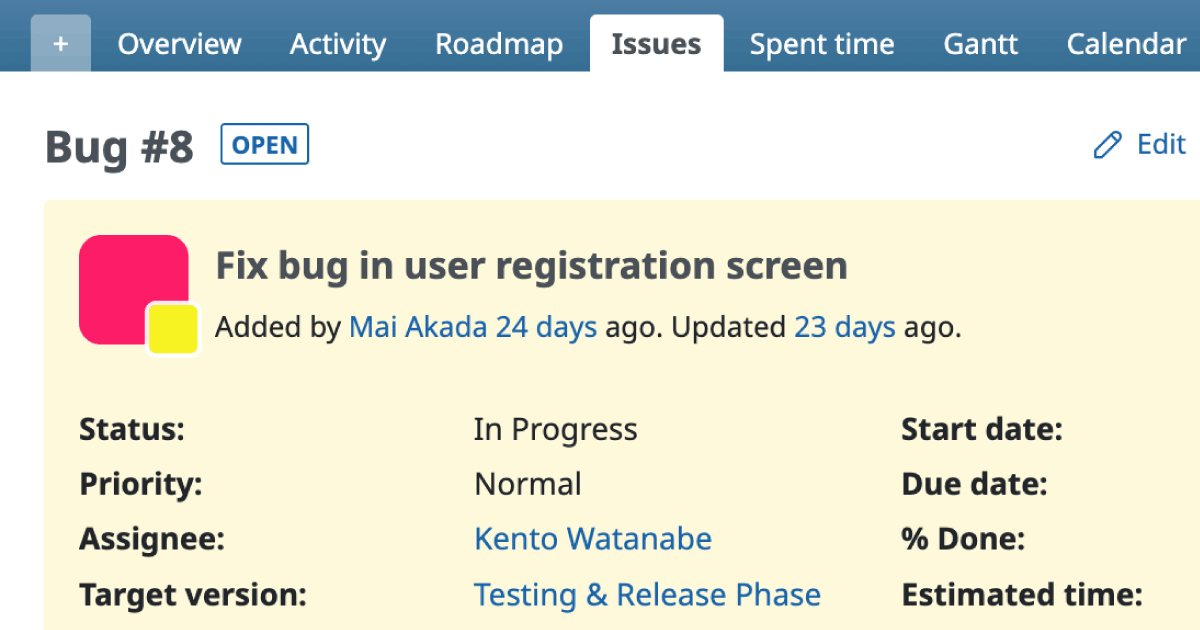
Once a version is created, each issue can be assigned a Target version.
The Roadmap screen then displays all versions created for the project along with the list of issues assigned to each version.

Purpose of Versions
When managing tasks required for releasing a specific version of software,
you can create a corresponding version in Redmine and set each issue’s Target version to that version.
This allows you to easily track which tasks need to be completed and by when,
as the Roadmap screen displays both the versions and the issues linked to them.
As you use Redmine more extensively, the number of issues in a project can become quite large,
making it difficult to understand the overall scope of work at a glance.
In such cases, it can also be challenging to determine which issues should be prioritized.
By using versions, you can clearly see—through the Roadmap view—which issues need to be completed first in order to achieve the next product release.
Example Use
On the official Redmine website, a version is created for each planned Redmine release.
All issues related to new features and bug fixes included in that release are associated with the corresponding version.
By checking the Roadmap on www.redmine.org,
you can easily see which features and fixes are planned for the next release and the overall progress toward it.
Adding or Deleting Versions
Users with the Manager role can add or delete versions from Project Settings → Versions.
If one or more versions already exist in a project, you can also add a new version directly from the issue edit screen by clicking the + button next to the Target version field.