Tracker
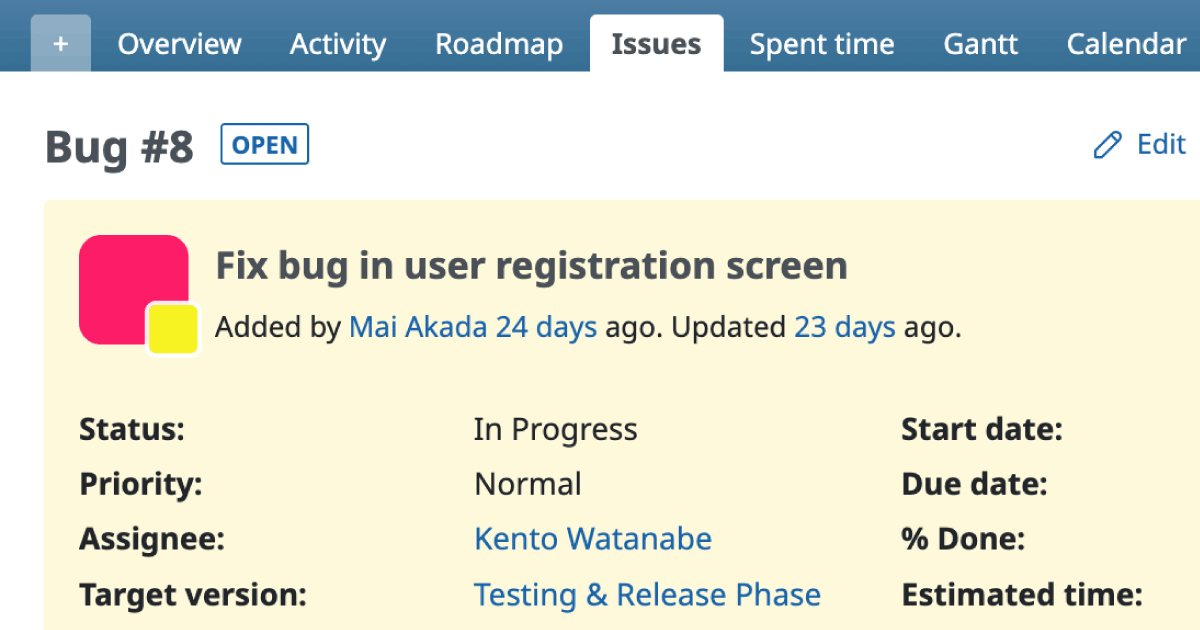
A Tracker is a major classification for issues. It also defines the workflow, which determines how issue statuses can transition and which roles are allowed to perform those transitions. Every issue must belong to exactly one tracker — issues without a tracker cannot be created.
By default, Redmine provides the following three trackers:
| Tracker | Description |
|---|---|
| Bug | For bug reports and fixes. |
| Feature | For developing new features or improving existing ones. |
| Support | For tasks not directly related to deliverables (i.e., no source code changes), such as preparing project documentation or administrative work. |
If you simply want to categorize issues without defining separate workflows, consider using Categories instead.
Tracker Functions
Issue Classification
Trackers can be used to categorize issues by type or purpose.
Workflow Definition
You can configure which status transitions are allowed for each combination of role and tracker.
(Administration → Workflow → Status Transitions tab)
Field Permissions
You can set permissions for standard and custom fields — such as Read-only or Required — for each combination of role, tracker, and status.
(Administration → Workflow → Field Permissions tab)
Field Availability in Issues
For each tracker, you can enable or disable standard and custom fields to control which fields appear on issue forms.
(Administration → Trackers screen)