Status
A status indicates the progress of an issue.
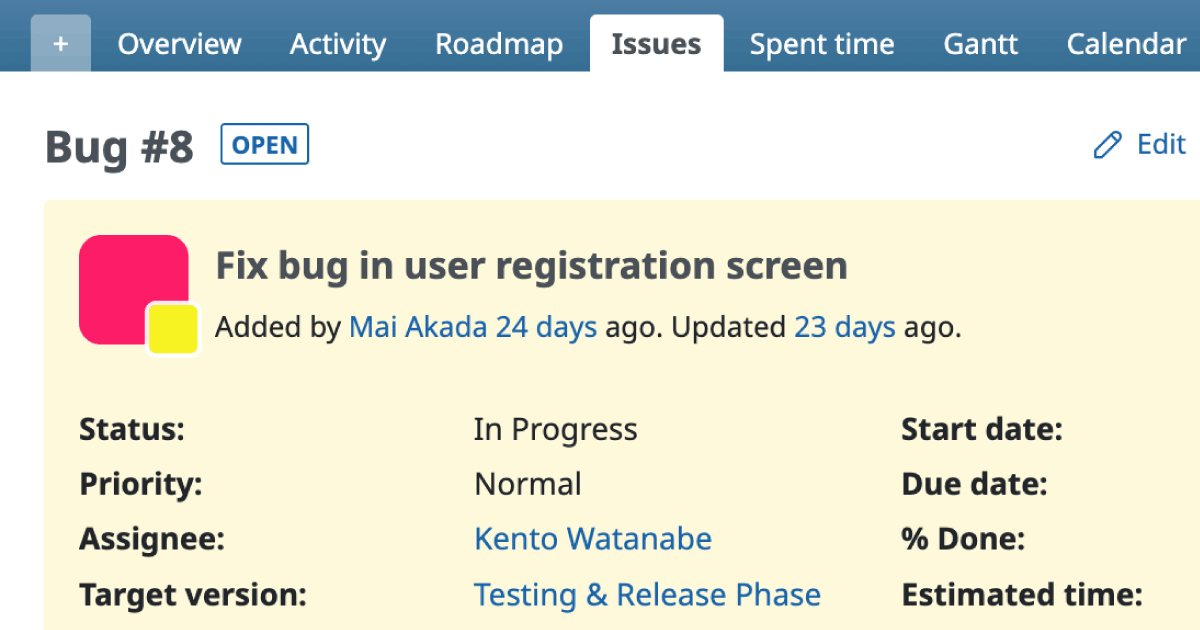
By default, five statuses are available: New, In Progress, Resolved, Feedback, and Closed.
When an issue is first created, it is assigned the New status, meaning that no one has started working on it yet.
Updating the status allows project managers and other stakeholders to easily see when work has begun in Redmine.
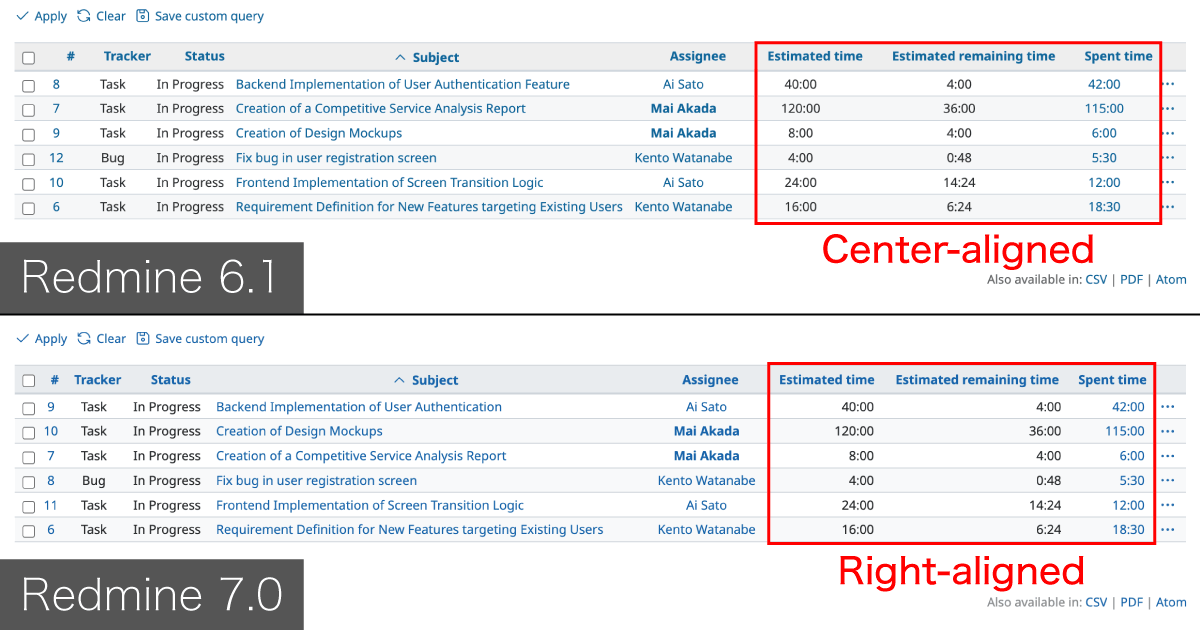
For assignees, filtering the issue list by In Progress makes it simple to identify which tasks they are currently working on.
This also helps prevent situations where users become overloaded with tasks and lose track of their priorities.
Meaning of Default Statuses
New
Newly created. Work has not started yet.In Progress
The assignee has begun working on the issue.Resolved
The assignee’s work is complete.
The issue is awaiting testing or review.Feedback
Returned for revision.
After testing or review, additional fixes or improvements may be required.Closed
Work is fully completed.Rejected
Closed without any work being done.
Typically used for feature requests that were not approved or bug reports that do not require fixing (e.g., user misunderstanding).
Adding, Editing, and Deleting Statuses
System administrators can add, edit, or delete statuses under
Administration → Issue statuses.
A newly created status has no defined transitions from other statuses. Unless you define transitions in the workflow, the new status will not be available for selection when creating or updating issues.