Issues
In Redmine, all work is managed as issues.
Each task—such as a unit of work to be completed or a bug to be fixed—is registered as an issue within a project.
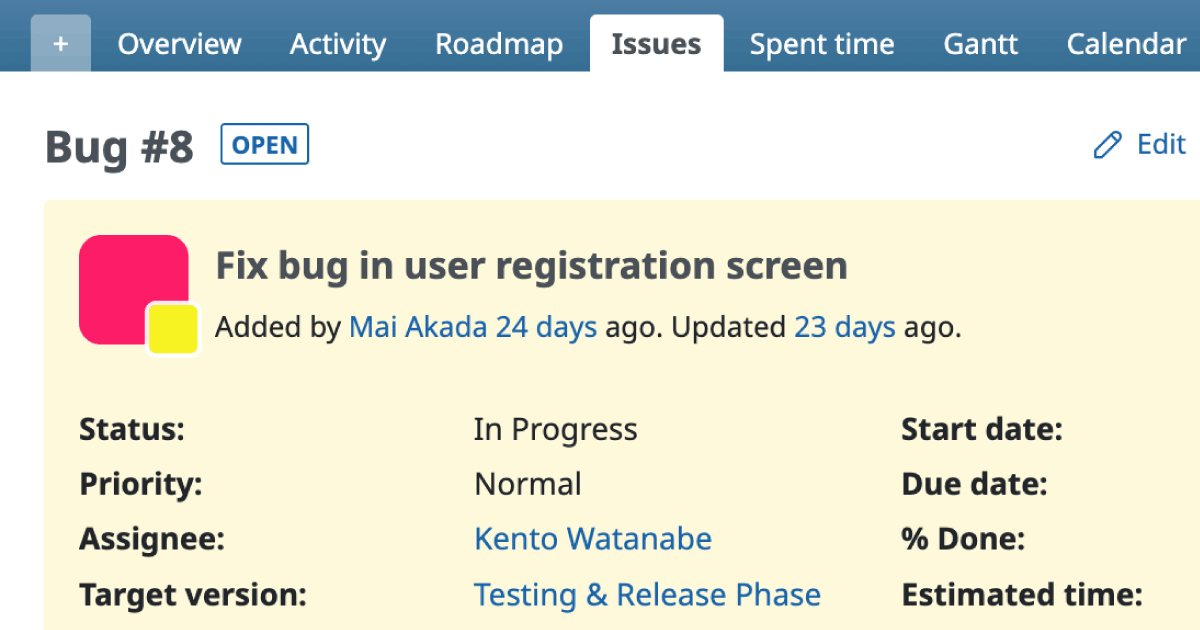
For every task, you create one Redmine issue, where you can record details such as the task description, priority, assignee, due date, and progress.
The basic workflow in Redmine is:
- Add issues to a project
- Assign them to the appropriate person
- Update the issues as work progresses

Main Attributes of an Issue
| Field | Description |
|---|---|
| Tracker | Trackers represent the major classification of issues. By default, Redmine provides three trackers designed for software development: • Bug – Problems or defects that need to be fixed • Feature – Functionality to be developed • Support – Non-development support tasks (do not involve source code changes) Trackers can be added or modified under: Administration → Trackers. |
| Subject | Displayed in issue lists. Should briefly and clearly describe the content of the issue. |
| Description | Used for detailed information that cannot fit into the subject alone. |
| Status | Indicates the current state of the issue. By default, available statuses include: New, In Progress, Resolved, Feedback, and Closed. New issues default to New. Allowed transitions between statuses are defined via Workflows , based on the combination of tracker and role. |
| Priority | By default: Low, Normal, High, Urgent, Immediate. Setting the priority helps determine which issues should be handled first among many registered issues. |
| Assignee | The person responsible for processing the issue at the current stage. This does not necessarily mean the owner of the entire task. For example, in a Bug issue, the person in charge may change depending on progress (e.g., a developer fixing the bug → another team member reviewing the fix). The assignee should always be the person currently responsible—the person “holding the ball.” |
| Target version | Specifies the version (milestone) the issue is associated with. |
| Start date | The planned start date of the task. |
| Due date | The task’s due date. Start and due dates are used in reminder notifications, the calendar, and Gantt charts. |
Viewing Issues
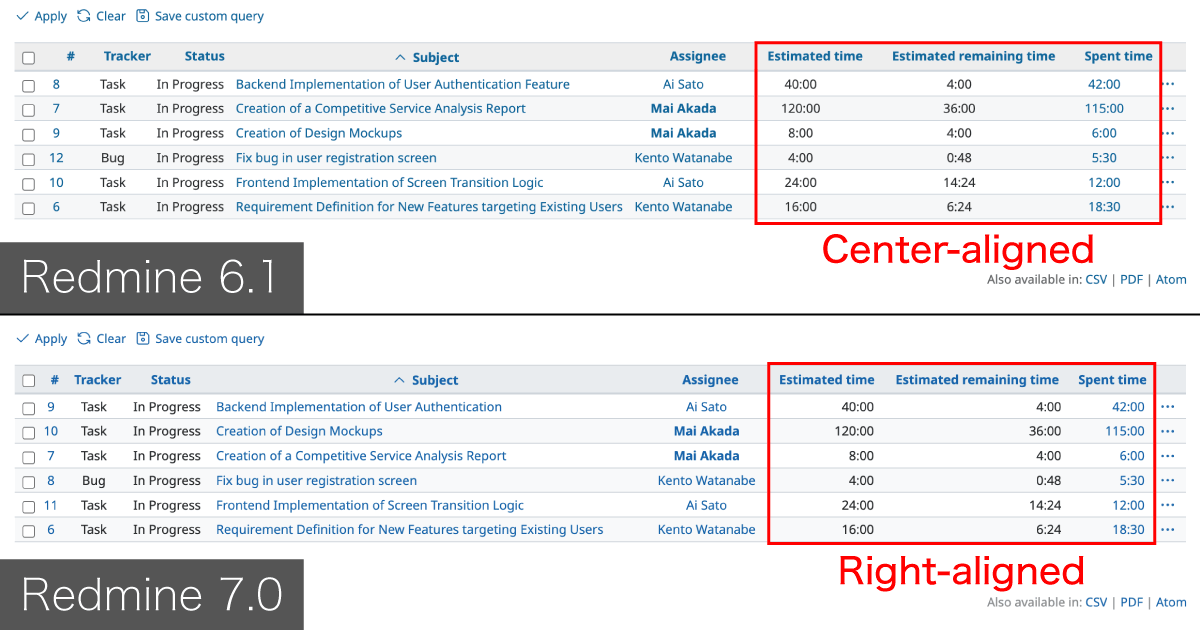
To view the list of issues registered in a project, click Issues in the project menu.

Issues can also be displayed in more visual formats:


Example Use
On the official Redmine website, feature requests, bug reports, and patch submissions are managed using the trackers Feature, Defect, and Patch, respectively.
You can view them on the “Issues” page:
https://www.redmine.org/projects/redmine/issues