Done ratio (% Done)
In Redmine, Done ratio (% Done) indicates how much work on an issue has been completed.
The completion level of each issue is expressed as a percentage from 0% to 100%, typically in 10% or 5% increments.
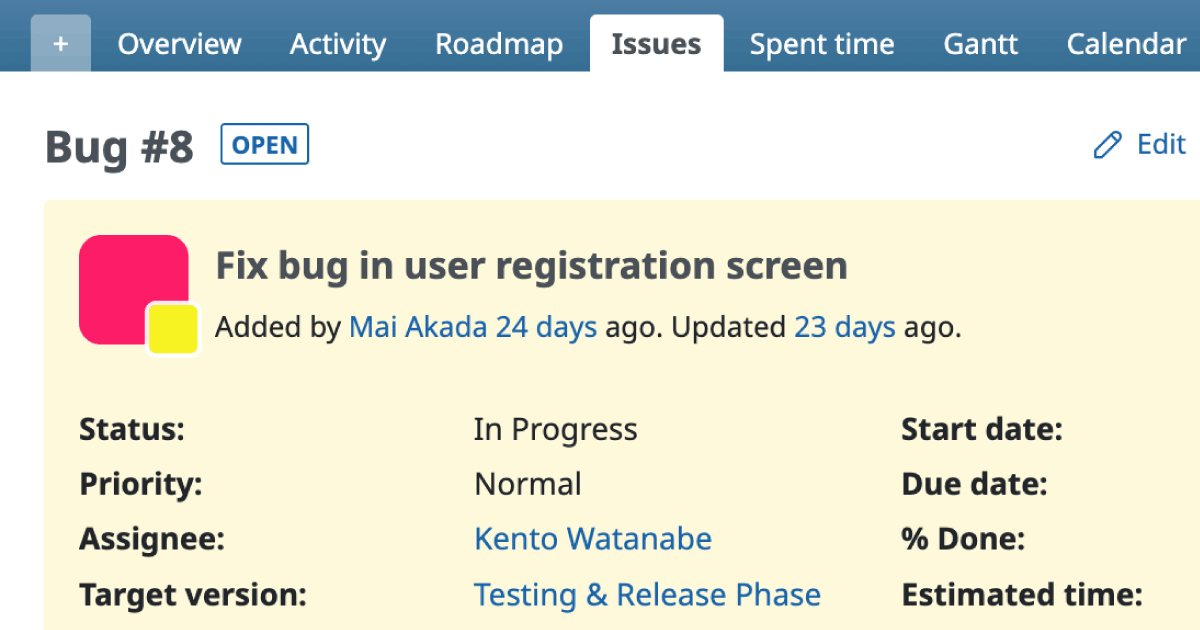
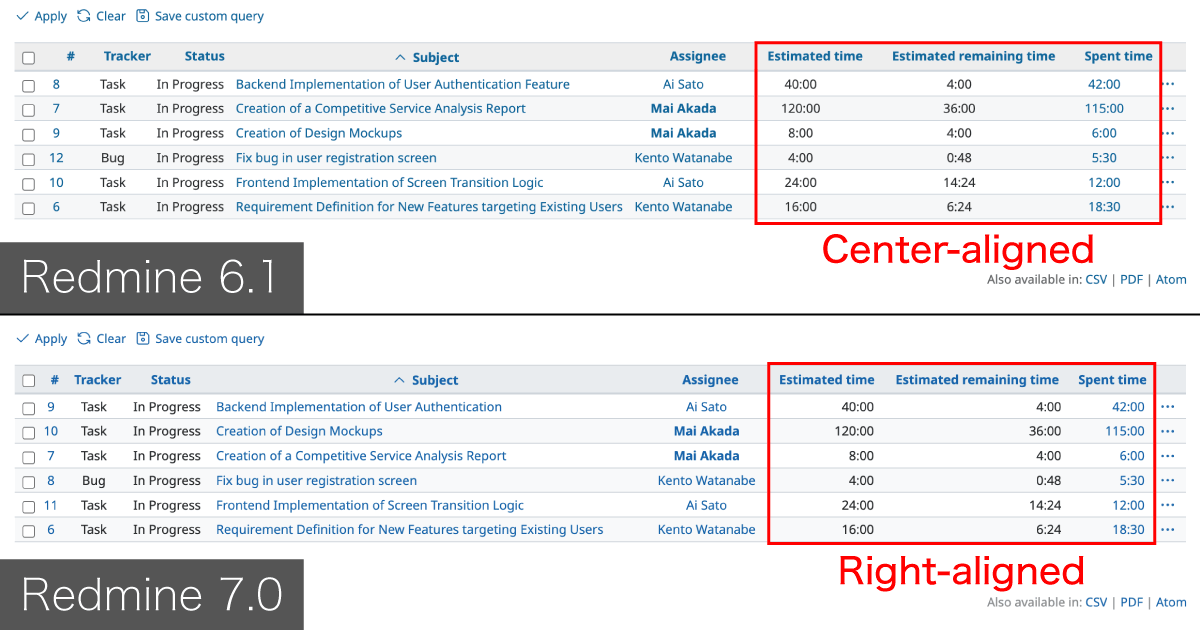
You can view the done ratio on both the issue list and the issue detail screens.
- Issue detail screen

- Issue list

Updating the Done Ratio
Manually Updating the Done Ratio

Click Edit on the issue detail screen, then select a percentage from the % Done dropdown field.
Linking the Done Ratio to Issue Status

The done ratio can also be updated automatically based on changes to the issue status.
For example, when an issue’s status is changed to Closed, the done ratio can be automatically set to 100%.
This behavior can be configured under: Administration → Settings → Issue tracking