Administrator
An Administrator is a user who has full control over the entire Redmine instance.
Administrators can perform the following actions:
- Add or delete projects and users, and configure global settings (available from the Administration menu)
- Access all projects (including those they are not a member of)
- Use all features without restriction (role-based permissions do not apply)
By default, only the admin user is assigned as an administrator.
However, you can grant administrator privileges to any user by enabling the Administrator checkbox on their user edit page.

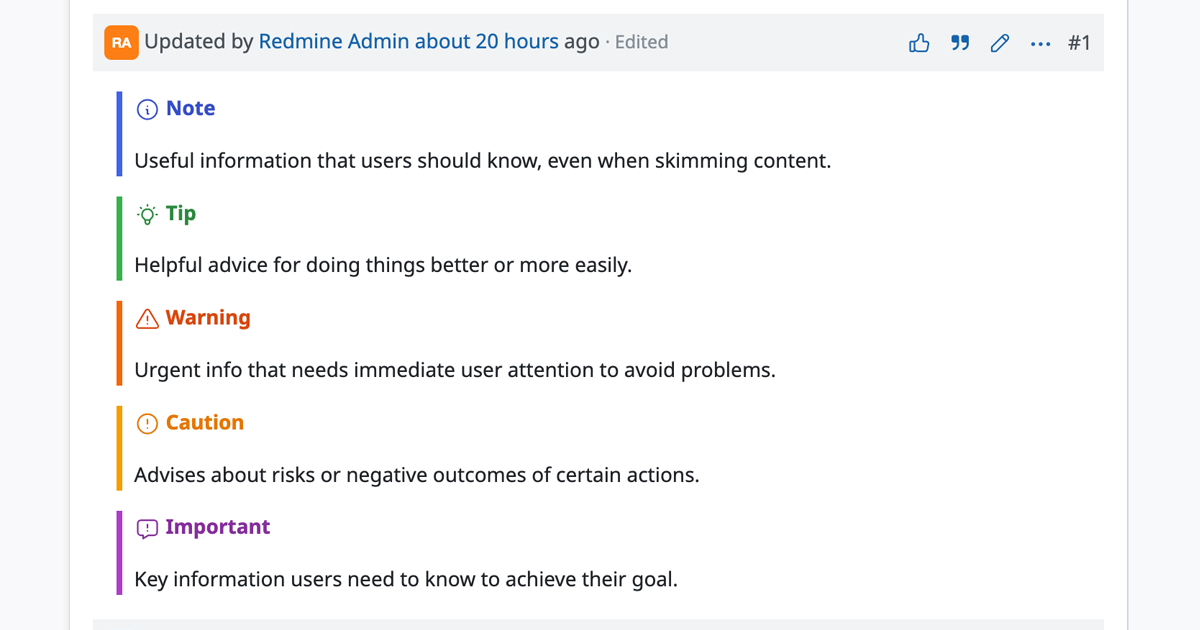
Note: An administrator has full access to all operations and information in Redmine.
This is an extremely powerful privilege, so it should only be granted to the minimum number of users necessary.
This is an extremely powerful privilege, so it should only be granted to the minimum number of users necessary.